Parametric Wall Art: What It Is & How to Make Your Own
The layered-slat wall art all over Etsy and Pinterest isn't hand-carved — it's math. Here's how the technique works and how to design and laser-cut your own.
By Randall Morgan — founder of LaserBurn AI.
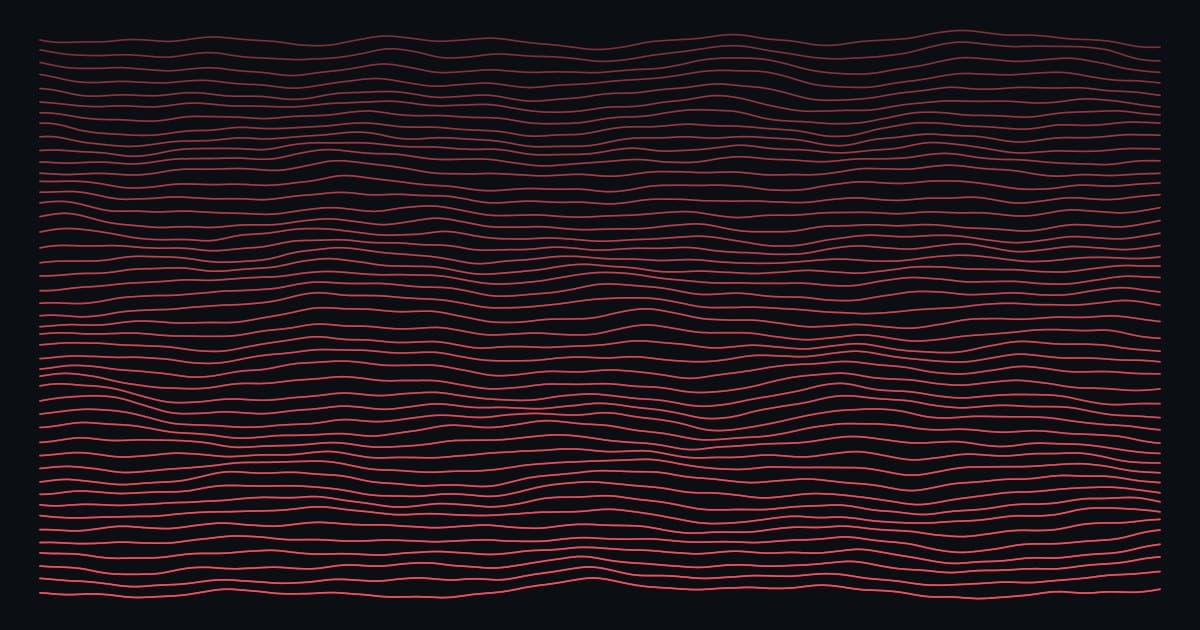
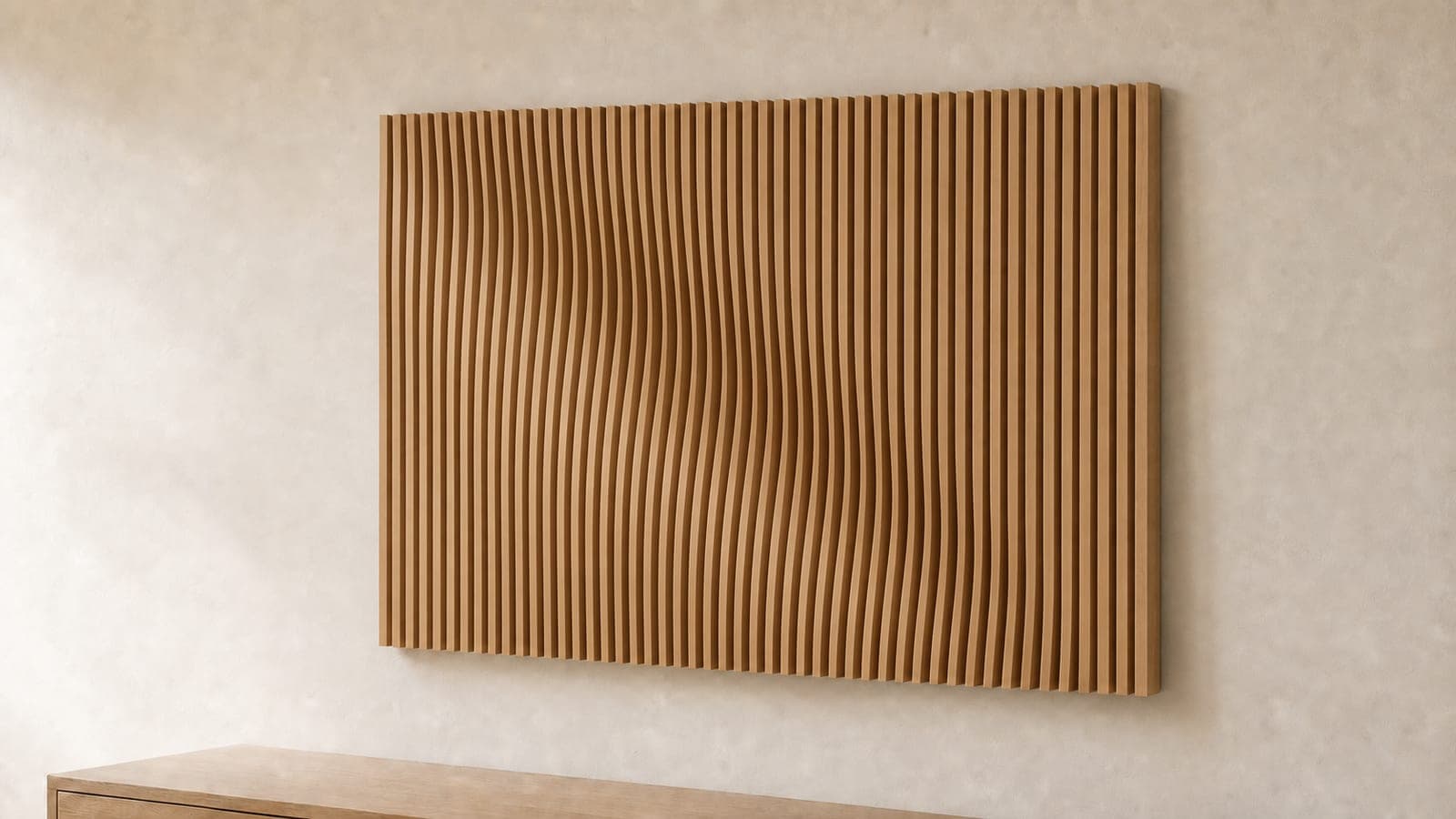
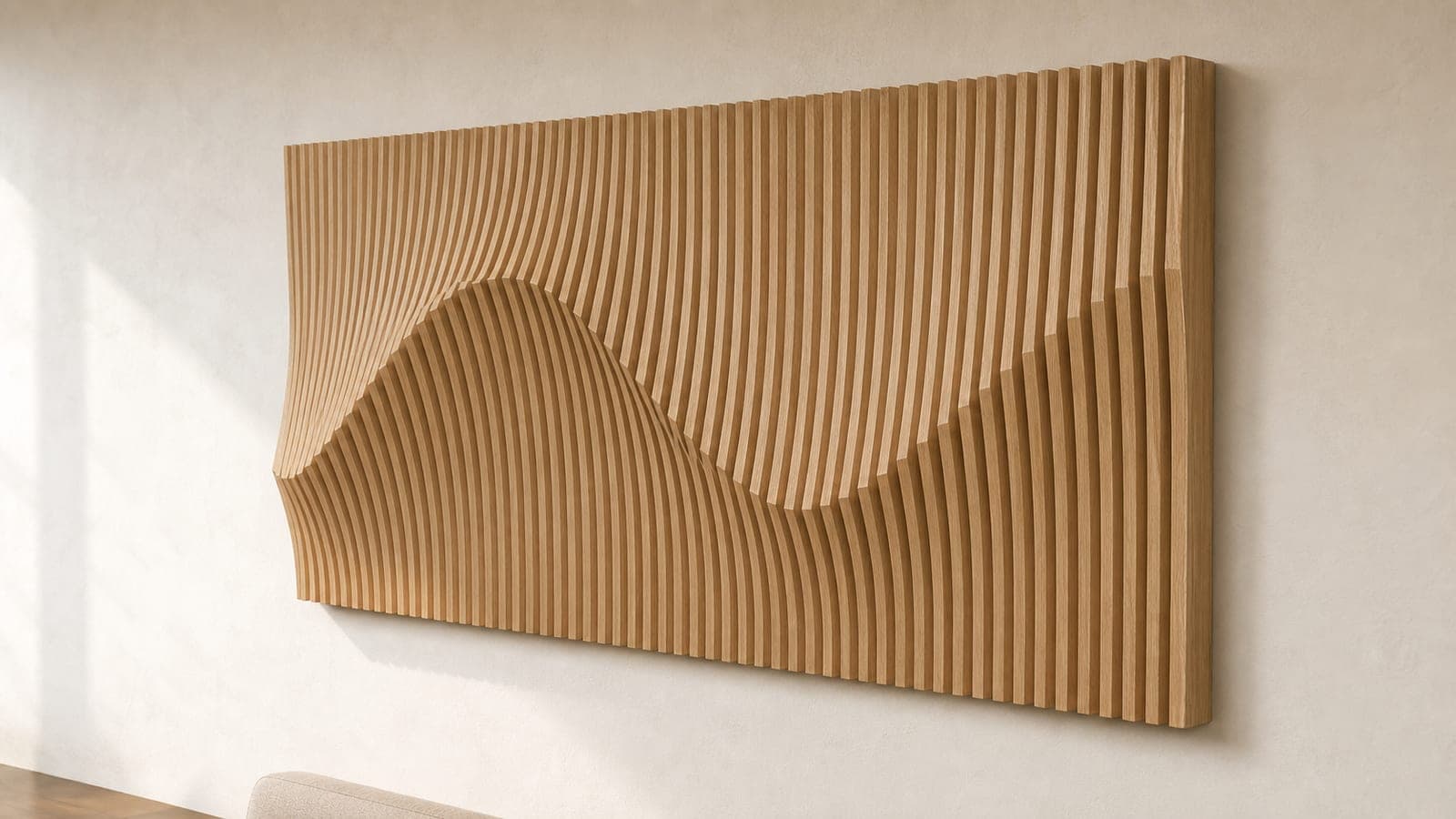
Parametric wall art is that flowing, three-dimensional wood art where dozens of contoured slats stack side by side to form a wave, a mountain range, or an organic ripple across your wall. It looks like it took a sculptor a week. In reality, the shape is generated by a mathematical field, and every slat is cut flat on a laser or CNC.
“Parametric” just means driven by parameters — you change a few numbers (frequency, amplitude, the position of a couple of control points) and the entire design regenerates. That's what makes it so well suited to a laser cutter: the hard part is the geometry, and geometry is exactly what software is good at.
This guide covers what parametric wall art actually is, why the slat technique works, the materials you need, and how to design a piece from scratch using our free parametric wall art generator. Looking for inspiration first? Jump to 12 parametric wall art ideas and patterns.
Why the layered-slat technique works
A single flat panel can only ever look flat. Parametric wall art gets its depth by slicing a 3D surface into vertical slats — thin strips of wood — and giving each slat a contoured front edge. Line the slats up in order and your eye reconstructs the original surface as a smooth, continuous relief.
- It cuts flat, hangs 3D. Every slat is a 2D profile the laser cuts from sheet stock. The three-dimensional effect only appears once they're assembled on their support rails.
- Material is cheap, perceived value is high. A piece made from a few dollars of plywood or MDF reads as premium sculptural art. That gap is why parametric wall art sells so well.
- It's endlessly customizable. Because the shape is parametric, you can regenerate it at any size, swap the pattern, or match a customer's color and dimensions without redrawing anything.
What you'll need
- A laser cutter or CNC. Any machine that cuts sheet goods works — diode, CO2, or router. Slats are simple outlines, so even entry-level lasers handle them.
- Sheet material. 3 mm or 6 mm plywood, MDF, or hardwood. Thinner slats mean more of them (smoother relief); thicker slats are faster to cut and assemble.
- Support rails. Two lengths of 1×2 or 1×3 lumber that the slats notch onto. The generator produces the notch positions for you.
- Wood glue and a flat surface for assembly.
How to design your piece (step by step)
Open the free parametric wall art generator — it runs entirely in your browser, with a live 3D preview, so you can see the finished relief before you cut a thing.
- Pick a pattern. Start with a smooth sine wave or organic Perlin noise for a first piece. “Attractor points” let you click to place peaks and valleys exactly where you want them; “Your Image” turns a photo's brightness into relief depth.
- Set your dimensions. Enter the overall width, height, and depth in mm or inches. A common first size is roughly 600 × 400 mm.
- Choose material thickness and spacing. This sets how many slats you get and how far apart they sit. The tool shows a live slat count and an estimate of how many sheets you'll use.
- Dial in the look. Complexity and amplitude control how busy and how deep the relief is. Watch the 3D preview and stop when it feels right.
- Download the cut files. You get numbered slat profiles as a laser-ready SVG plus a 3D reference model, so assembly is paint-by-numbers.
Cutting and assembly tips
- Cut in numbered order and keep them sorted. The profiles are labeled 1, 2, 3… — a slat out of sequence breaks the smooth flow. Lay them out in order as they come off the machine.
- Mind the kerf on the notches. If the slats fit too loosely on the rails, add a touch of glue; too tight, sand lightly. A quick test cut of two slats saves a whole sheet.
- Finish before or after, not during. Stain or oil reads beautifully on the exposed slat edges — decide up front, because finishing 40 assembled slats is far harder than finishing them flat.
- Hang from the rails. The two support rails carry the weight and keep spacing consistent; mount those to the wall, not individual slats.
Frequently asked questions
What does “parametric” mean in wall art?
It means the design is defined by parameters — numbers you can change — rather than drawn by hand. Adjust the frequency, amplitude, or control points and the whole pattern regenerates, which is what lets you resize or restyle a piece instantly.
Do I need CAD skills to make parametric wall art?
No. The generator handles all the geometry and outputs ready-to-cut files. You choose a pattern and dimensions; it produces the numbered slat profiles.
What material is best for parametric wall art?
Plywood and MDF are the most common — affordable, flat, and easy to cut. Hardwood slats look premium but cost more. 3 mm gives a finer, smoother relief; 6 mm is faster to cut and assemble.
Ready to build one? Start in the parametric wall art generator, browse pattern ideas, or see the rest of our free laser cutting tools.