Best Laser Cutter for Beginners in 2026 (7 Picks Actually Worth the Money)
We break down the best entry-level laser cutters by price, power, and genuine usability so you can avoid buying a $1,000 paperweight.
By Randall Morgan — founder of LaserBurn AI, running a six-figure laser engraving business since 2020. ·

Buying your first laser cutter feels a lot like standing in the cereal aisle — except every box costs hundreds of dollars and none of them explain what they actually do in plain English. We've been there.
For most buyers who want an entry-level laser cutter that can handle clear acrylic as well as wood, our best overall pick is the OMTech Polar Lite 55W. It combines a CO2 tube with built-in water cooling, exhaust, air assist, camera positioning, and autofocus, reducing the accessory list that surprises many first-time CO2 buyers.
But "best" depends on your budget, your space, and what you want to create. A crafter making earrings in a spare bedroom needs a very different machine than someone launching an Etsy sign business from the garage. That's why we put together this guide: seven honest recommendations covering every budget from $160 to $3,900, with clear explanations of why each machine earned its spot.
Let's find you the right laser cutter — and make sure it's actually worth the money.
Best all-around beginner CO2
OMTech Polar Lite 55W
Lowest-cost CO2 entry
OMTech K40+ 45W
Best for a growing shop
OMTech Pronto 35 60W
Affiliate disclosure: LaserBurn AI earns a commission from qualifying OMTech purchases made through links in this guide, at no added cost to you. That relationship does not change the comparison criteria or the alternatives included.
Quick tip before you keep reading: if you land on OMTech — which three of our seven picks are — try promo code LASERBURN5 at checkout for 5% off eligible purchases. Promotions and exclusions can change, so confirm the discount in your cart before paying.
Diode vs. CO2 vs. Fiber: The Three Laser Types, Explained for Total Beginners
Before you compare any machines, you need to understand the three types of lasers available. This single decision determines what materials you can work with, how much space you'll need, and how much you'll spend.
- Diode lasers are the most popular entry point for beginners. They're compact, affordable ($150–$2,500), and plug into a standard outlet. A diode laser uses a focused beam of visible light (usually blue) to engrave and cut materials like wood, leather, paper, fabric, and dark-colored acrylic. The catch? Diode lasers cannot cut clear or white acrylic, and they struggle with glass engraving. If you have limited space, a diode laser is likely where you'll start.
- CO2 lasers use an infrared beam that interacts with a much wider range of materials. A CO2 laser can do everything a diode does, plus cut clear acrylic, engrave glass, and handle thicker materials faster and cleaner. The trade-off is size and cost — most CO2 machines are larger, heavier, and start around $600. They also require water cooling. For anyone who wants maximum versatility and plans to sell their work, CO2 is the better long-term investment.
- Fiber lasers are designed specifically for marking and engraving bare metals. They're typically $3,000+ and overkill for most beginners looking to cut wood and acrylic, so we won't cover them extensively here.
The Bottom Line: If you're on a tight budget or have limited space, start with a diode. If you can invest a bit more and want the widest range of project possibilities — especially cutting clear acrylic and engraving glass — go CO2. Most beginners who start with diode lasers eventually wish they'd gone CO2 from the start.
The 7 Best Laser Cutters for Beginners in 2026
1. OMTech Polar Lite 55W — Best Overall for Beginners
Price checked: $1,999.99 | Type: CO2 | Power: 55W | Work Area: 20.1" × 11.8"
The OMTech Polar Lite earns our top spot because it solves the biggest problem beginners face with CO2 lasers: the avalanche of accessories you normally need to buy separately. This machine has built-in water cooling, an exhaust fan, air assist, autofocus, and a 5MP camera for precise material positioning — all in a compact desktop form factor.
That's a big deal. Most CO2 lasers in this price range require an external water chiller ($300–$500), a separate air compressor, and ventilation upgrades before you can even start. With the Polar Lite, you unbox it, connect the exhaust hose to a window, and you're cutting within an hour.
As a CO2 laser, it handles wood, leather, fabric, paper, acrylic (including clear), MDF, and glass engraving. Its 55W tube, 500 mm/s listed maximum speed, and 20.1" x 11.8" work area make it a more versatile material platform than a blue-diode machine.
- Who it's best for: Beginners who want a do-everything machine without buying a dozen accessories. Crafters, Etsy sellers, and anyone serious about making projects with acrylic and wood.
- The honest trade-off: The 20" × 12" work area is smaller than similarly-priced open-frame diode lasers. If you need to engrave large signs or full skateboard decks, you'll want a bigger bed.
Check Current Pricing on the OMTech Polar Lite →
Paste code LASERBURN5 at OMTech checkout for 5% off the Polar Lite.
2. xTool S1 40W — Best Enclosed Diode Laser
Price checked: from $1,699 | Type: Diode | Power: 40W | Work Area: 19.6" × 12.5"
If you want to stay in the diode world but need a fully enclosed, safety-rated machine, the xTool S1 is the strongest option available. It's a Class 1 laser (the safest consumer rating), which means you can run it in a shared space without safety goggles or worrying about stray reflections.
The 40W diode output is genuinely impressive — it cuts 18mm cherry wood and 15mm dark acrylic in a single pass. xTool's Creative Space software is also one of the most beginner-friendly interfaces on the market.
- Why it didn't take the #1 spot: Despite the strong power specs, the S1 still can't cut clear or white acrylic — a fundamental diode limitation. For roughly the same price as the Polar Lite, you get comparable wood cutting power but fewer material options.
- Best for: Beginners in apartments or shared spaces who prioritize safety and don't need to work with clear acrylic.
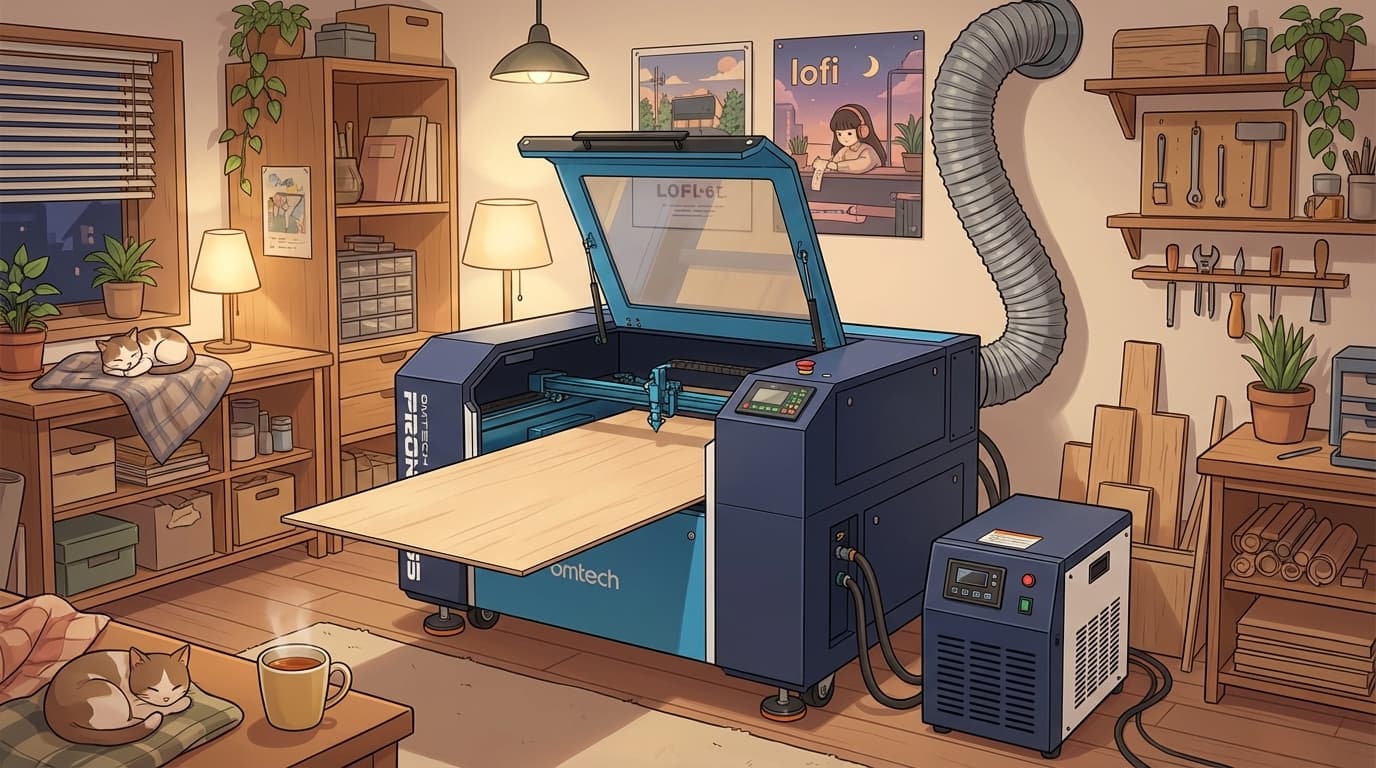
3. OMTech Pronto 35 60W — Best Laser Cutter for the Money (For Serious Beginners)
Price checked: from $3,699.99 | Type: CO2 | Power: 60W | Work Area: 28" × 20"
If you know you want to start a laser business — or you simply don't want to outgrow your machine in six months — the Pronto 35 60W is where serious value lives. The current Essential package starts below $3,700 with a 28" x 20" work area, autofocus, pass-through capability, and a production-oriented 60W CO2 platform.
It includes autofocus, a front-and-back pass-through for oversized materials, built-in air assist, and an enclosed cabinet. Unlike the Polar Lite, it needs dedicated floor space and an external cooling plan; compare complete packages rather than machine-only prices.
- The honest trade-off: This is not a desktop machine. The Pronto 35 weighs several hundred pounds and requires an external water chiller (budget an extra $500). You'll need dedicated shop or garage space.
- Best for: Beginners who are planning to sell products, want to work at production speed, or want one machine they'll never outgrow.
See OMTech Pronto Bundles & Sale Pricing →
On a $3,699.99 machine, 5% is about $185 before taxes and shipping. Confirm the code applies to the current cart before placing the order.
Seriously considering the Pronto? We wrote a dedicated deep-dive — model-by-model comparison, true operating costs, and FAQ — in our full OMTech Pronto review.
4. Glowforge Aura — Easiest Laser Cutter to Learn
Price checked: $999 | Type: Diode | Power: 6W | Work Area: 12" × 12"
The Glowforge Aura is the laser cutter you buy when you've never used any design software and you just want things to work. Its web-based app is highly intuitive, and the built-in wide-angle camera shows exactly where your design will land on the material.
- The honest trade-off: At just 6W, the Aura is the weakest machine on this list. It cuts slowly, maxes out at about ¼" material thickness, and cannot cut clear acrylic or engrave glass. You're also locked into Glowforge's cloud-based ecosystem (and a $50/month Premium subscription for full features).
- Best for: Total beginners, Cricut upgraders, and crafters who value Apple-like simplicity over raw capability.
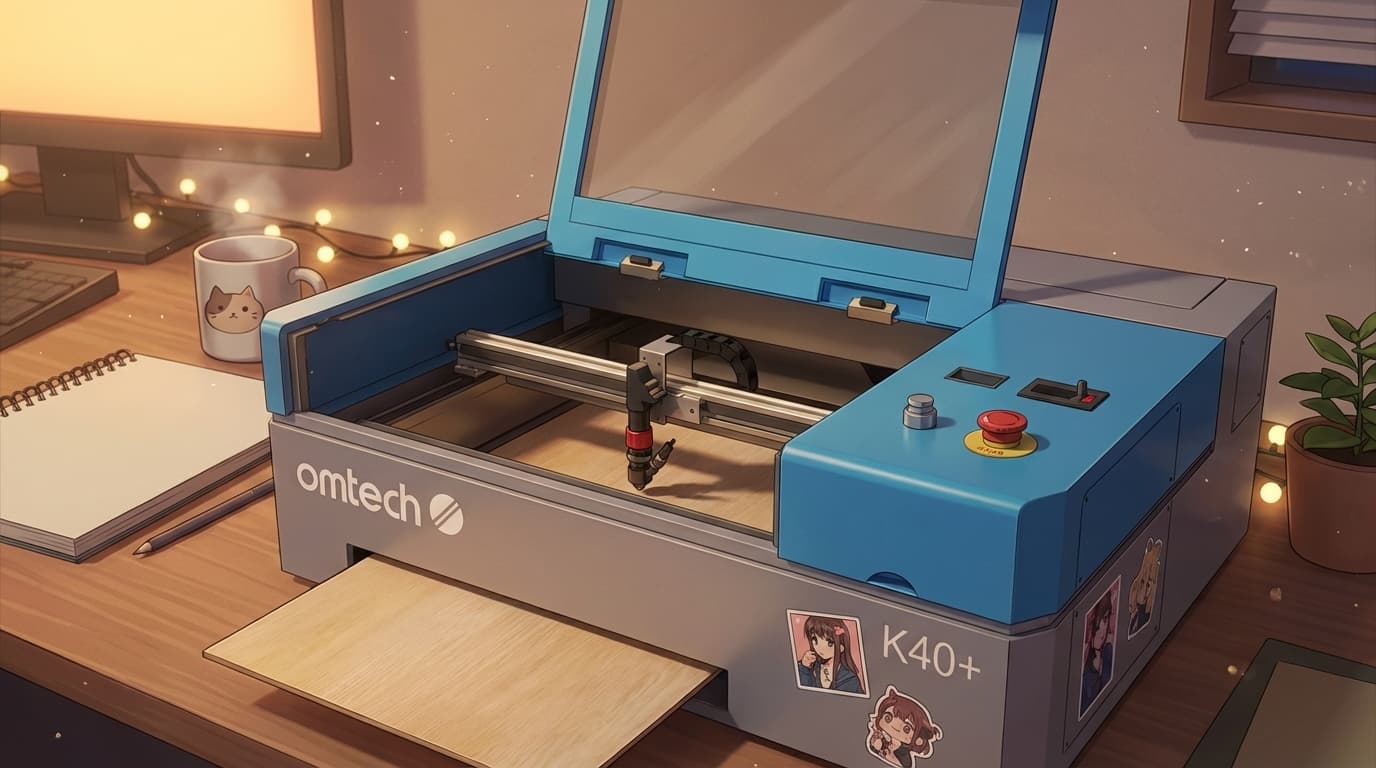
5. OMTech K40+ 45W — Best Budget CO2 Laser Under $600
Price: ~$599 (On Sale) | Type: CO2 | Power: 45W | Work Area: 8" × 12"
Here's a secret most beginner guides won't tell you: you can get a real CO2 laser for under $600. The OMTech K40+ puts genuine CO2 versatility — clear acrylic cutting, glass engraving, the works — into a compact desktop package.
The current K40+ is rated at 45W with a 300 mm/s maximum engraving speed, removable 8" x 12" workbed, included basic water pump and exhaust hardware, and LightBurn compatibility. The machine is compact; the supporting cooling and ventilation setup still needs real space.
- The honest trade-off: The 8" × 12" work area is small. And like any basic CO2 laser, you'll need to manage water cooling (a small pump and bucket work, or budget $300 for a proper chiller).
- Best for: Budget-conscious beginners who want CO2 capability for small projects — coasters, ornaments, keychains, and learning the fundamentals.
Drop code LASERBURN5 in at checkout to knock another 5% off the already-on-sale K40+.
6. Sculpfun S30 Ultra 33W — Most Powerful Diode for the Price
Price: ~$770 | Type: Diode | Power: 33W | Work Area: 23.2" × 23.4"
If pure cutting power per dollar is your metric, the Sculpfun S30 Ultra 33W is hard to beat. Six combined diode modules deliver 33W of real output — enough to slice through 20mm wood and 15mm dark acrylic. And that 23" × 23" work area is one of the largest in its class.
- The honest trade-off: This is an open-frame, DIY-assembly machine with no enclosure. You'll be exposed to laser light, smoke, and fumes without additional safety measures.
- Best for: Budget-minded hobbyists who are comfortable with open-frame machines and want maximum diode cutting power over a large area.
7. Ortur Laser Master 3 20W — Best Diode Laser Under $400
Price: ~$350 | Type: Diode | Power: 20W | Work Area: 15.7" × 15.7"
For beginners who want to dip a toe into laser engraving without a major financial commitment, the Ortur Laser Master 3 delivers surprising quality. The 20W model includes an air assist pump and seven built-in safety protections.
- The honest trade-off: It's an open-frame machine requiring an enclosure for safe indoor use. Cutting thicker materials takes multiple passes. Think of this as a learning machine.
- Best for: First-time buyers on a tight budget exploring whether laser work is for them.
Quick Comparison: All 7 Picks Side by Side
| Machine | Price | Type | Power | Work Area | Cuts Clear Acrylic? |
|---|---|---|---|---|---|
| OMTech Polar Lite | $1,999 | CO2 | 55W | 20" × 12" | ✅ Yes |
| xTool S1 | From $1,699 | Diode | 40W | 19.6" × 12.5" | ❌ No |
| OMTech Pronto 35 | From $3,699 | CO2 | 60W | 28" × 20" | ✅ Yes |
| Glowforge Aura | $999 | Diode | 6W | 12" × 12" | ❌ No |
| OMTech K40+ | $599 | CO2 | 45W | 8" × 12" | ✅ Yes |
| Sculpfun S30 Ultra | Check live | Diode | 33W | 23" × 23" | ❌ No |
| Ortur LM3 | Check live | Diode | 20W | 15.7" × 15.7" | ❌ No |
Don't Forget the Hidden Costs
The sticker price is only part of the story. Here's what most beginner guides leave out:
- Ventilation: Every laser produces fumes. You need an exhaust hose to a window or a dedicated fume extractor ($100–$500).
- Air assist: Blows smoke away from the cutting path for cleaner results. Budget $50–$100 if your machine doesn't include one.
- Water chiller (CO2 only): The Polar Lite has built-in cooling. The K40+ and Pronto require external chillers ($300–$500).
- Software: LightBurn ($60 one-time) is the industry standard and well worth the investment.
OMTech Promo Code: How to Use LASERBURN5 for 5% Off
Three of the seven machines on this list — the OMTech Polar Lite, OMTech Pronto 35, and OMTech K40+ — are sold direct from OMTech. If you go that route, our current reader offer is 5% off eligible purchases with LASERBURN5.
- Click any OMTech link on this page (it pre-tags the referral so the code applies cleanly).
- Add your laser, materials, or bundle to the cart.
- At checkout, paste LASERBURN5 in the "Discount Code" field and hit apply.
- Confirm the 5% discount appears in the order summary before paying.
Does LASERBURN5 work on accessories and materials? The current affiliate offer covers eligible purchases, but product and bundle exclusions can change. Add the items you want and use the cart result as the final answer.
Can I stack it with OMTech's sale pricing? The current affiliate offer indicates eligible sale-priced items can qualify. OMTech controls promotion combinations, so check the live price and applied discount in the cart.
The Bottom Line
The best laser cutter for beginners isn't the cheapest one or the most powerful one — it's the one that matches your goals without nickel-and-diming you on accessories and upgrades. That's why the OMTech Polar Lite earns our top recommendation: it's a genuine CO2 laser with everything built in, at a price that competes with enclosed diode machines that can do less.
If you're budget-constrained, the OMTech K40+ at $599 puts CO2 capability on your desk for less than most premium diode lasers. And if you're ready to invest in a machine that can grow into a real business, the OMTech Pronto 35 60W delivers professional production quality at roughly half the price of comparable brands.
Browse OMTech's full lineup → don't forget to apply code LASERBURN5 at checkout.
*We earn a commission when you purchase through our OMTech links, at no extra cost to you. We only recommend products we genuinely believe in — and OMTech's combination of CO2 power, built-in features, and competitive pricing is why they consistently earn our top picks.
Planning a product business? Read our small-business CO2 laser guide, compare OMTech vs xTool, or use the free Laser Profit Builder starter kit. Current OMTech buyers can also check the verified LASERBURN5 code page.