Create a Custom Address & House Number Sign for Laser Cutting
Add your house number and street and download a clean, laser-ready address plaque in seconds — a perfect housewarming gift and realtor closing present.
Make my address sign →Sign in with Google · credits from $5 · files in seconds
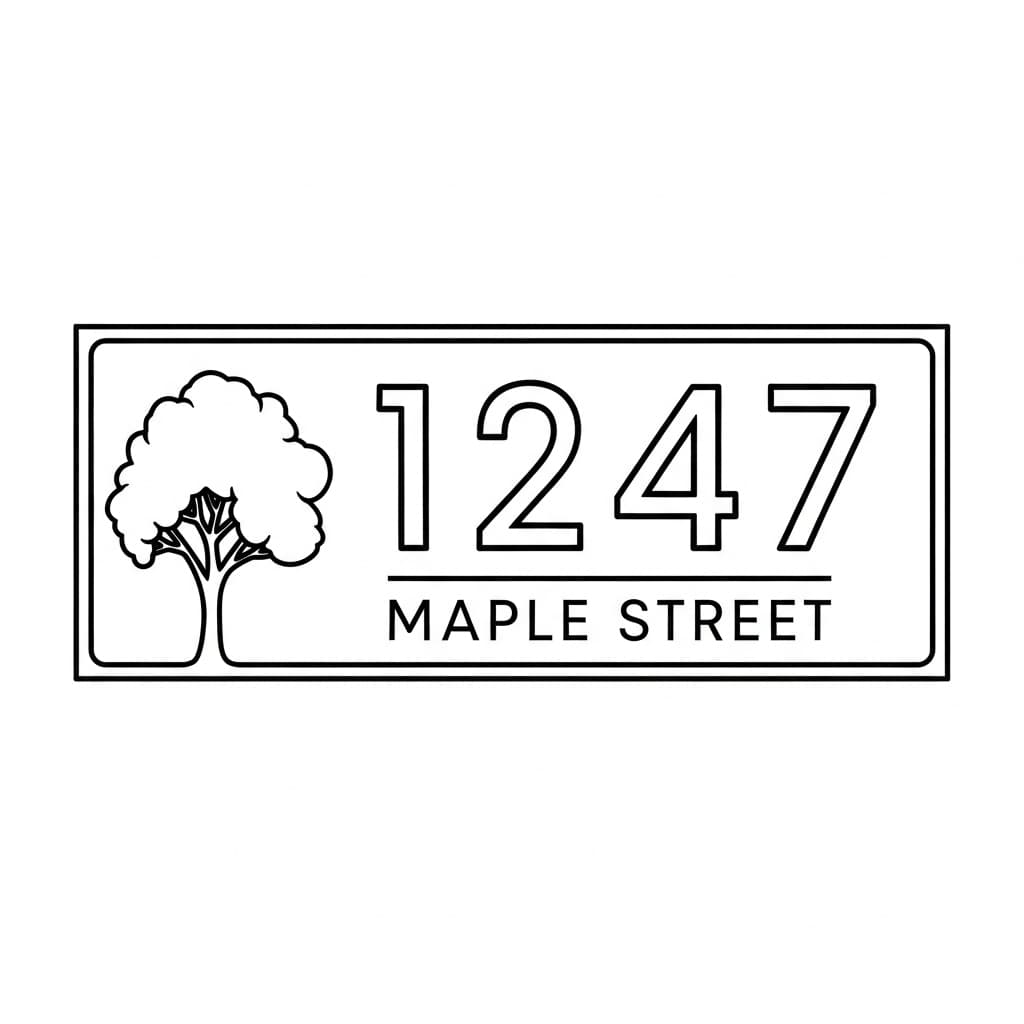
"1247 Maple Street" — modern
Examples made with LaserBurn AI
"1247 Maple Street" — modern
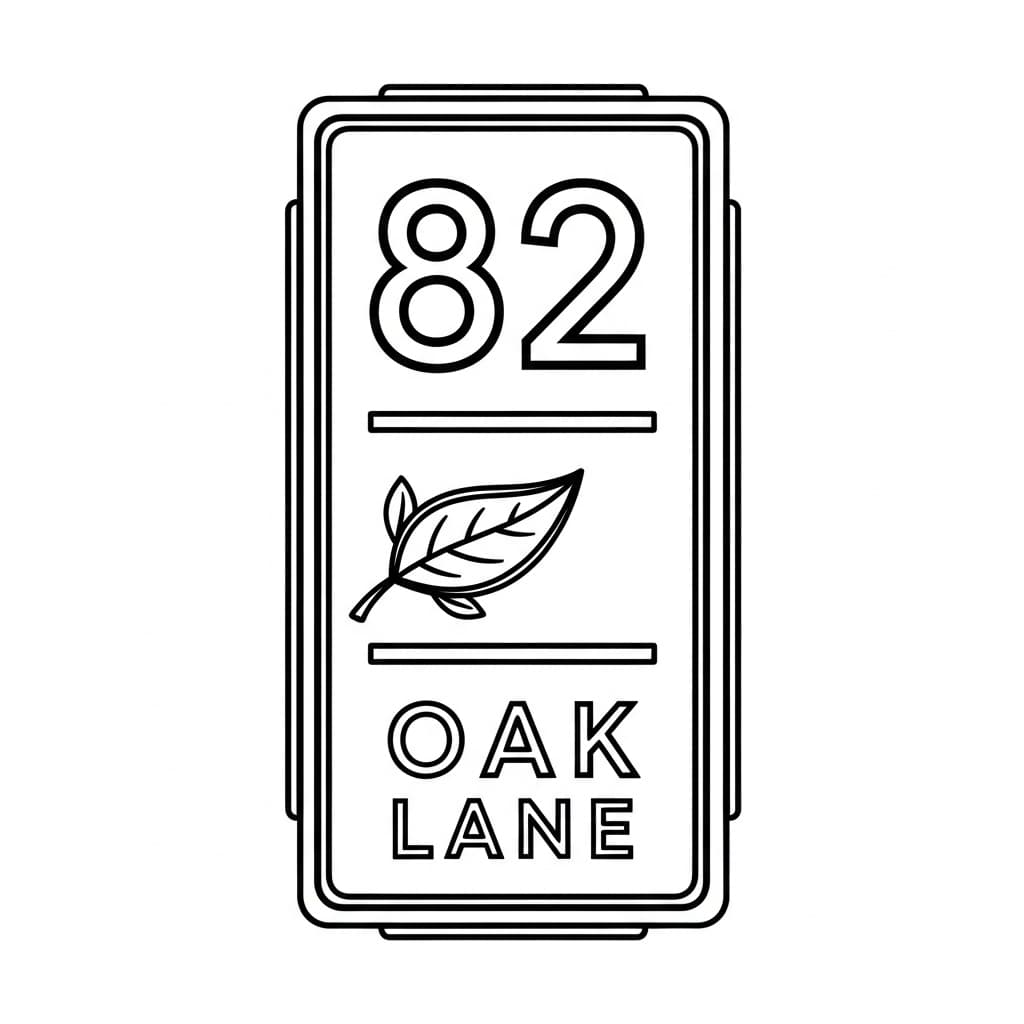
"82 Oak Lane" — vertical plaque
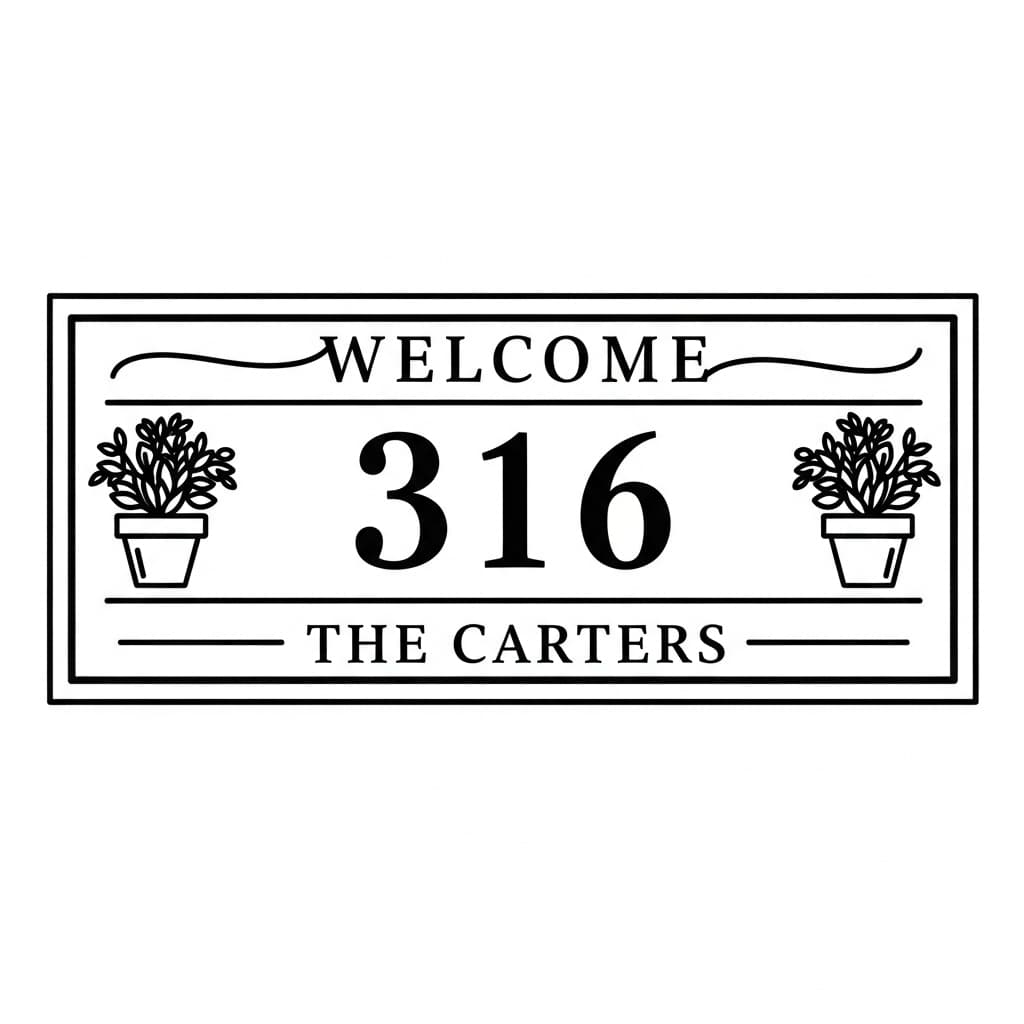
"Welcome · 316 · The Carters"
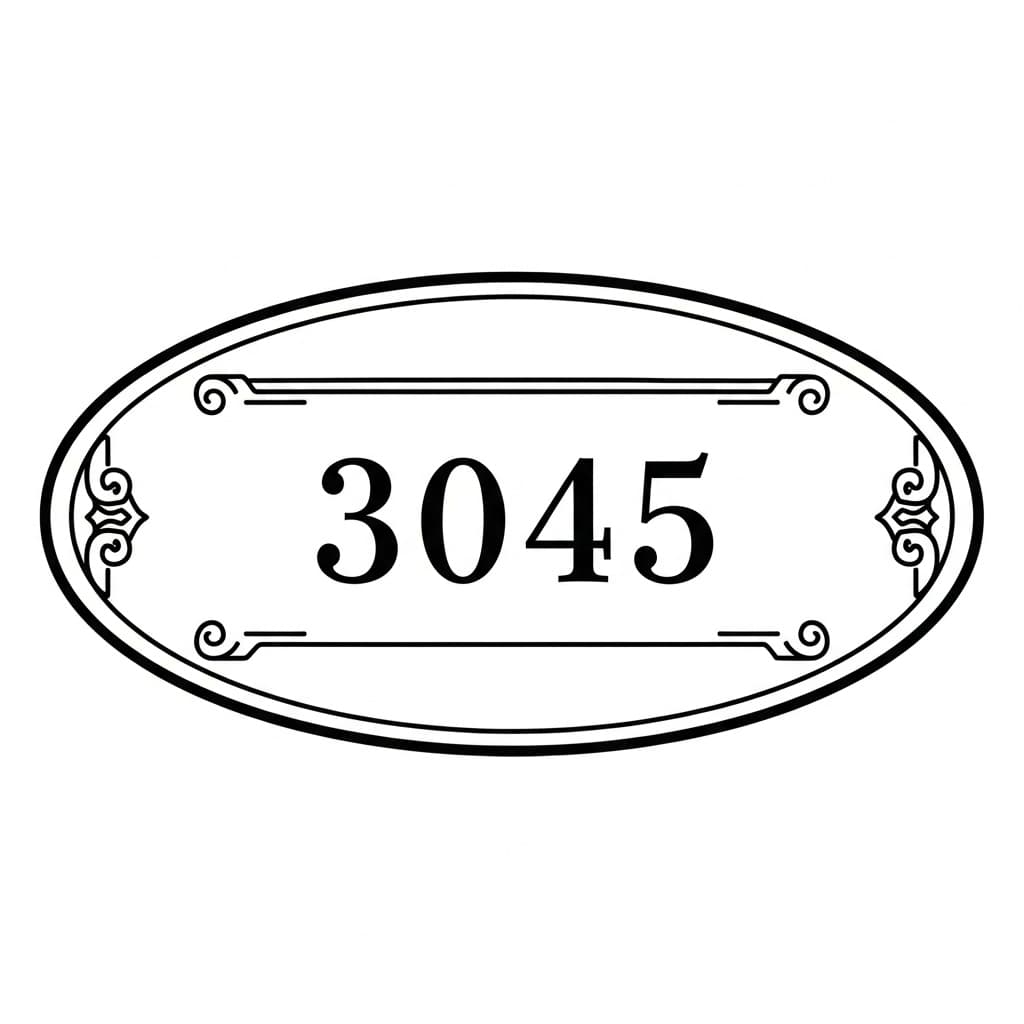
"3045" — classic oval plaque
A custom address sign or house number plaque, ready to cut or engrave
Custom address signs and house number plaques are a steady seller with broad appeal — new homeowners, Airbnb hosts, and realtors buying closing gifts all want them. Each one is a different number and street, though, so makers end up rebuilding the layout for every single order.
LaserBurn AI generates a fresh plaque for any address you describe, then auto-traces it into clean cut paths and engrave detail. You get an SVG, PNG, and DXF that drop straight into LightBurn, xTool Creative Space, or Glowforge — crisp, legible numbers at any size, in modern, farmhouse, or classic styles.
How to prompt your address sign
Just describe it in plain English. A good address-sign prompt has three parts:
The number
“large numbers "1247"”
The street or name
“"MAPLE STREET" below (or "The Carters")”
Style & accent
“modern with a tree / farmhouse welcome / classic oval plaque”
Full example prompt
A farmhouse welcome address sign with "WELCOME" in script, a large house number "316", "THE CARTERS" below, and a small potted plant on each side
Try this prompt →How it works
- STEP 1
Describe the sign
Type the house number, the street or family name, the orientation, and the style — modern, farmhouse, or classic — with any accents like a tree or leaves.
- STEP 2
AI generates & traces it
Our pipeline creates an original plaque with Google’s Gemini image AI and auto-traces it into clean vector cut paths and a separate engrave layer.
- STEP 3
Download laser-ready files
Get SVG, PNG, and DXF in one step — ready to cut or engrave at any size in LightBurn, xTool, Glowforge, or RDWorks.
Frequently asked questions
Can I use any house number and street name?
+
Yes. Put the number and street in quotes — like "1247" and "MAPLE STREET" — and the plaque is generated with your exact address. You can use a family name instead of a street too.
Can I choose modern, farmhouse, or classic styles?
+
Yes. Describe the look you want — modern minimal with a thin border, a farmhouse welcome sign, or a classic oval plaque with a scroll border — and add accents like a tree or leaves.
Is it good for realtor closing gifts or Airbnb hosts?
+
Yes. Address plaques are popular closing gifts and host welcome pieces, and every credit bundle includes commercial use rights so you can sell them in batches.
What files do I get, and what laser software do they work with?
+
Every plaque comes as an SVG (vector cut paths plus engrave detail), a PNG engrave layer, and a DXF for CAD. They import directly into LightBurn, xTool Creative Space, Glowforge, and RDWorks.
How much does it cost?
+
Membership starts at $5/month with 10 credits added monthly, or one-time packs start at $9 for 15 credits. Credits never expire, so you can generate a new plaque for every address.
Create a Custom Address & House Number Sign for Laser Cutting
Add your house number and street and download a clean, laser-ready address plaque in seconds — a perfect housewarming gift and realtor closing present.
Make my address sign →