Create a Custom Garage or Bar Sign for Laser Cutting
Put a name, a year, and the right tools or icons on a bold sign for the garage, bar, or workshop — and download a laser-ready file in seconds. A standout gift for him.
Make my garage sign →Sign in with Google · credits from $5 · files in seconds
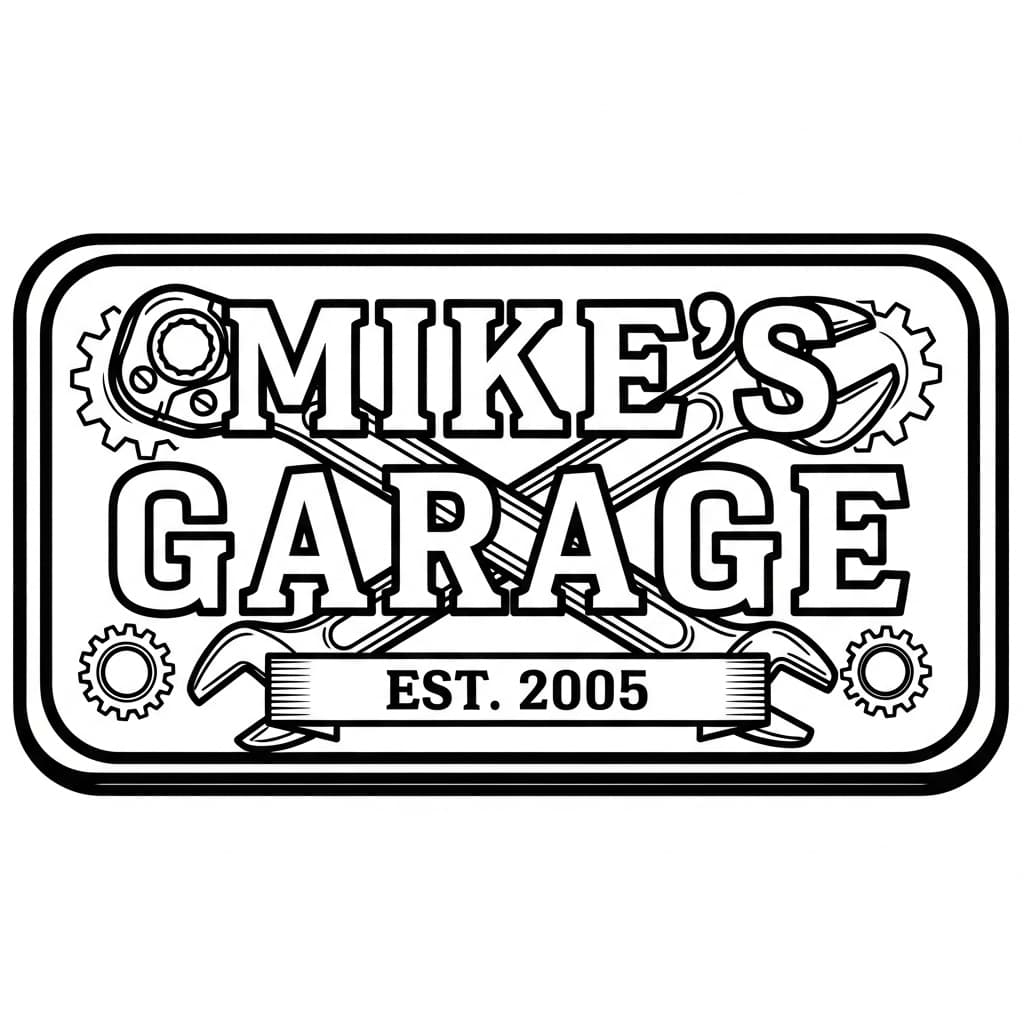
"Mike's Garage · Est. 2005"
Examples made with LaserBurn AI
"Mike's Garage · Est. 2005"
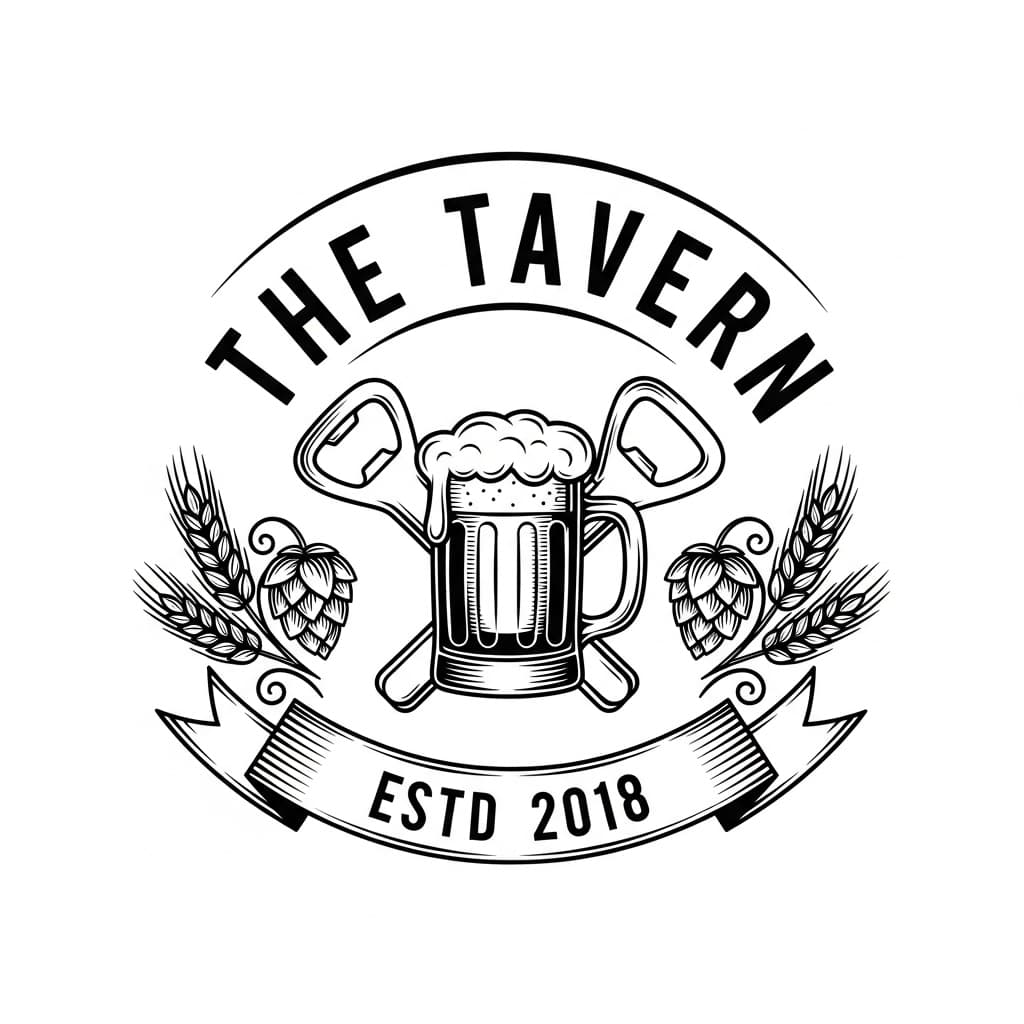
"The Tavern · Estd 2018"
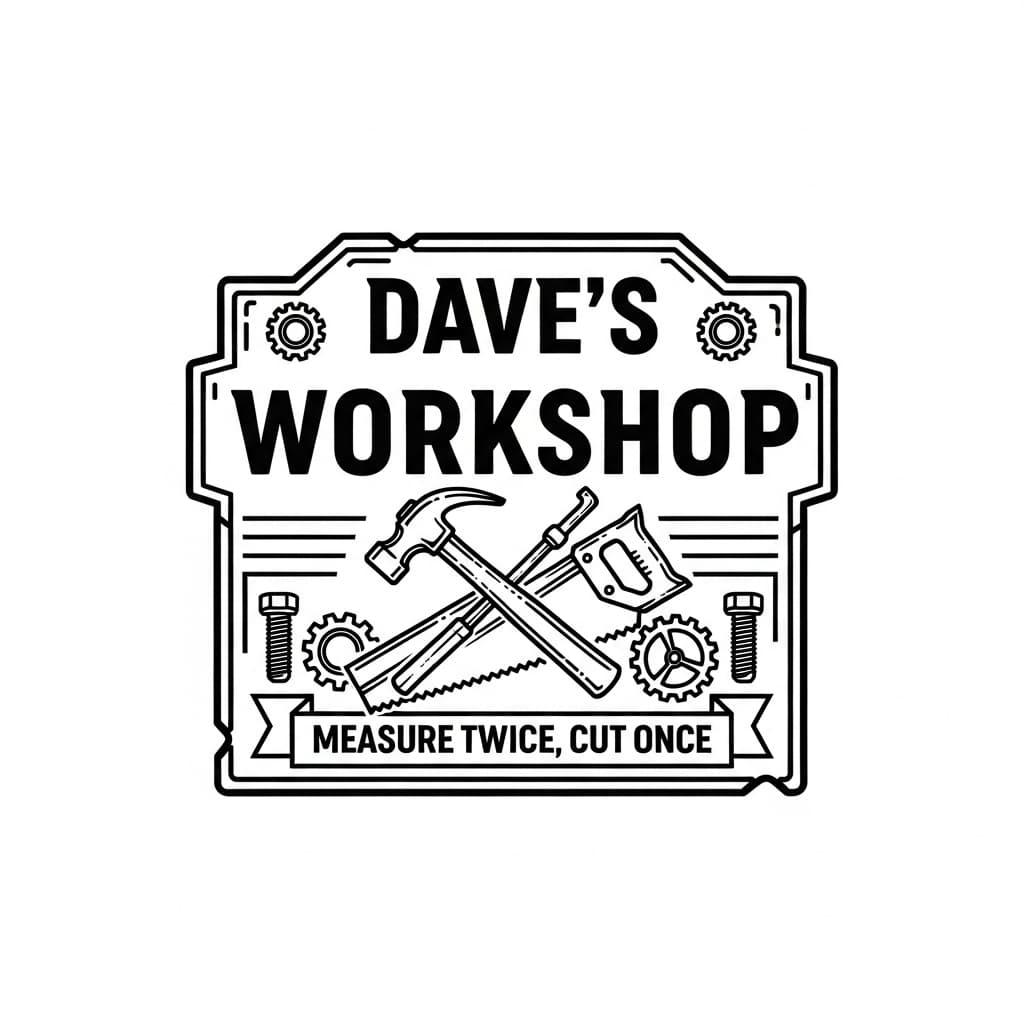
"Dave's Workshop" · measure twice
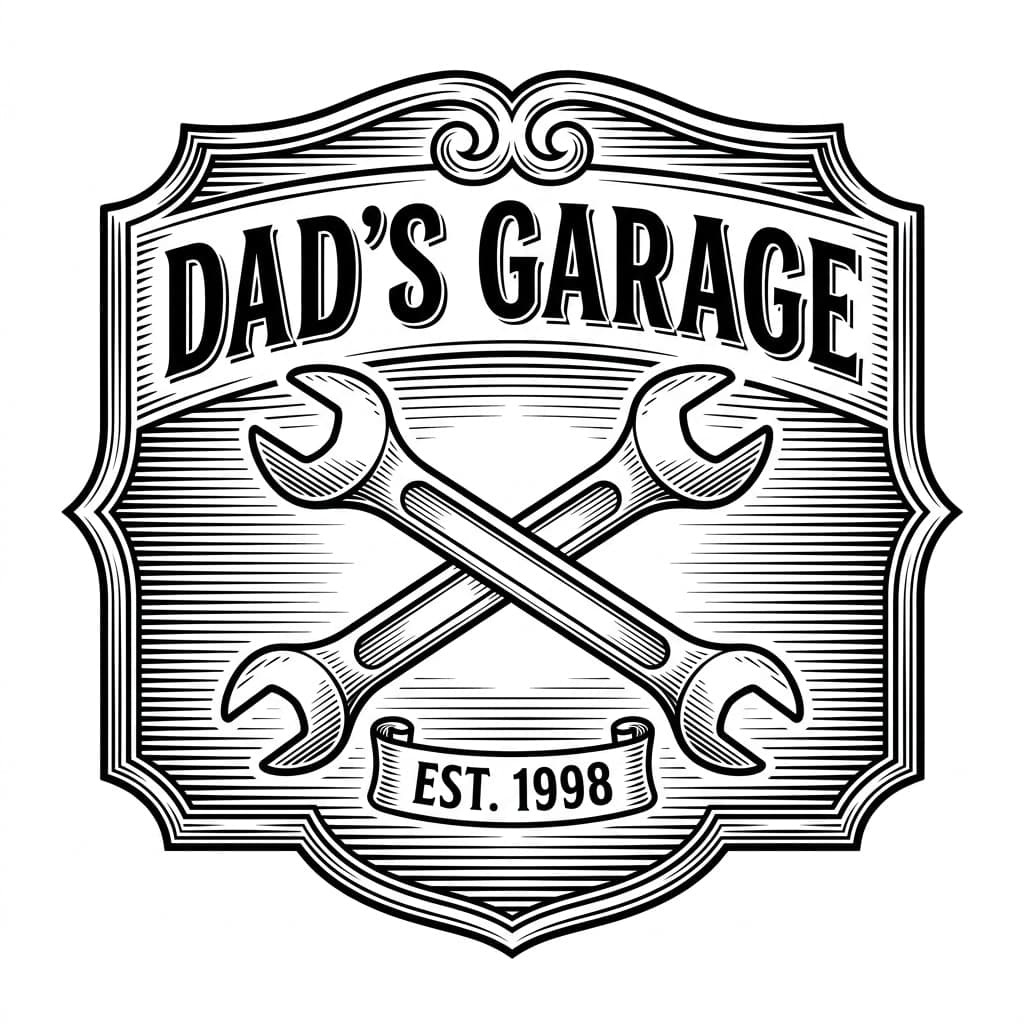
"Dad's Garage · Est. 1998"
A custom garage, bar, or man-cave sign, ready to cut or engrave
A personalized garage or bar sign is one of the easiest "gift for him" sales a laser maker can offer — Father’s Day, birthdays, retirements, and housewarmings all drive demand. But getting bold lettering to sit cleanly behind crossed tools, with a banner and a year, takes real layout time in design software.
LaserBurn AI generates the whole sign from your description — name, year, and icons like wrenches, beer mugs, or saws — then auto-traces it into clean cut paths and engrave detail. You get an SVG, PNG, and DXF that drop straight into LightBurn, xTool Creative Space, or Glowforge, ready to cut on wood, acrylic, or metal.
How to prompt your garage or bar sign
No design skills required. A strong sign prompt has three parts:
The name & type
“"MIKE'S GARAGE" (or "The Tavern", "Dave's Workshop")”
A year or tagline
“"Est. 2005" or "Measure twice, cut once"”
Icons
“a crossed wrench and ratchet / a beer mug and hops / a hammer and saw”
Full example prompt
A bold garage sign reading "MIKE'S GARAGE", "Est. 2005" in a banner, a crossed wrench and ratchet behind the text, gear accents in the corners
Try this prompt →How it works
- STEP 1
Describe the sign
Type the name, the year or tagline, and the icons you want behind the text — wrenches, gears, a beer mug, tools. Choose a rectangular badge or a round pub crest.
- STEP 2
AI generates & traces it
Our pipeline creates an original sign with Google’s Gemini image AI and auto-traces it into clean vector cut paths and a separate engrave layer.
- STEP 3
Download laser-ready files
Get SVG, PNG, and DXF in one step — ready to cut or engrave at any size in LightBurn, xTool, Glowforge, or RDWorks.
Frequently asked questions
Can I put any name and year on the sign?
+
Yes. Put the name in quotes — like "MIKE'S GARAGE" — and add a year such as "Est. 2005" or a tagline. The sign is generated with your exact wording.
Can I add tools or other icons?
+
Yes. Just name them in the prompt — crossed wrenches, a ratchet, gears, a beer mug, hops, a hammer and saw — and they’re worked into the design behind or around the text.
What materials can I cut these on?
+
The vector output cuts and engraves cleanly on wood, acrylic, leather, and coated metal — anything your laser handles. High contrast and clean lines mean no scorching from large solid-black areas.
What files do I get, and what laser software do they work with?
+
Every sign comes as an SVG (vector cut paths plus engrave detail), a PNG engrave layer, and a DXF for CAD. They import directly into LightBurn, xTool Creative Space, Glowforge, and RDWorks.
How much does it cost?
+
Membership starts at $5/month with 10 credits added monthly, or one-time packs start at $9 for 15 credits. Credits never expire. Every bundle includes commercial use rights so you can sell the signs you make.
Create a Custom Garage or Bar Sign for Laser Cutting
Put a name, a year, and the right tools or icons on a bold sign for the garage, bar, or workshop — and download a laser-ready file in seconds. A standout gift for him.
Make my garage sign →