Custom SVG Files for Your Glowforge, Generated by AI
Describe any design in plain English and get a clean SVG with separated cut paths and engrave detail — ready to drag into the Glowforge app. No Inkscape, no clip-art hunting, no manual tracing.
Make my Glowforge design →Sign in with Google · credits from $5 · files in seconds
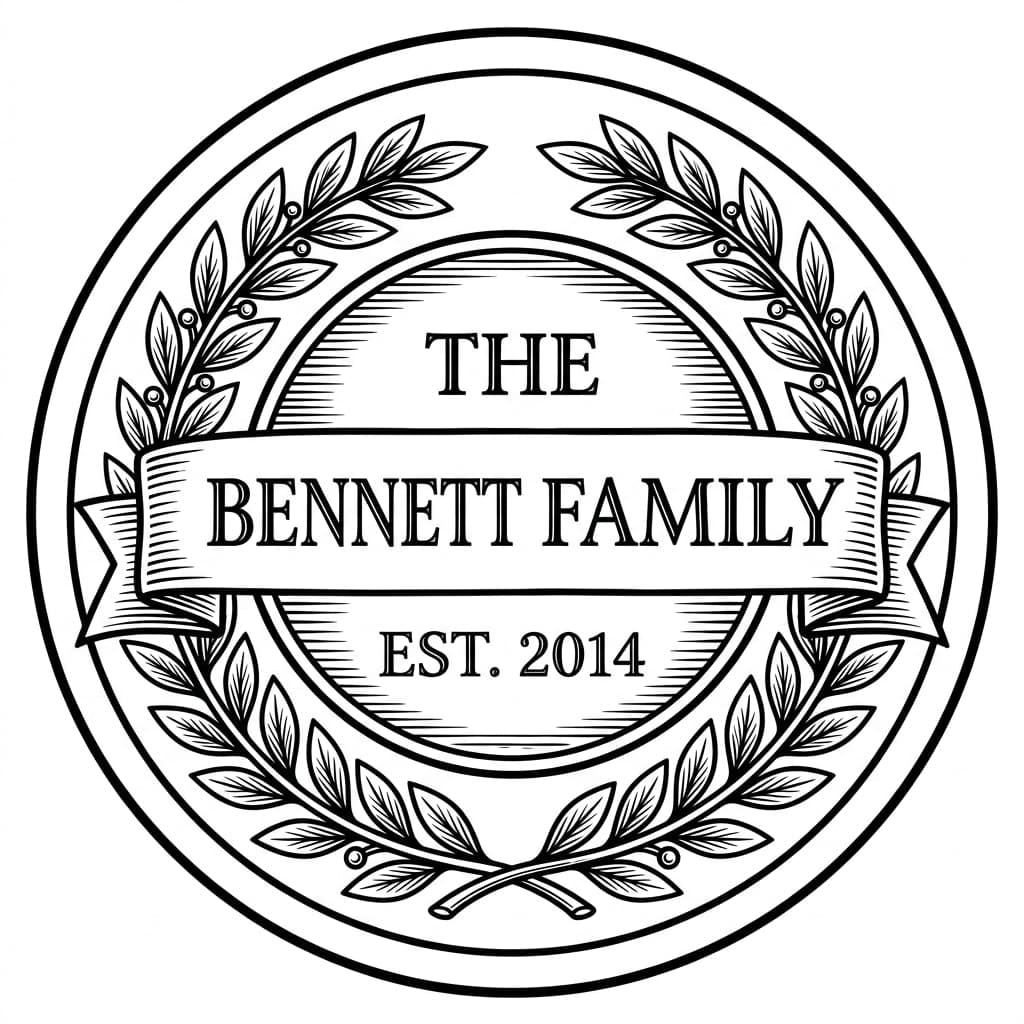
Personalized family sign — engraves beautifully on hardwood
Examples made with LaserBurn AI
Personalized family sign — engraves beautifully on hardwood
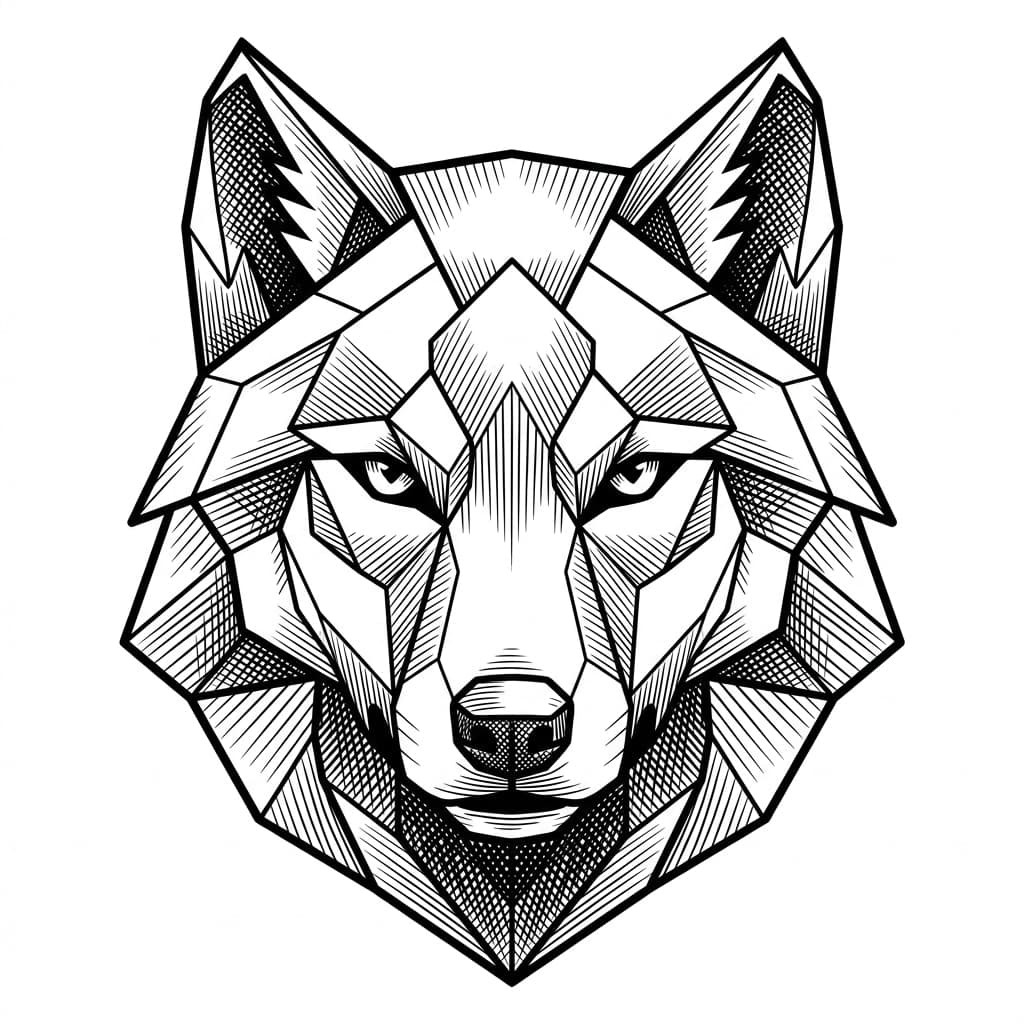
Geometric wolf emblem — crisp lines for score and engrave
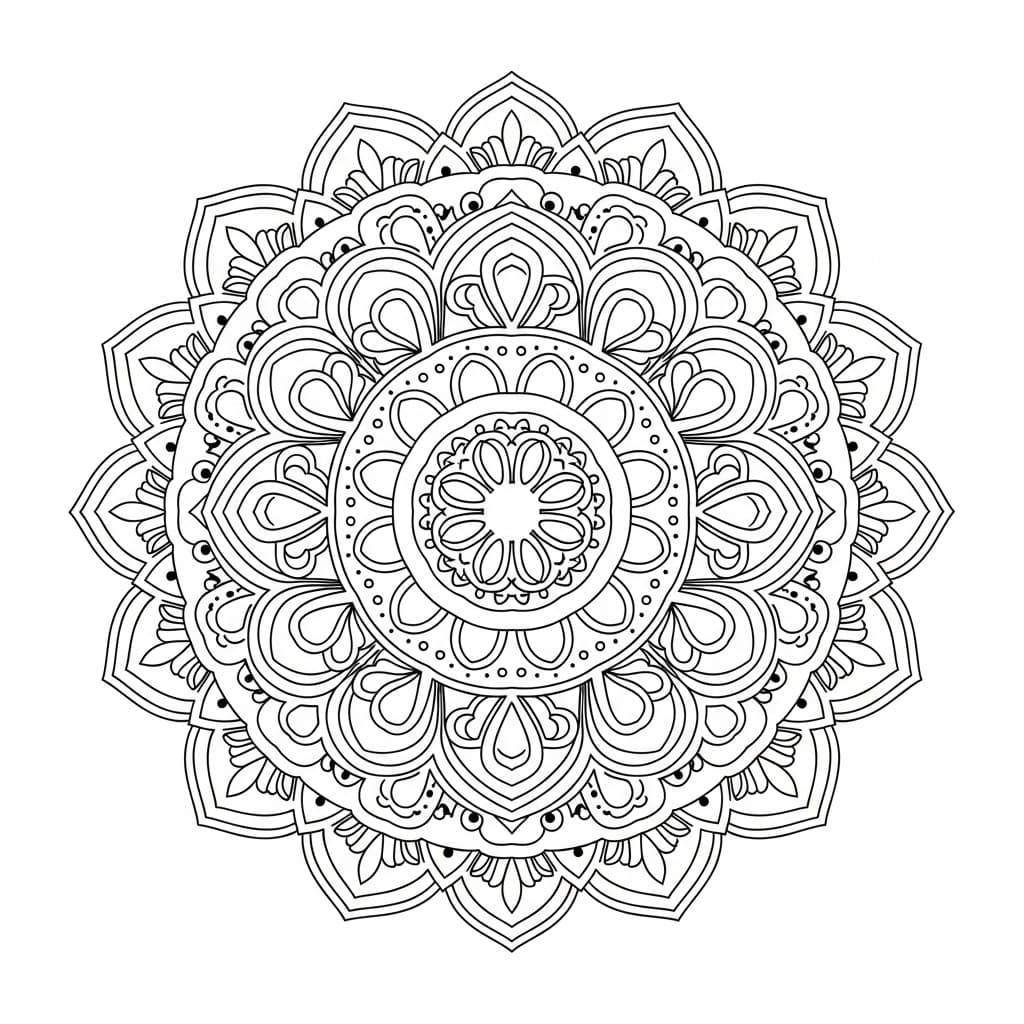
Mandala — perfect for coasters and ornaments
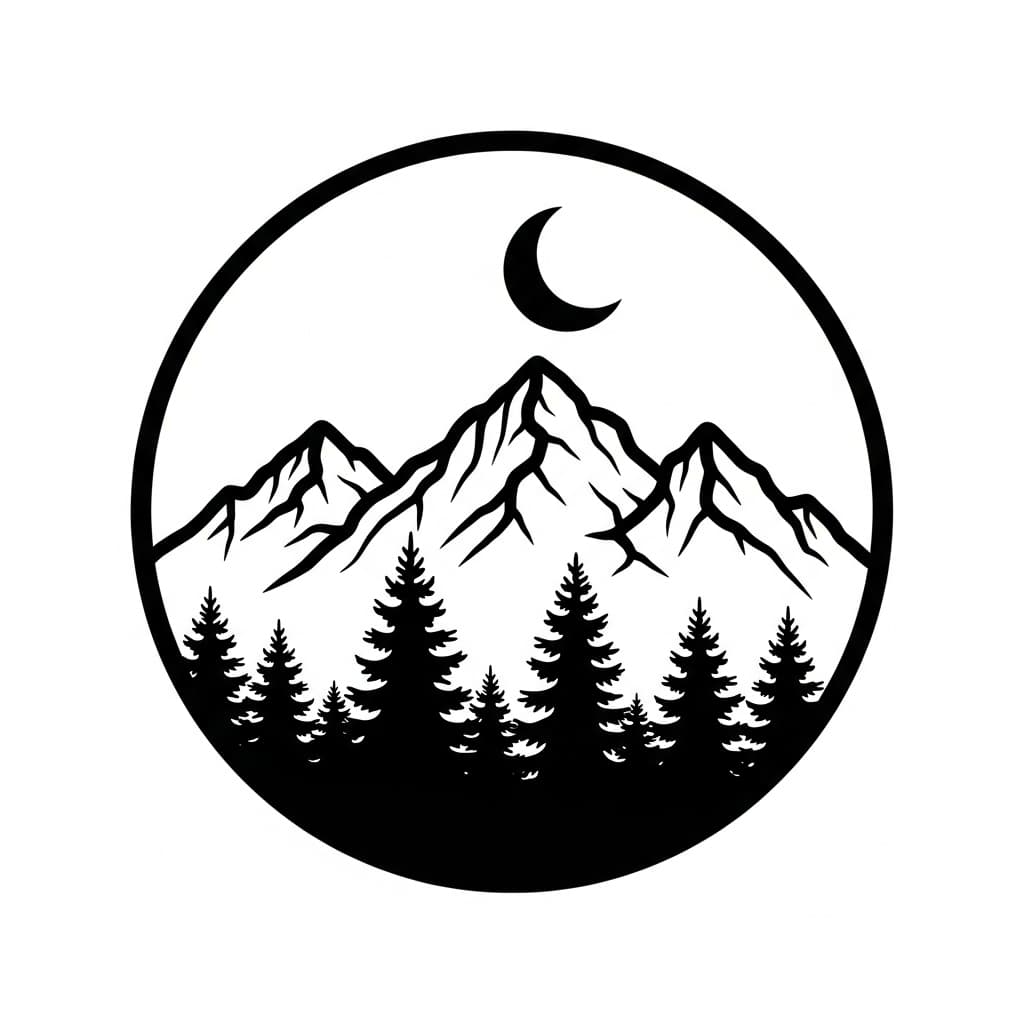
Mountain badge — signs, patches, and wall art
Stop hunting for Glowforge files — generate exactly what you need
Every Glowforge owner knows the file problem. The free SVGs floating around are generic and overused, Etsy design files add up fast when you need one per project, and drawing your own in Inkscape or Illustrator turns a weekend project into a weekend of node editing. What you actually want is the exact design in your head, as a clean file your Glowforge understands.
LaserBurn AI generates an original design from your description, then auto-traces it into a proper laser file: vector cut paths as clean strokes, engrave detail as a separate layer. Drop the SVG into the Glowforge app and it maps cuts and engraves the way you expect — high contrast, no muddy gradients, and crisp legible text for names, dates, and quotes. It works with every Glowforge model, from the Aura and Spark to the Plus and Pro.
How to prompt a great Glowforge design
The generator reads plain English — no design jargon needed. A good prompt has three parts:
Describe the design
“a geometric wolf head emblem / a mandala coaster / a mountain adventure badge with pine trees”
Add any text in quotes
“a banner reading "THE BENNETT FAMILY, EST. 2014"”
Optional: name the style
“vintage woodcut, geometric line art, botanical illustration, art deco”
Full example prompt
A vintage mountain adventure badge with pine trees and a compass, a banner reading "WANDER OFTEN", woodcut engraving style
Try this prompt →How it works
- STEP 1
Describe your design
Type what you want to make — a sign, an ornament, a coaster, wall art — including any names, dates, or quotes in quotation marks.
- STEP 2
AI generates & traces it
Our pipeline creates an original design with Google's Gemini image AI and auto-traces it into clean vector cut paths and a separate engrave layer.
- STEP 3
Drop it into the Glowforge app
Download the SVG and PNG, drag them into the Glowforge app, and assign your cut, score, and engrave steps as usual. Scale to any size with no quality loss.
Frequently asked questions
Do the files work with the Glowforge app?
+
Yes. Every generation includes an SVG with vector cut paths and engrave detail, plus a transparent PNG engrave layer. The Glowforge app accepts SVG and PNG directly — vector strokes become cut or score steps and the raster detail becomes an engrave step.
Does it work with the Glowforge Aura and Spark?
+
Yes. The files are standard SVG and PNG, so they work with every Glowforge model — Aura, Spark, Plus, and Pro. Just size the design to your machine's work area in the Glowforge app.
Do I need Glowforge Premium to use these files?
+
No. Premium is Glowforge's catalog and extra app features. LaserBurn AI files are your own uploads, and uploading your own SVG and PNG files is free on every Glowforge account.
How is this different from buying SVGs on Etsy?
+
Etsy files are fixed designs — you get what the seller drew. Here you describe exactly what you want (your family name, your dog's breed, your shop's slogan) and get an original design in seconds, with cut and engrave layers already separated. Credits start at $0.50 per generation, so a custom design costs less than most marketplace files.
Can I sell what I make on my Glowforge?
+
Yes. Every credit bundle includes full commercial use rights, so you can sell the signs, ornaments, and gifts you cut and engrave from generated designs.
How much does it cost?
+
Membership starts at $5/month with 10 credits added monthly, or one-time packs start at $9 for 15 credits. Credits never expire. There is also a free bundle of 100 ready-made designs if you want to start cutting today.
Custom SVG Files for Your Glowforge, Generated by AI
Describe any design in plain English and get a clean SVG with separated cut paths and engrave detail — ready to drag into the Glowforge app. No Inkscape, no clip-art hunting, no manual tracing.
Make my Glowforge design →