Turn any image
into laser-ready files
Upload a photo, get cut paths and engrave layers in seconds. No Illustrator. No manual tracing.
Sign in with Google to start

Three steps. That's it.
Describe or upload
Type what you want to make, or drop in an existing image. We auto-detect the best approach.
We trace it
Smart boundary detection separates cut paths from engrave detail. Flood fill, potrace, done.
Download laser-ready files
SVG with proper layers, PNG for engrave, DXF if you need it. Import straight into LightBurn.
Made with LaserBurn AI
Real prompts, real output. Type a description, get laser-ready files.
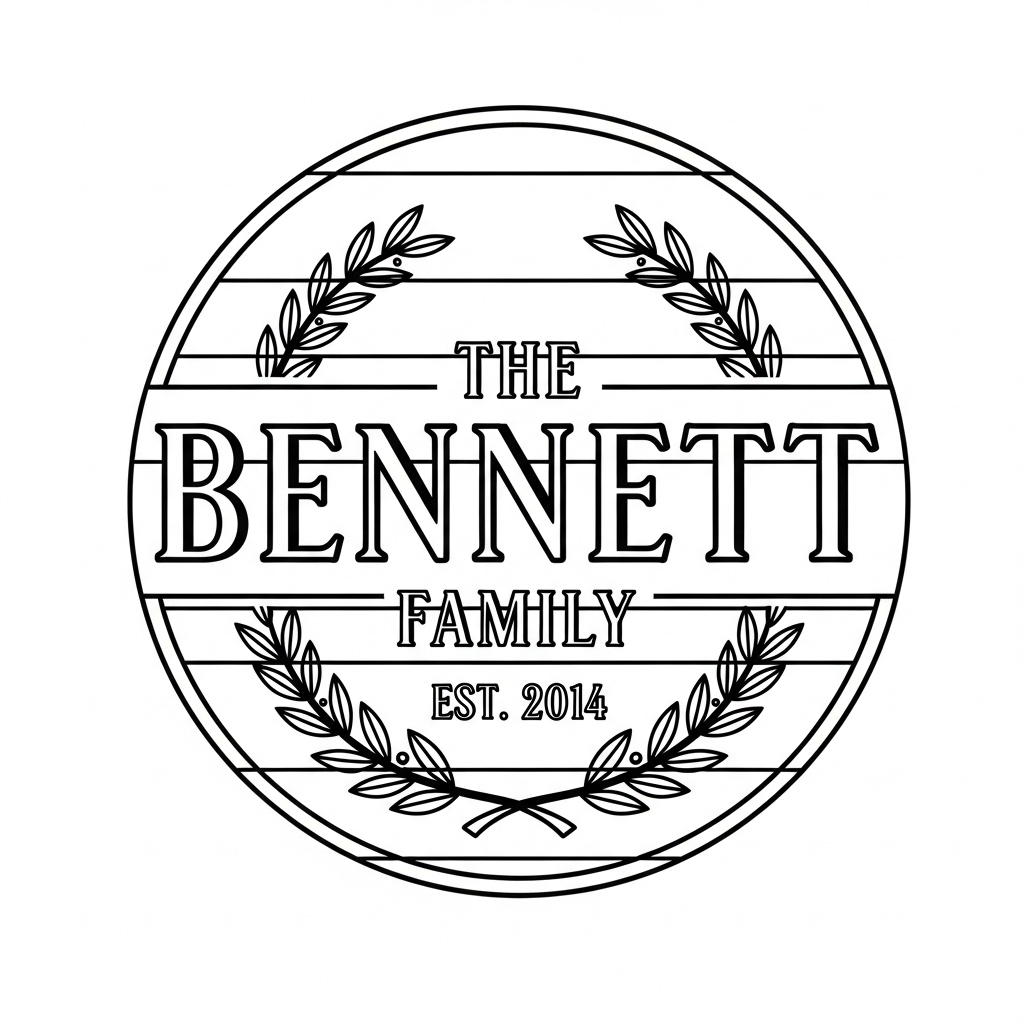
“The Bennett Family — Est. 2014 sign”
“Golden retriever portrait”
“"But first, coffee" kitchen sign”
“Geometric wolf head emblem”
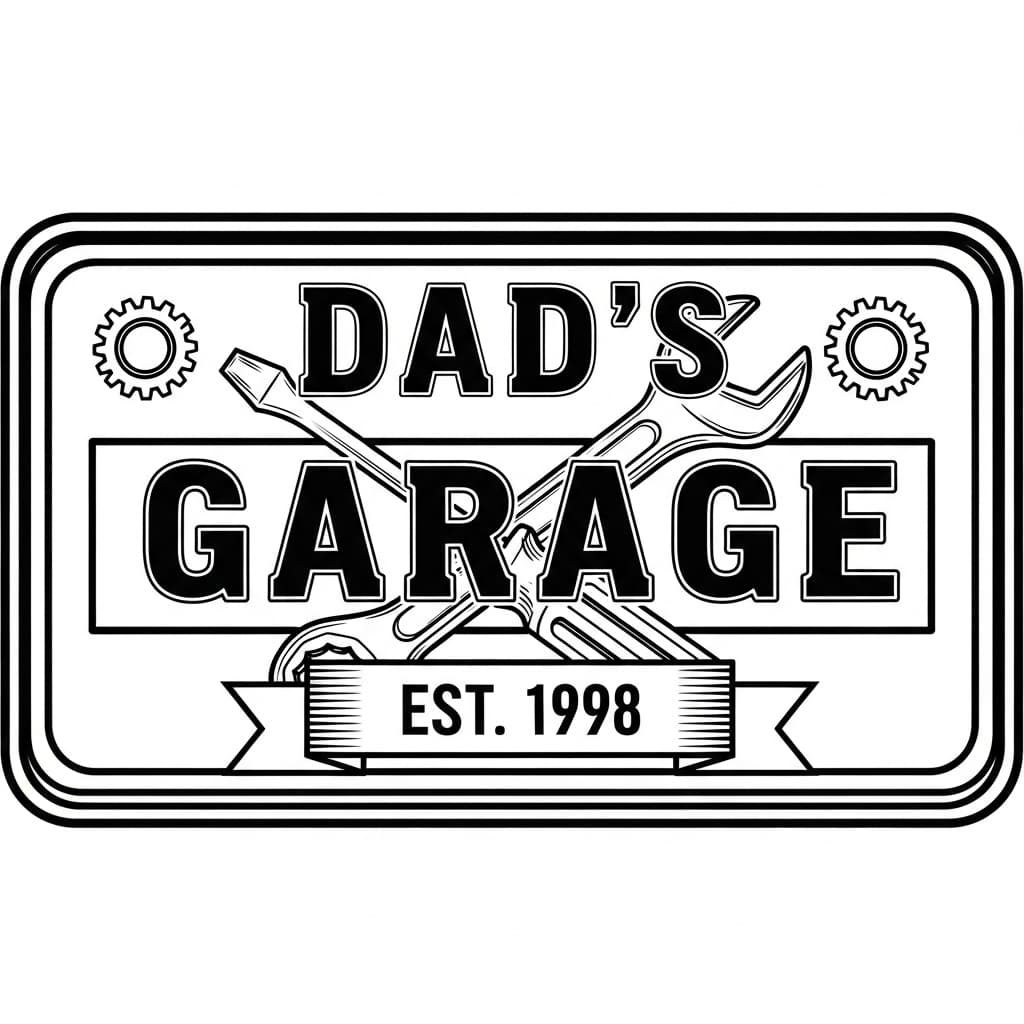
“Dad's Garage — Est. 1998 sign”
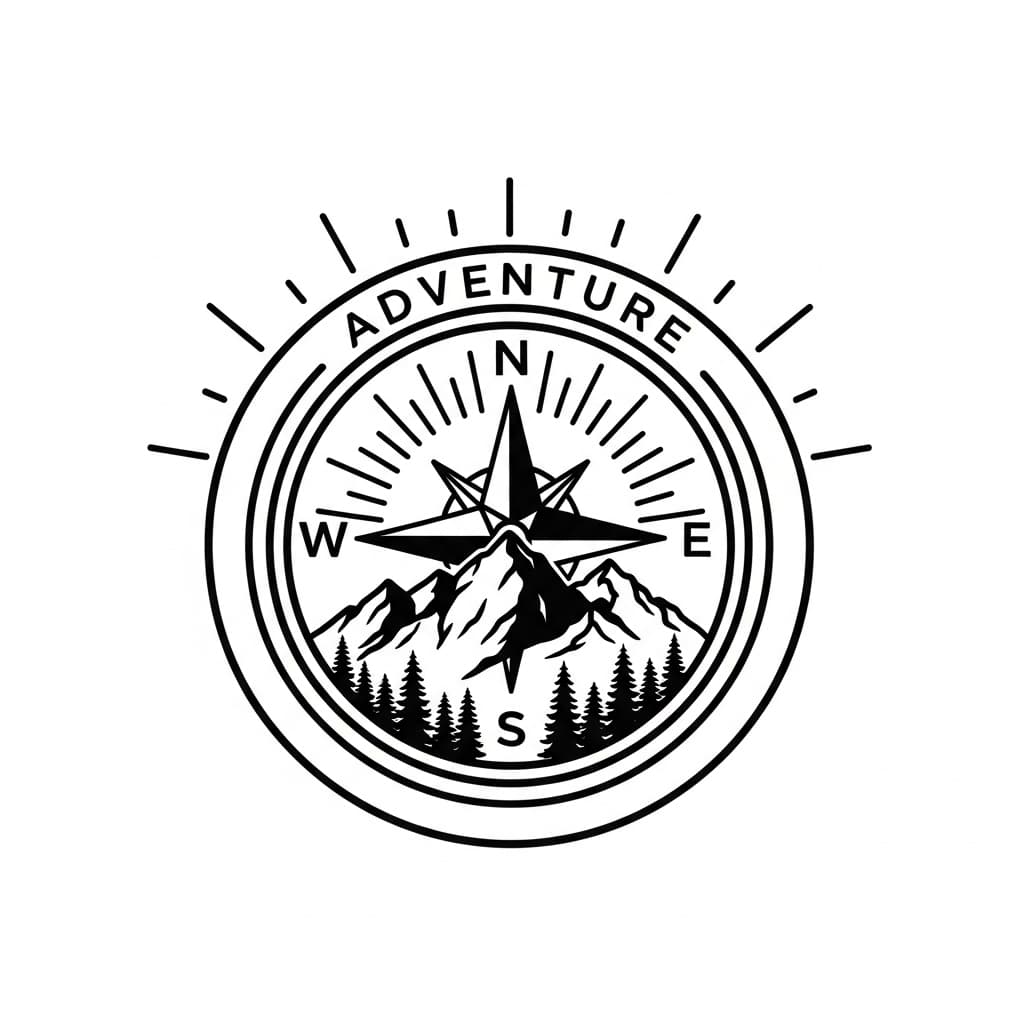
“Adventure compass & mountain badge”
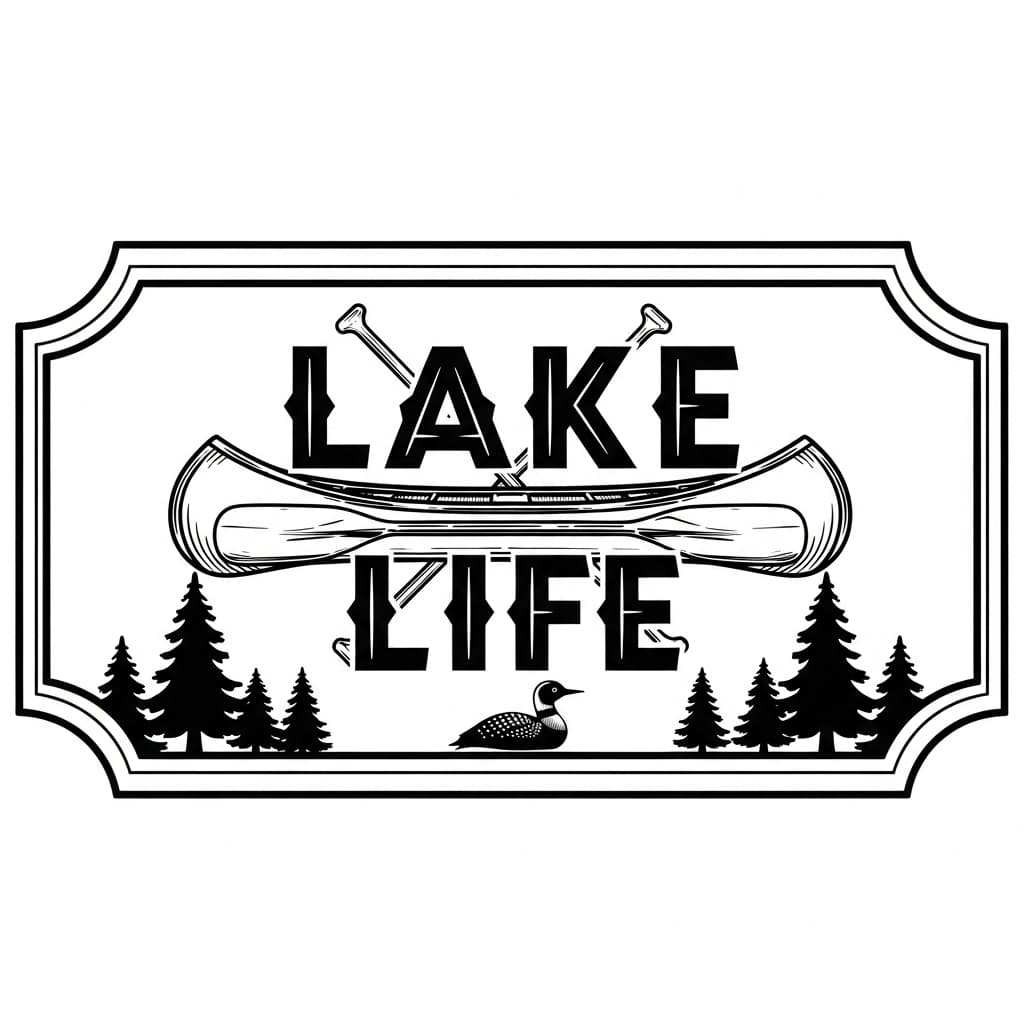
“Lake Life canoe sign”
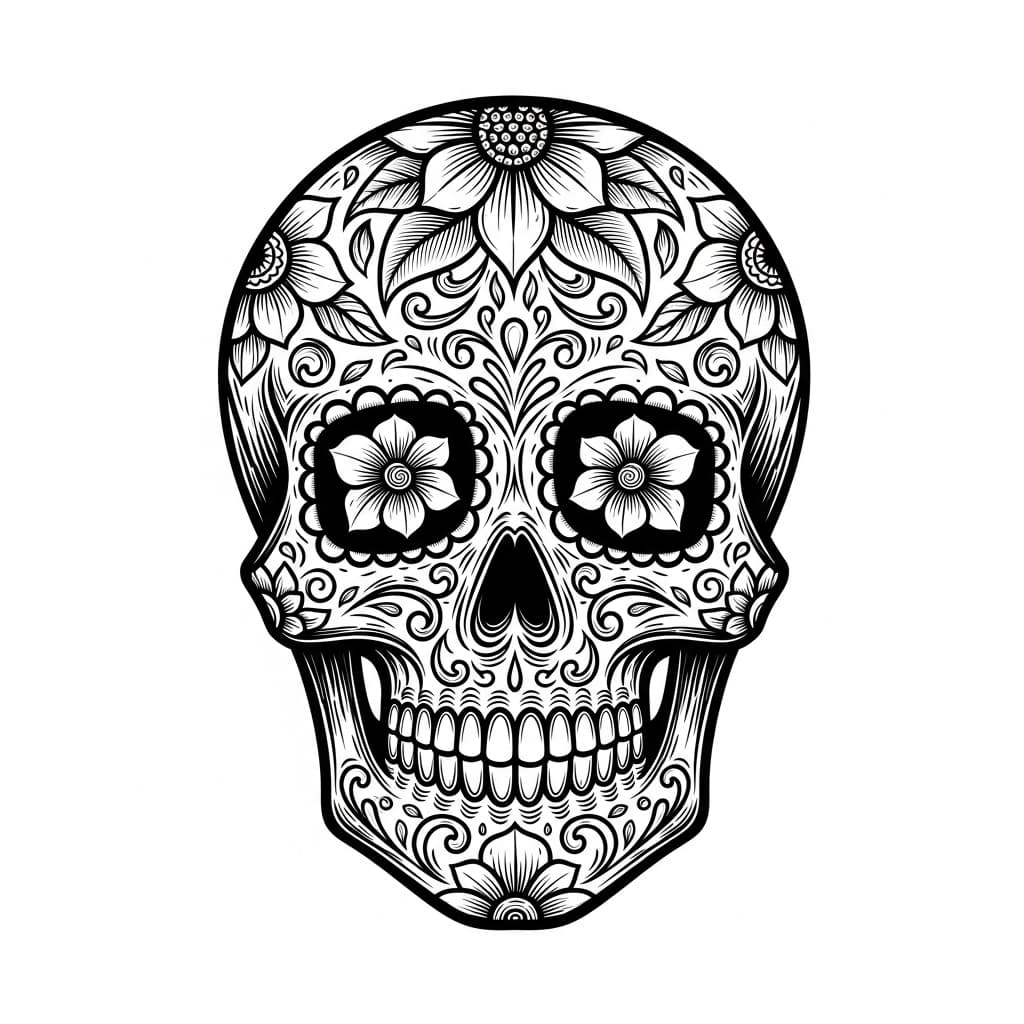
“Sugar skull with florals”
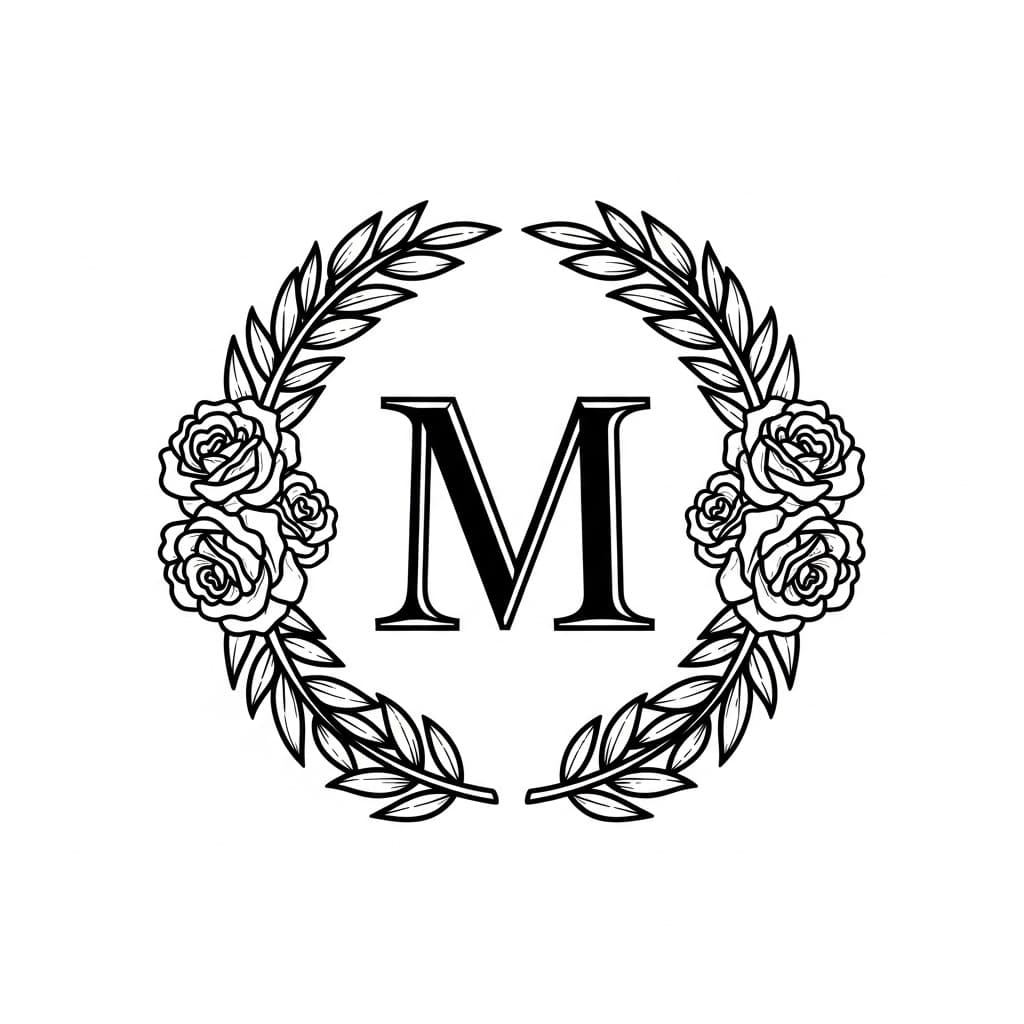
“Monogram M with rose wreath”
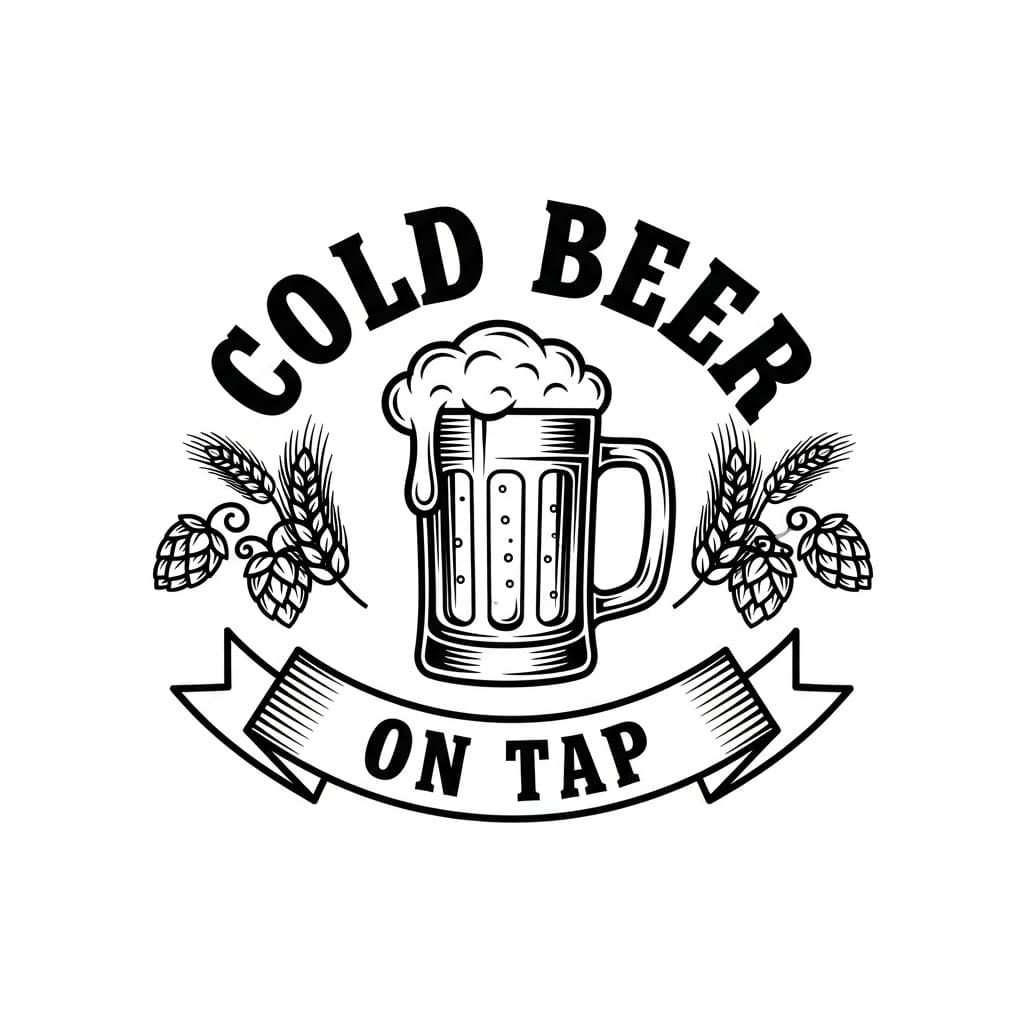
“Cold Beer On Tap pub badge”
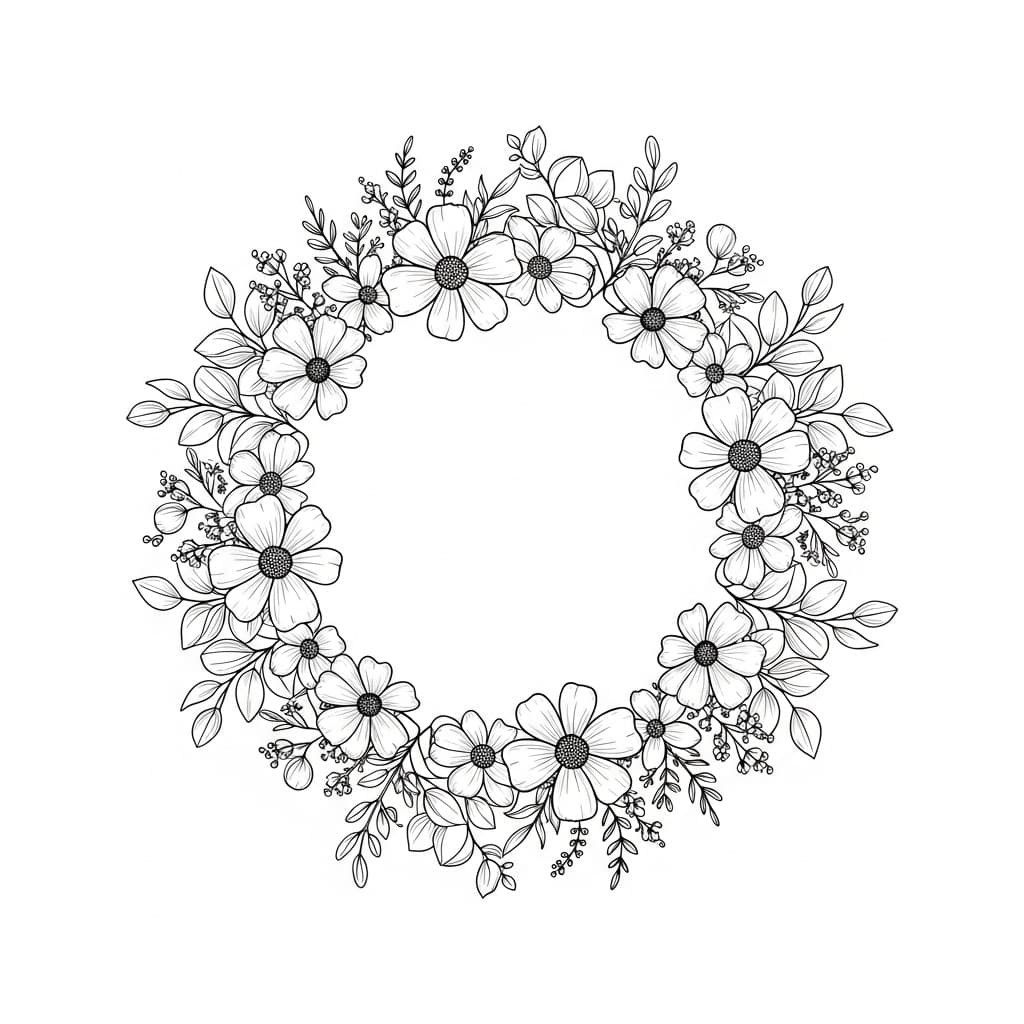
“Wildflower wreath frame”
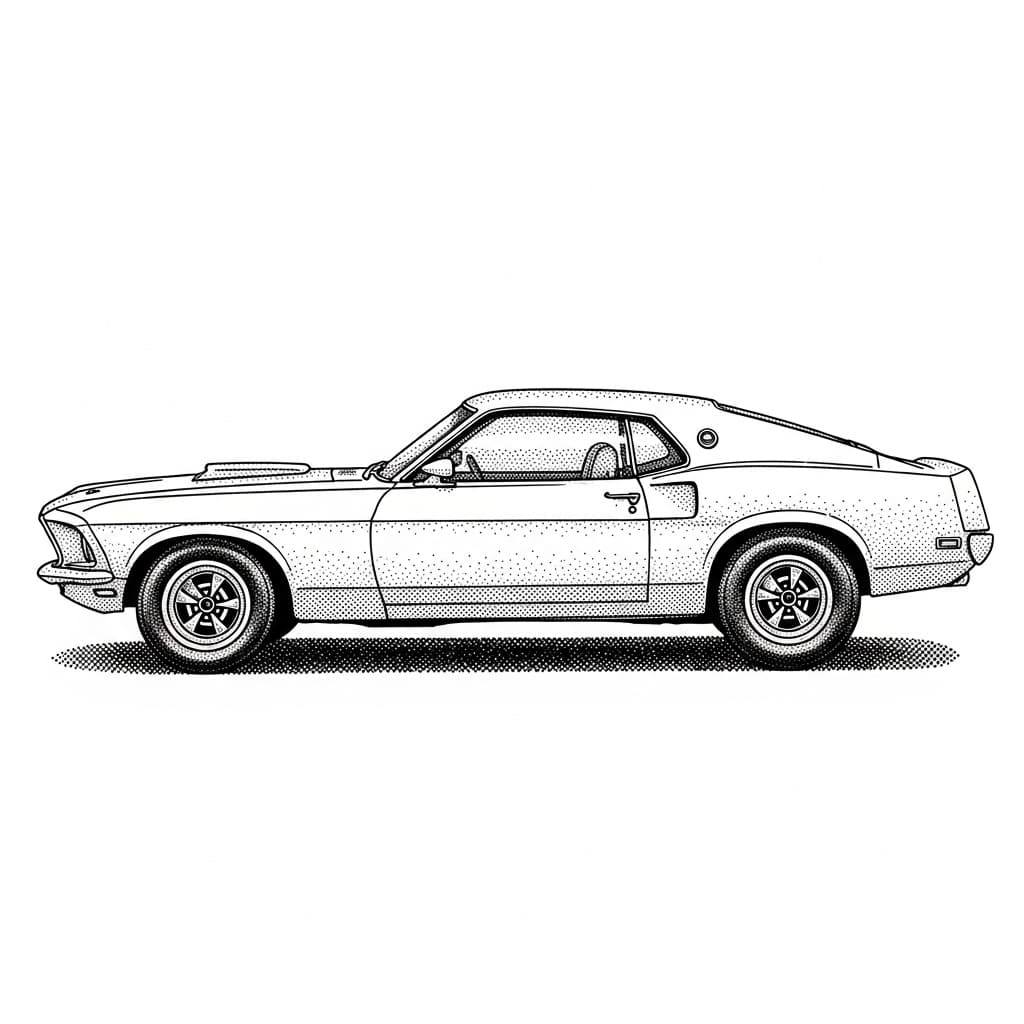
“1969 Mustang side profile”
Gallery images generated with Nano Banana Pro · Available to all users
What will you make?
From one-off gifts to a full Etsy catalog — start from a proven design and have a laser-ready file in seconds.
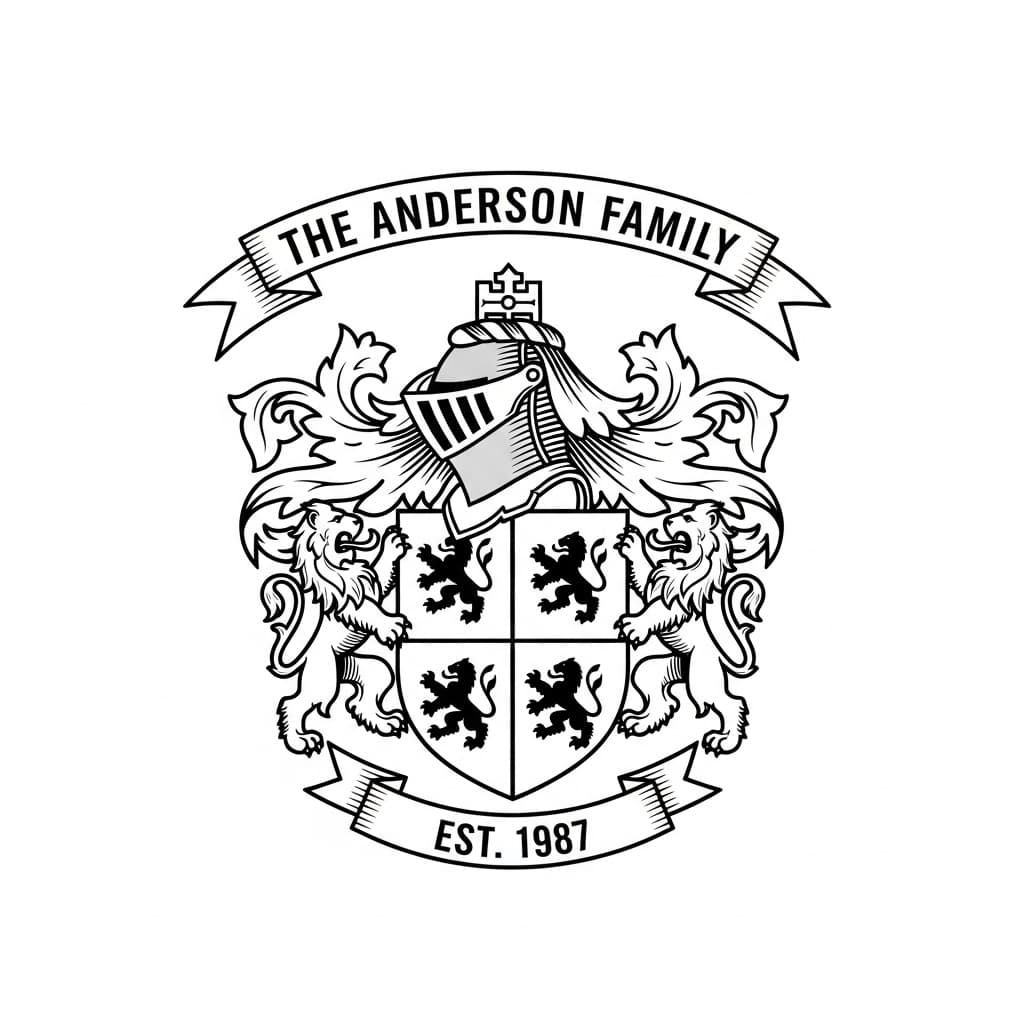
Custom Family Crests
Original coats of arms with your family name and country of origin. A standout wedding or reunion gift.
Explore family crests→Name & Established Signs
Personalized family name plaques and “Est.” signs — the bread-and-butter of a laser side hustle.
See family name signs→Pet & Photo Engravings
Upload a photo of a pet or loved one and get a clean, engravable portrait — no tracing required.
Convert a photo→Wedding Monograms
Elegant initials wrapped in florals for invitations, cake toppers, and welcome signs.
See wedding monograms→Bar, Garage & Workshop Signs
Bold personalized signs for the garage, bar, or shop — text, dates, and icons baked right in.
See garage & bar signs→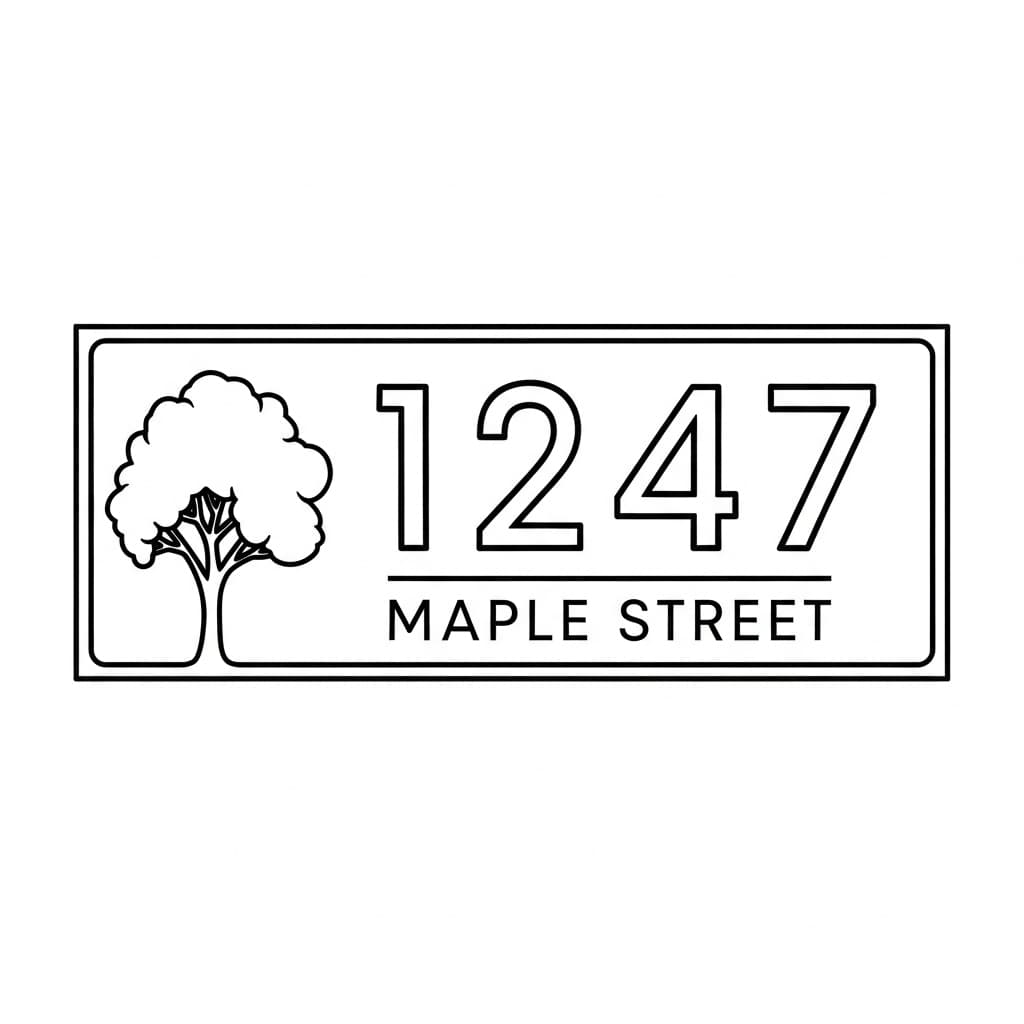
Address & House Number Signs
Modern, farmhouse, or classic house number plaques — a go-to housewarming present and realtor closing gift.
See address signs→What you get
Industry-standard output
Every file uses proper layer separation — red strokes for cut paths, embedded rasters for engrave detail. Exactly what your laser software expects.
Export formats
Professional laser files in seconds, not hours
Powered by Google's latest Imagen AI, specifically optimized for laser engraving. Describe any design, and our pipeline generates it, traces it to clean vectors, and delivers laser-ready SVG files you can cut at any scale.
Google Imagen AI
Highest quality AI image generation, fine-tuned for bold, high-contrast laser artwork
Auto Vector Conversion
Our hybrid tracing engine converts to clean SVG paths with separated cut and engrave layers
Scale to Any Size
Vector output means no quality loss. Engrave on a keychain or cut a 4-foot wall piece
Buy credits once, use them whenever. No subscriptions. Credits never expire.
- 10 high-quality AI generations
- AI recreation of sketches/photos
- SVG + PNG exports
- Commercial use rights
- Credits never expire
- 40 high-quality AI generations
- AI recreation of sketches/photos
- SVG + PNG exports
- Commercial use rights
- Credits never expire
- 80 high-quality AI generations
- AI recreation of sketches/photos
- SVG + PNG exports
- Commercial use rights
- Credits never expire
Questions, answered
What is LaserBurn AI?
+
LaserBurn AI is an online tool that turns any text description, photo, or sketch into laser-ready files. It generates the artwork with Google’s Imagen AI, then automatically traces it into clean SVG cut paths and engrave layers — no Adobe Illustrator or manual tracing required.
Which laser software does it work with?
+
The files import directly into LightBurn, xTool Creative Space, Glowforge, and RDWorks — any laser software that accepts SVG or DXF.
Can it create text, lettering, and signs?
+
Yes. LaserBurn AI renders crisp, legible text for personalized signs, family name plaques, established-date signs, monograms, bar and garage signs, and hand-lettered quotes.
How much does LaserBurn AI cost?
+
Credit bundles start at $5 for 10 generations ($0.50 per image), $15 for 40 generations, and $25 for 80 generations. There is no subscription and credits never expire.
Do I get commercial use rights?
+
Yes. Every credit bundle includes full commercial use rights for the files you generate, so you can sell what you cut and engrave.
What file formats do I get?
+
Every generation produces an SVG (vector cut paths plus raster engrave detail), a PNG transparent engrave layer, and a DXF file with CAD-compatible cut paths.
Do I need design software like Illustrator?
+
No. You describe what you want to make or upload an existing image, and LaserBurn AI handles the AI generation, vector tracing, and cut/engrave layer separation automatically.