Photo to Engrave Converter
Upload any photo and our AI converts it into a laser-ready engraving file. You get both a styled PNG preview and a clean vector SVG, ready for Lightburn or any laser software. Requires 1 credit per conversion.
Click to upload your photo
JPG or PNG, any size
Turn any photo into a laser-ready engraving
Most photo-to-engraving workflows take 10–20 minutes of fiddling in Photoshop or Lightburn — adjusting threshold sliders, tracing bitmaps in Inkscape, cleaning up speckle, exporting layers. Our AI converter collapses that whole pipeline into one click. Drop in a color photograph, get back a stylized black-and-white engraving and a clean vector SVG, both ready to drop straight onto a CO2 or diode laser.
The model was tuned specifically for engravable output — high contrast, no dead-flat solid black areas, fine crosshatch shading, and clean silhouettes that vector-trace without artifacts. You don't pick a style, set a threshold, or denoise. Upload, convert, download.
Example result
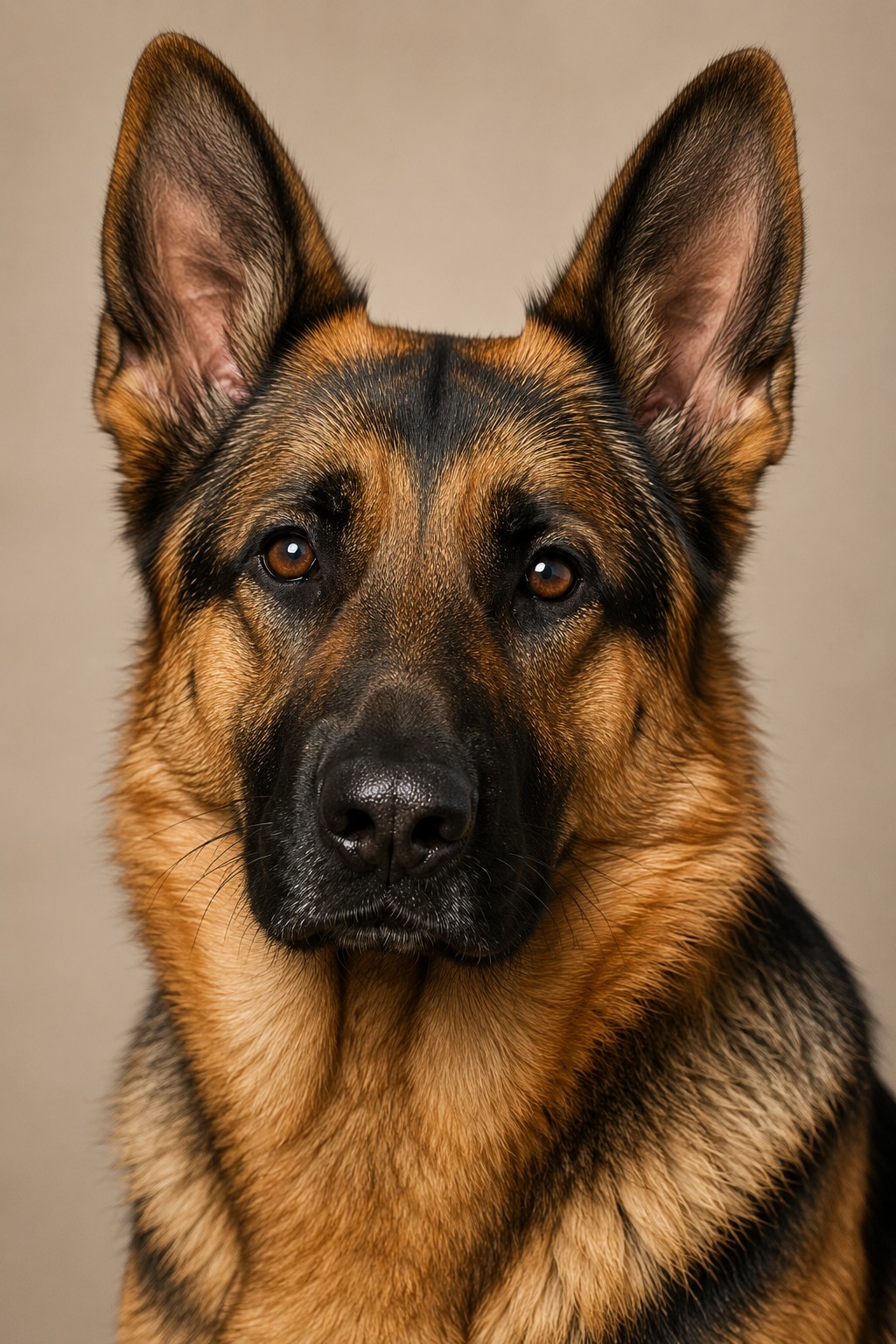
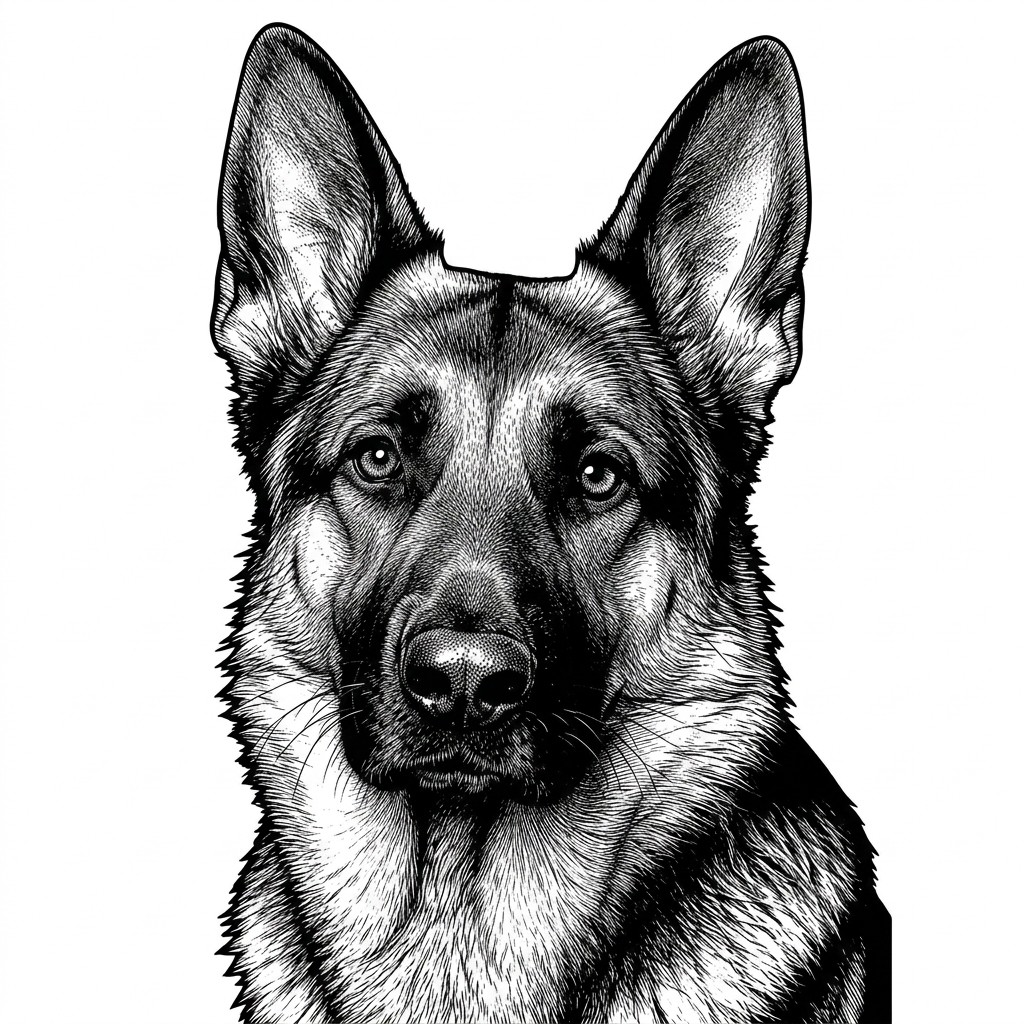
One upload, one credit — the styled engraving and its vector trace come back together, ready for Lightburn.
How it works
- STEP 1
Upload your photo
Drop in any JPG or PNG. Portraits, pets, landscapes, architecture — anything with a clear subject and reasonable contrast will convert cleanly.
- STEP 2
AI restyles in seconds
Gemini-powered styling converts your image into an engraving-optimized black-and-white render, then auto-traces it into a clean vector path.
- STEP 3
Download PNG + SVG
Get both formats in a single conversion. Open the SVG in Lightburn, RDWorks, xTool, or Glowforge — or send the PNG straight to a diode laser.
Why use AI instead of manual tracing
Seconds, not minutes
No threshold tuning, no manual cleanup, no Inkscape trace dialog. One click returns a finished file.
Engraving-optimized output
The AI is tuned to avoid the failure modes of naive photo-to-bitmap conversion: muddy skin, blown-out highlights, and large solid black areas that scorch wood.
Vector + raster, both included
CO2 users get a clean SVG. Diode users get a high-contrast PNG. You don't have to choose or re-export.
Works with any laser software
SVG output is standards-compliant — opens in Lightburn, RDWorks, LaserGRBL, xTool Creative Space, Glowforge, and Inkscape without conversion.
Frequently asked questions
How does the photo to engraving converter work?+
Upload a photo, click convert, and our AI restyles your image into a high-contrast black-and-white engraving optimized for laser machines. The tool then auto-traces the result into a clean vector SVG, so you get both a PNG preview and a laser-ready SVG file in a single step — typically in under 30 seconds.
What kind of photos work best?+
Portraits, pet photos, landscapes, and architectural shots all convert well. Photos with clear subjects, good lighting, and decent contrast produce the cleanest engravings. Very busy backgrounds, low-resolution images, or heavily filtered photos may produce muddier results.
What file formats do I get?+
Every conversion returns two files: a PNG raster of the styled engraving (great for previewing or for diode lasers that prefer raster input) and an SVG vector file (ideal for CO2 lasers, Lightburn, and any cutter that prefers clean line art).
Which laser machines is the output compatible with?+
The SVG output works with every major laser software — Lightburn, RDWorks, xTool Creative Space, Glowforge, LaserGRBL, and any tool that accepts SVG. The PNG works on diode lasers and any engraver that accepts raster image input.
How long does it take?+
Most conversions complete in 15–30 seconds. There are no manual steps, sliders, or thresholds to tune — the AI handles styling and the auto-tracer handles vectorization.
How much does it cost?+
Each conversion costs 1 AI credit. Credits are included with your LaserBurn AI plan or available as a top-up.
More Tools
Box Generator
Generate custom finger-joint boxes for laser cutting.
Free · no signup
Living Hinge Generator
Living hinge patterns for plywood, MDF and acrylic. Free SVG/DXF.
Free · no signup
 Pro
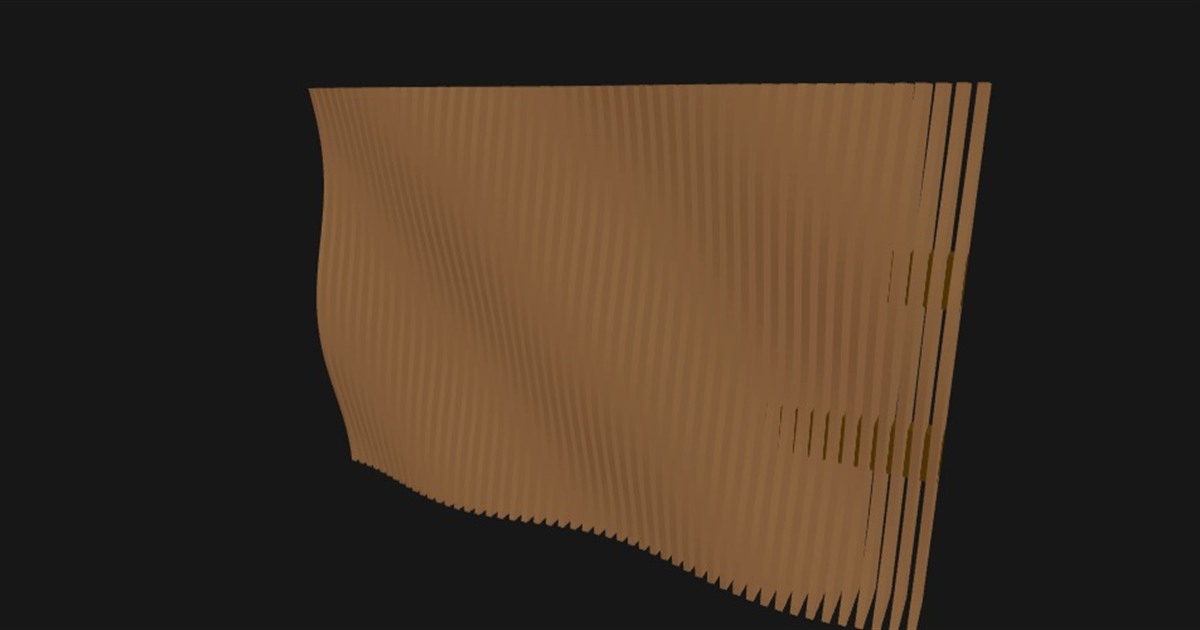
ProParametric Wall Art
Design custom 3D parametric wall art from patterns or images.
$29 one-time · design free