The seasonal engraving collection / Easter
10 free Easter
laser engraving files
Small spring stories, made to keep.
Hares, chicks, botanical eggs and gentle spring wildlife meet an Easter lily cross and flowering branches. Ten distinct designs for thoughtful handmade spring gifts and seasonal decor.
10 original designsSVG + PNGPhysical products may be sold
The complete collectionFree
Email signup through Lemon Squeezy. No generation credits needed.
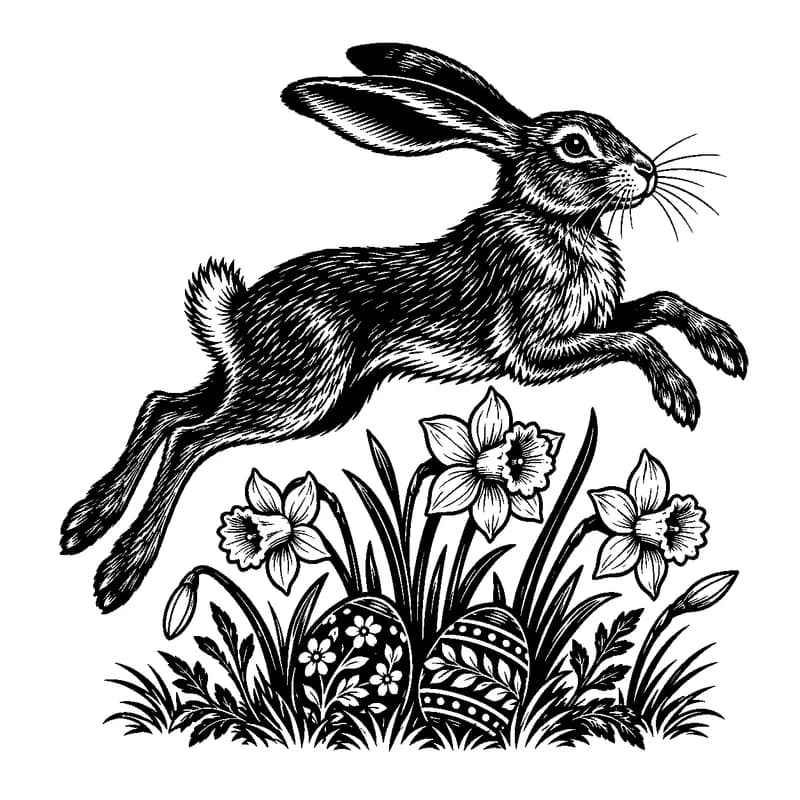
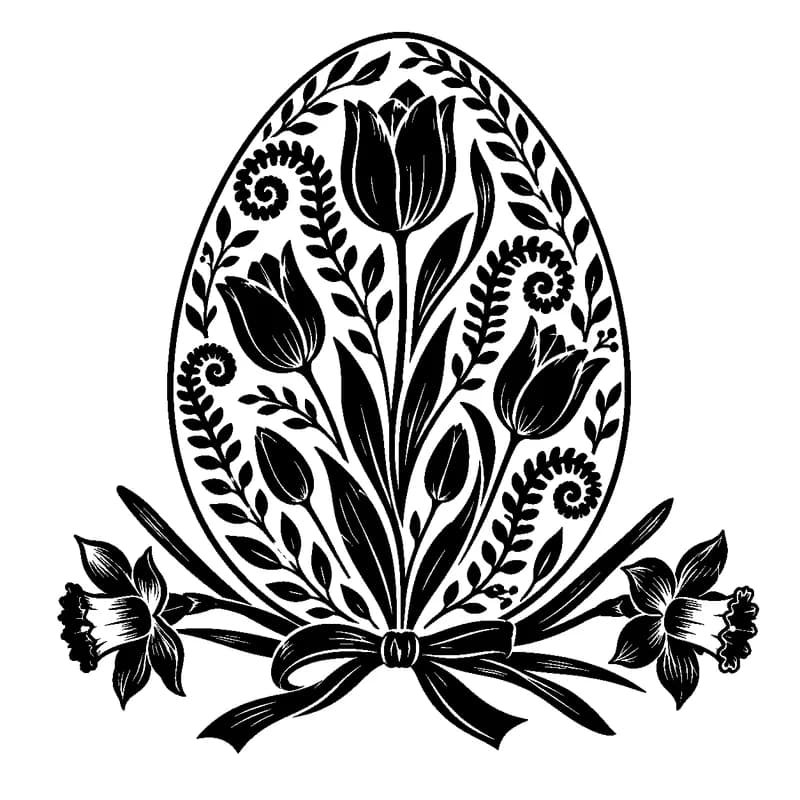
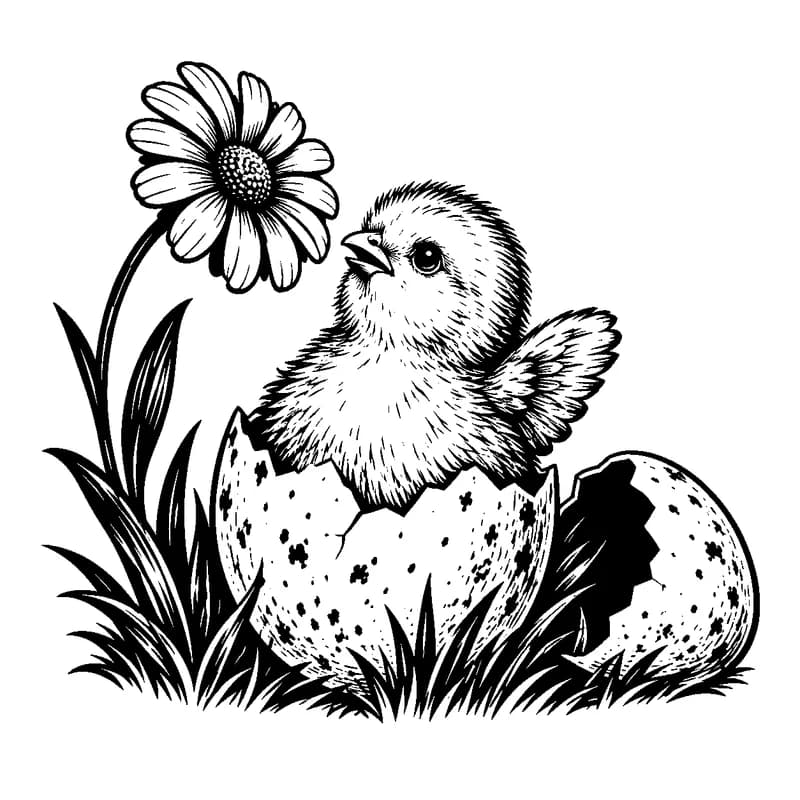
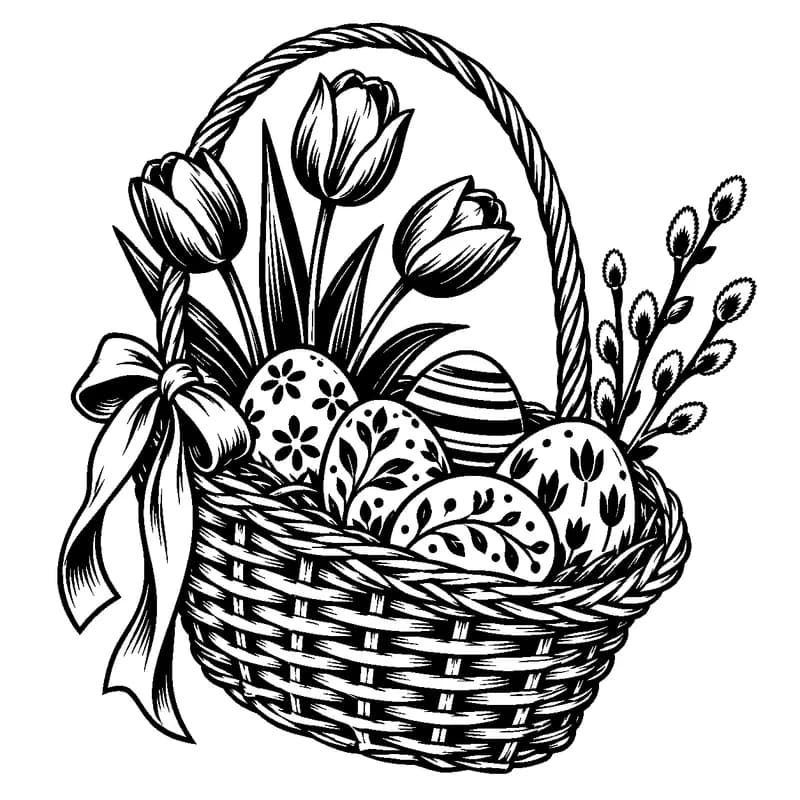
Every design in the ZIP
Meet the collection
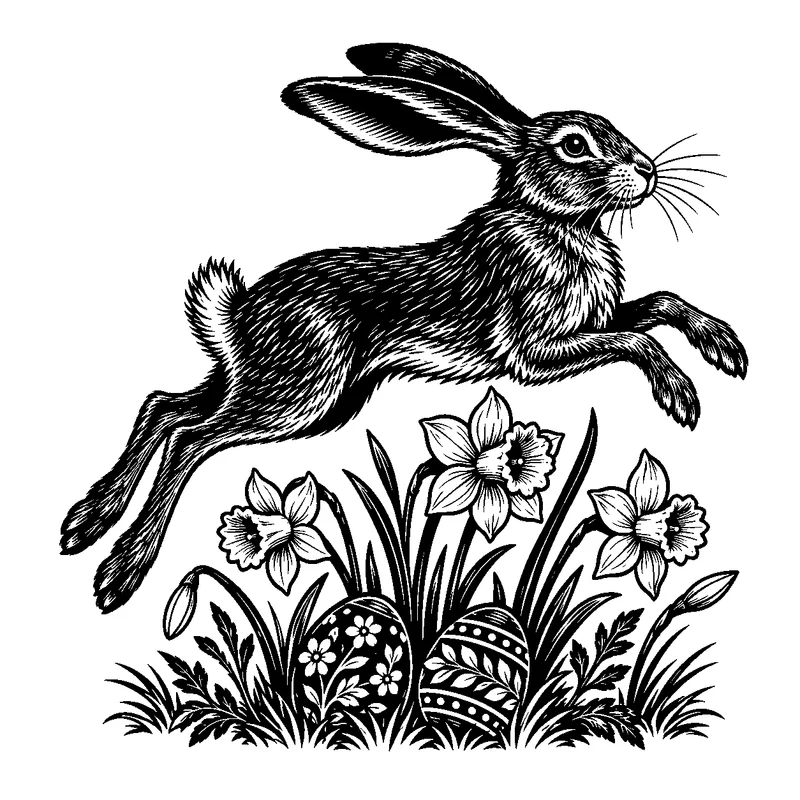
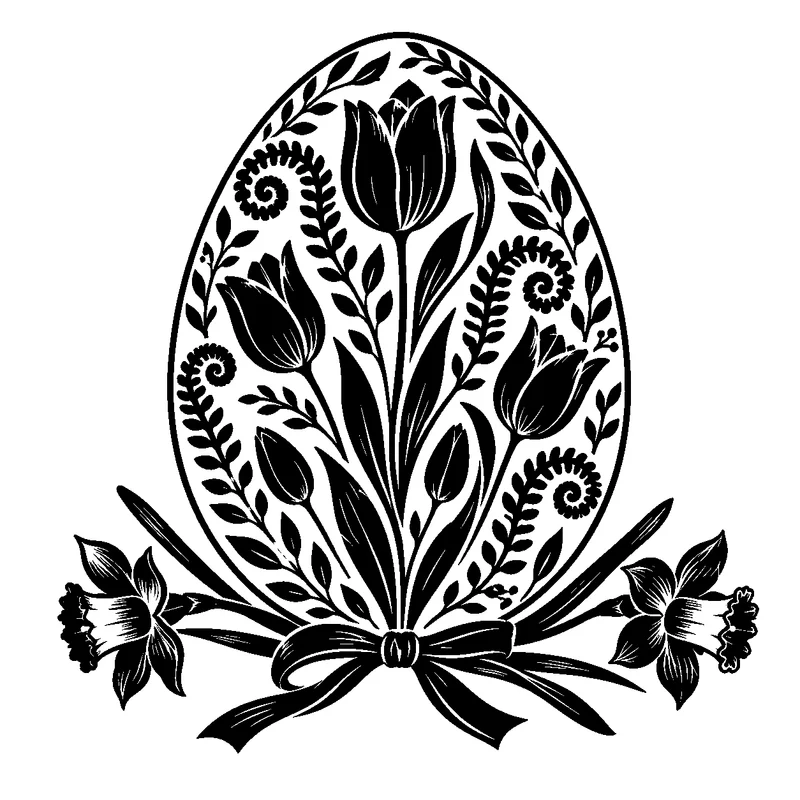
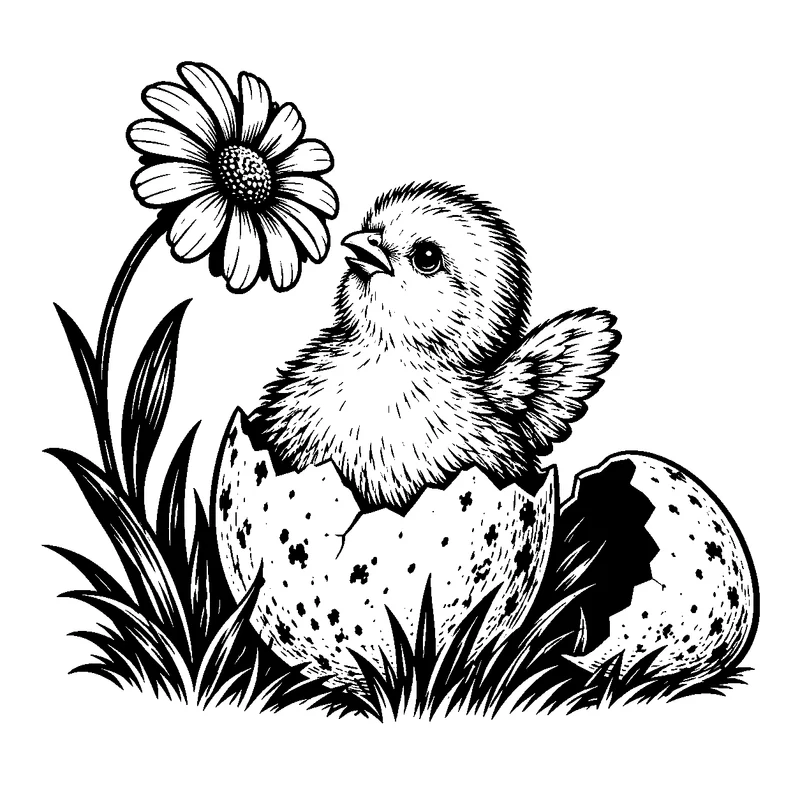
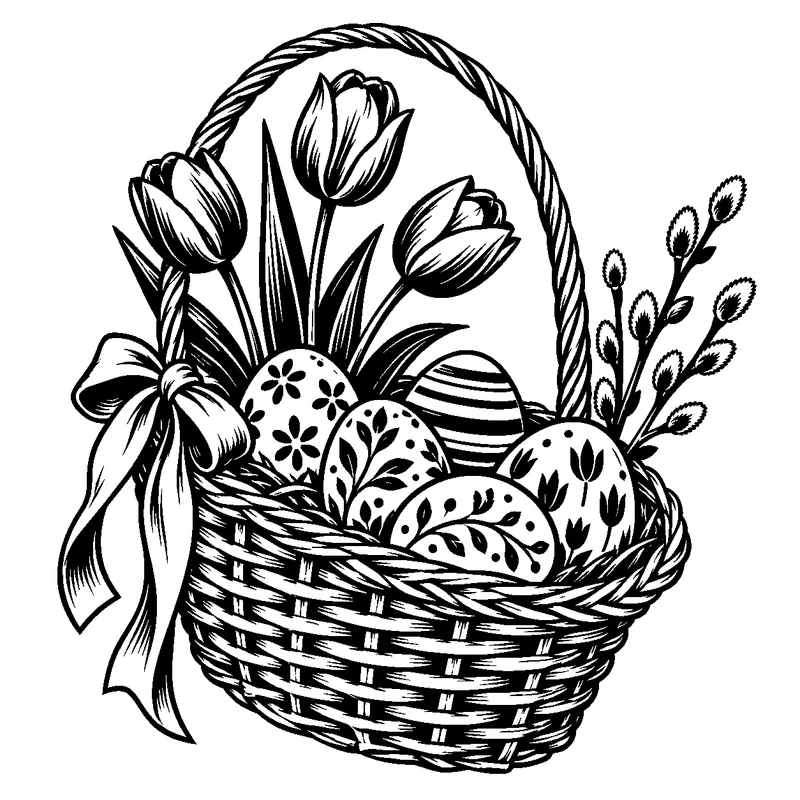
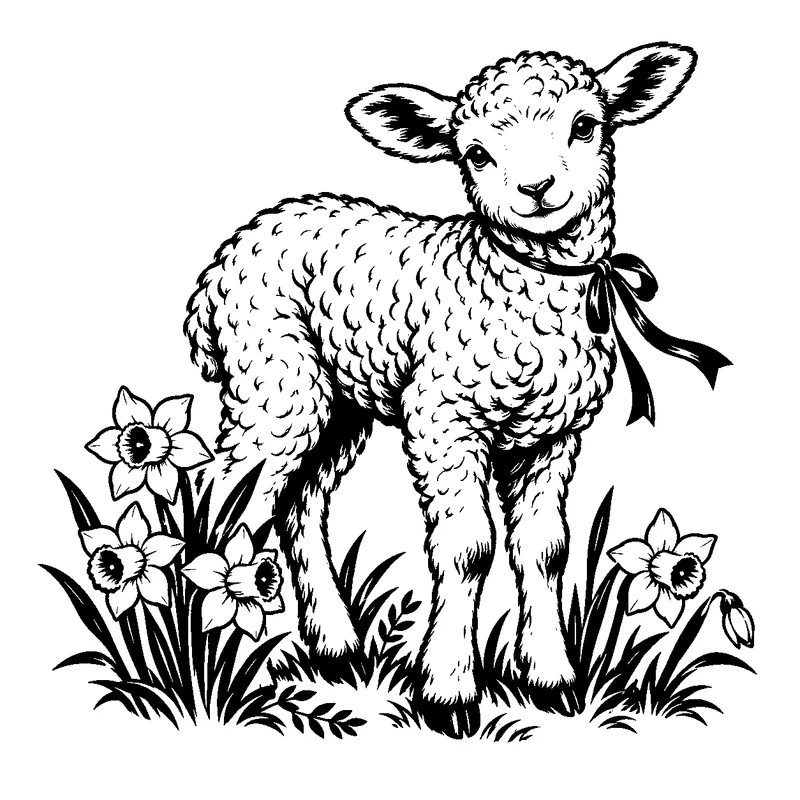
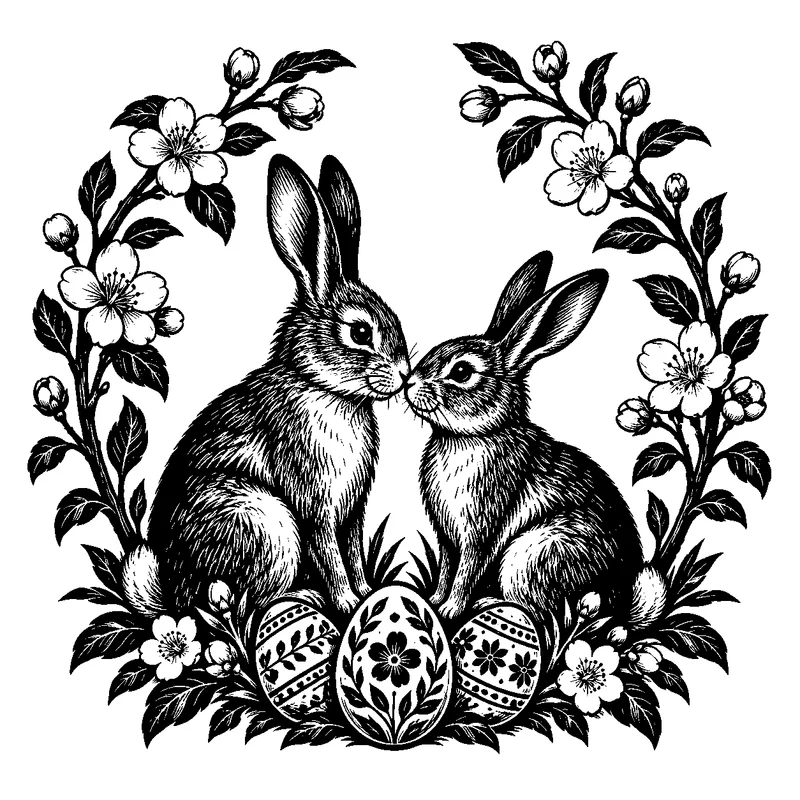
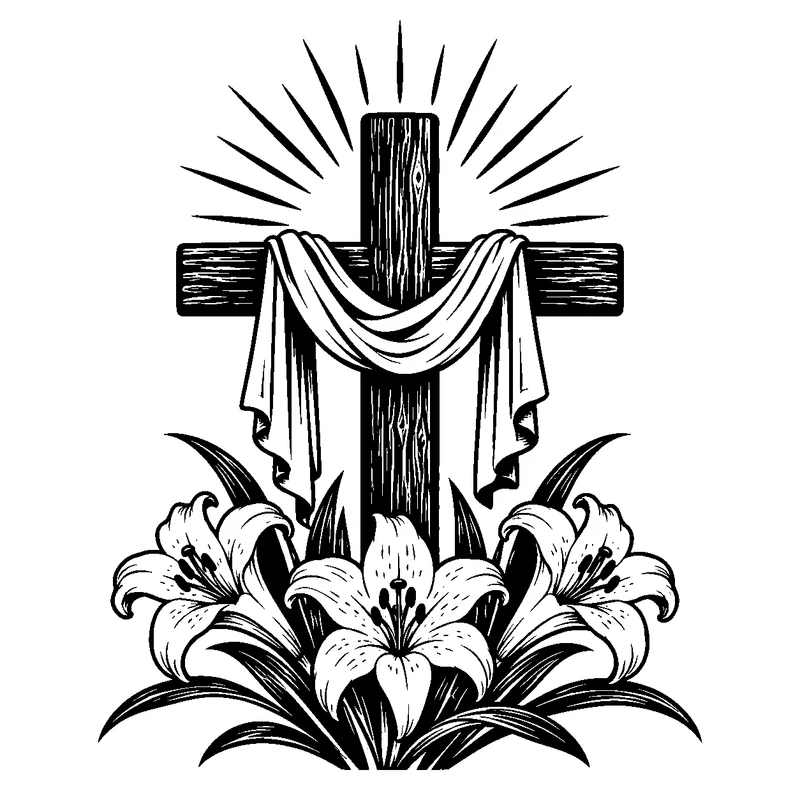
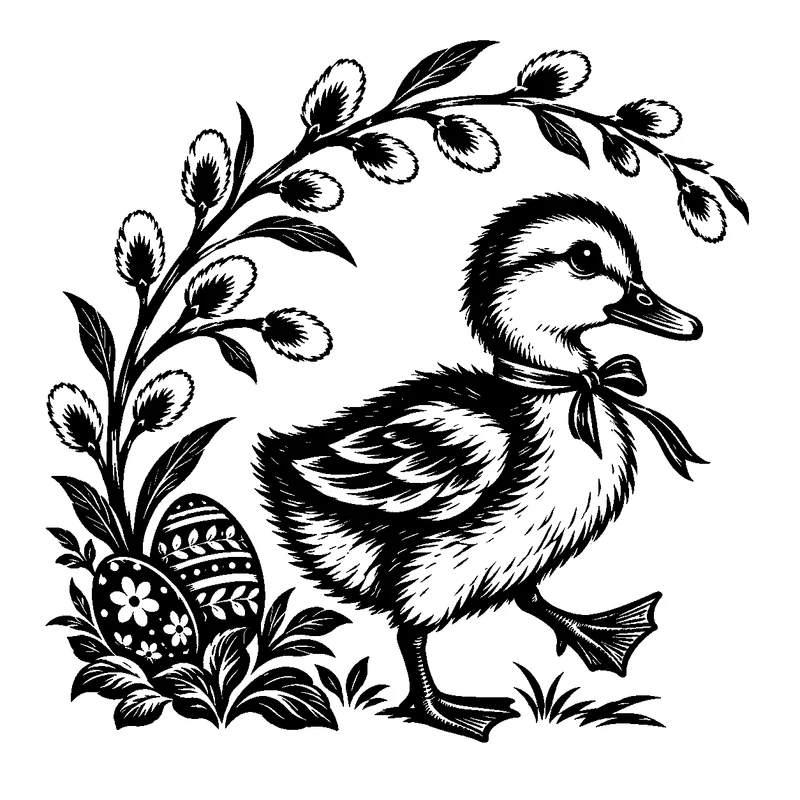
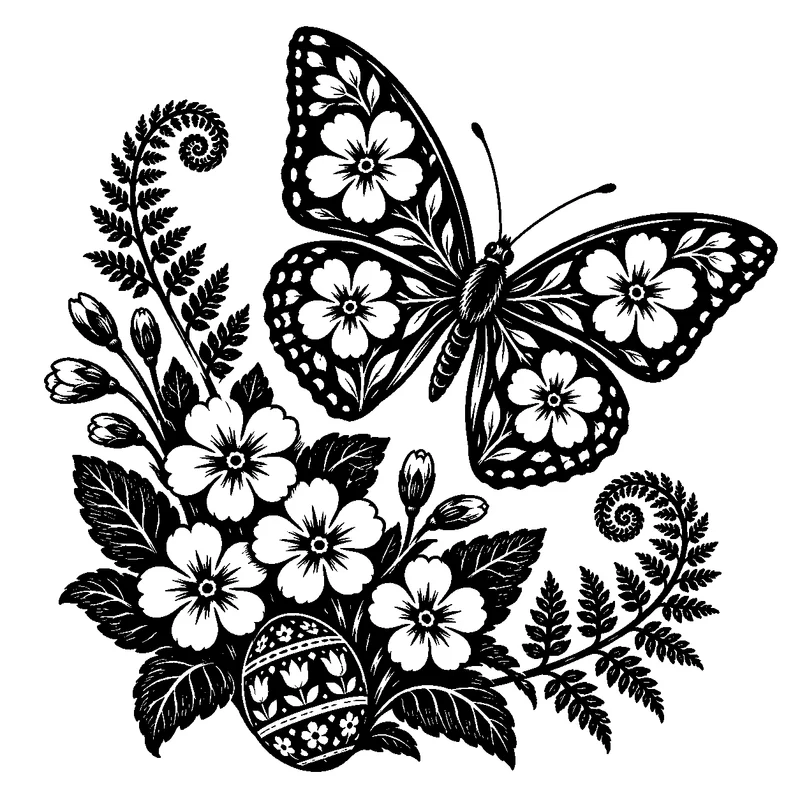
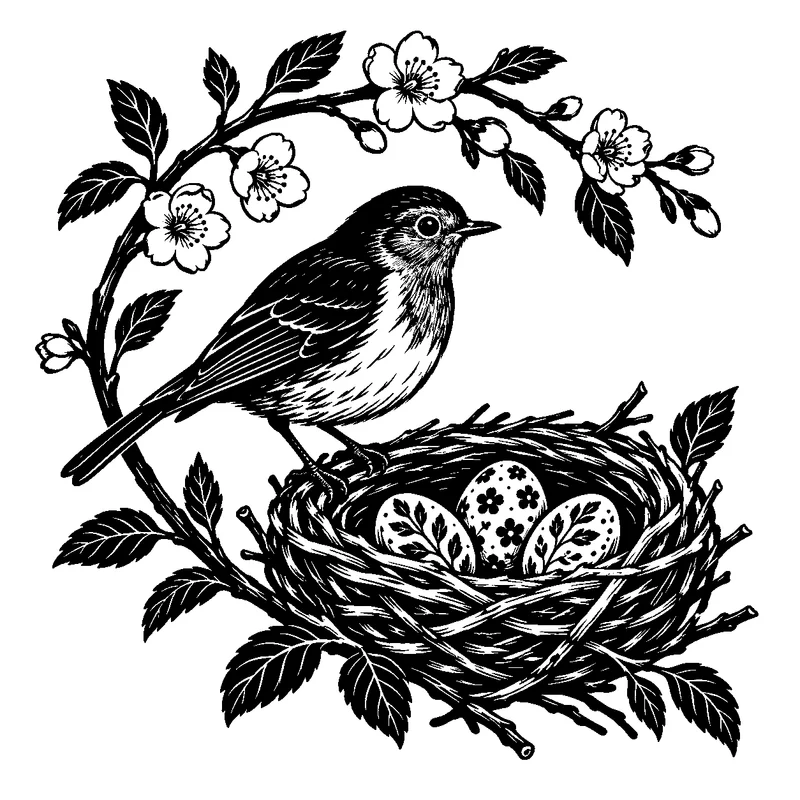
Make something seasonal
- Easter basket keepsake tags
- Spring mantel plaques
- Artwork for your own egg-shaped blanks
Open. Size. Test. Engrave.
Import an SVG for fill engraving or a PNG for raster engraving. Scale the artwork, check the details, and test on scrap before making a batch. The ZIP includes step-by-step notes.
Your next original idea
Want a different animal, a custom composition or artwork for a particular recipient? Use these files as a starting point for your making, then explore custom AI designs.
Frequently Asked Questions
Are these Easter laser engraving files really free?+
Yes. The complete pack costs $0. Enter your email through Lemon Squeezy to receive the download. No paid subscription or generation credits are required.
Which files are included?+
Ten distinct designs, each supplied as a PNG and a traced SVG. The ZIP also contains a visual index, getting-started instructions and a license. SVGs use a 150 × 150 mm canvas and can be scaled proportionally. No DXF or software-specific project files are included.
Are these engraving files or cut-through patterns?+
These are engraving artworks: the black areas are intended to engrave. They do not contain perimeter cut lines, hanging holes or structural bridges. Add a separate outline in your laser software if you want to make an ornament or coaster blank; do not cut every interior contour.
Can I sell physical products made with these designs?+
Yes. You may make and sell physical items using these files, including at craft fairs or in your shop. You may not resell, redistribute, share or upload the original or modified digital files. The included license explains the terms.
Will these work in LightBurn or my laser software?+
The pack uses standard SVG paths and PNG images. Check which formats your software imports. In LightBurn, use Fill for SVG engraving artwork or an appropriate image engraving mode for PNG. Choose settings for your own machine and material; these designs have not been physically engraved as part of preparation.
How small can I engrave them?+
Start around 100–150 mm or larger for the detailed designs, inspect the smallest features, and run a material test. Reliable detail depends on your laser spot size, material, focus and settings. A file format alone cannot guarantee a clean result at every size.