Current reader offer
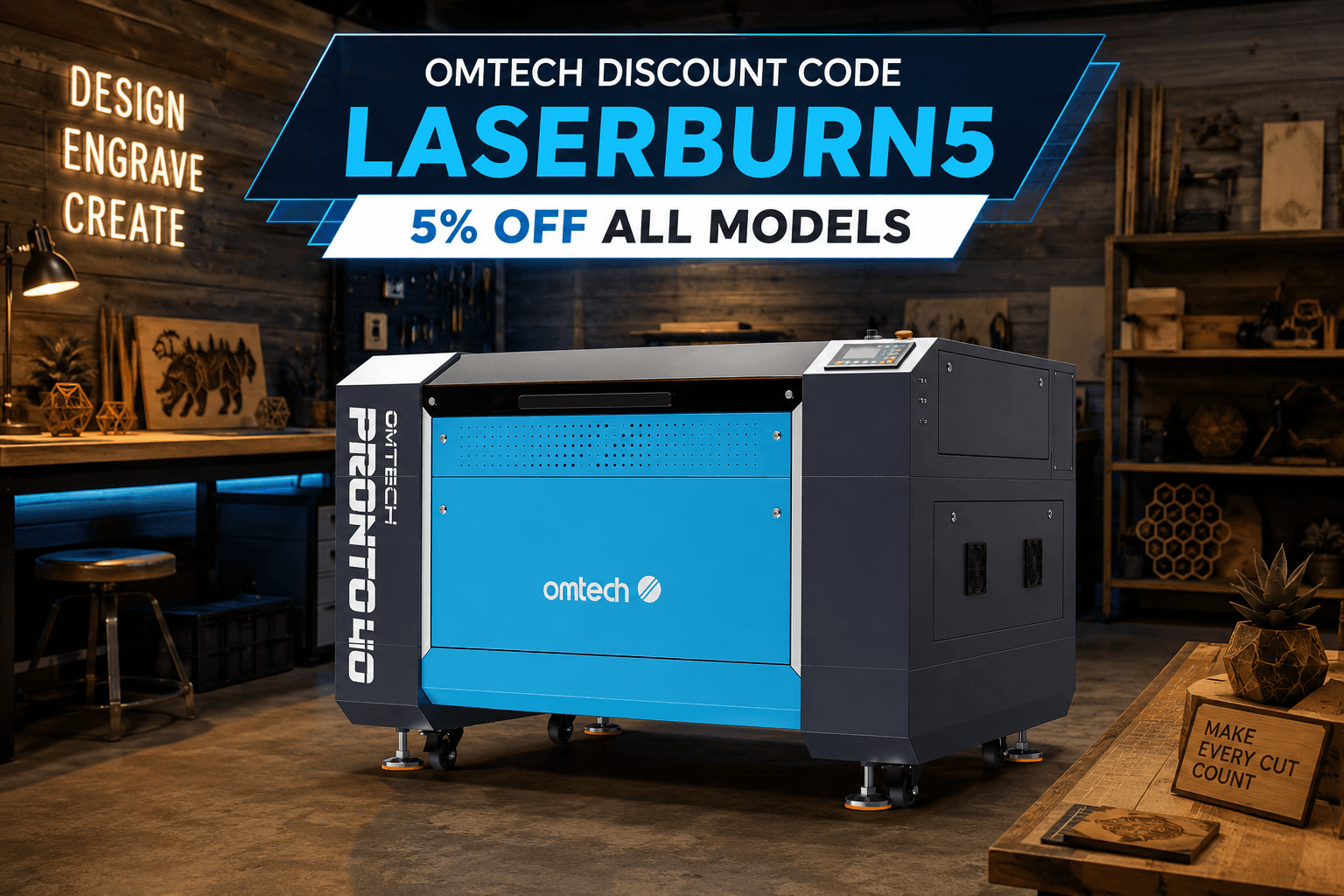
OMTech Discount Code: Save 5% with LASERBURN5
Copy the code, follow the checkout steps, and verify the discount before you place the order.
Offer details last checked August 27, 2026.
How to use the code
- Open OMTech through one of the product links below.
- Add the machine, bundle, material, or accessory you want to the cart.
- Enter LASERBURN5 in the discount-code field.
- Apply the code and confirm the savings line before entering payment.
- If the code does not apply, check whether the item has a promotion-specific exclusion before ordering.
What 5% is worth on current machine prices
These examples use prices observed on official OMTech product pages on August 27, 2026. They are illustrations, not guaranteed live prices.
| Machine | Observed price | 5% example | Approx. after code |
|---|---|---|---|
| OMTech K40+ 45W | $599.99 | $30.00 | $569.99 |
| OMTech Polar Lite 55W | $1,999.99 | $100.00 | $1,899.99 |
| OMTech Pronto 35 60W Essential | $3,699.99 | $185.00 | $3,514.99 |
Shop the machines covered in our buyer guides
Other ways to save at OMTech
OMTech runs its own programs alongside reader codes. These details come from OMTech's pages as read on September 25, 2026; check the linked page for current terms.
- Military, teacher, student, and government discount. Active-duty military, veterans and retirees, K-12 teachers and professors, university students, and federal or local government employees can verify eligibility through VerifyPass and receive a one-time code. OMTech exclusive discounts
- Trade-up program. Keep your current laser and save when you upgrade to an eligible OMTech machine. OMTech states the trade-up code is not stackable with other discounts. OMTech trade-up program
- OMTech's public code page. OMTech's own discount-code page listed OMTech5OFF with an expiry date of December 31, 2025 when we read it. If it no longer applies at checkout, LASERBURN5 is the current 5% option on this page.
Free files for your first OMTech projects
A discount covers the machine. These cover what you cut on it, at no cost.
Need custom artwork for a specific machine? See custom OMTech laser files.
Before buying, choose the right machine
A discount cannot rescue the wrong machine. Compare the desktop Polar 2 RF and Polar Lite with the floor-standing Pronto series before you buy.
Frequently asked questions
Is there a discount code for OMTech?
Yes. LASERBURN5 takes 5% off eligible OMTech purchases at checkout. OMTech also runs its own verified-group discounts and a trade-up program, covered on this page.
What is the LaserBurn AI OMTech discount code?
Use LASERBURN5 at OMTech checkout. The current affiliate offer is 5% off eligible purchases.
Does LASERBURN5 work on sale prices?
Our current affiliate offer indicates the code can apply to eligible sale-priced items. Promotions and exclusions can change, so confirm that the discount appears in the cart before paying.
Does the code work on the Polar Lite, K40+, and Pronto?
Those machines are included in the current reader offer when eligible. Product availability, bundles, and exclusions can change.
Does OMTech have a military discount?
Yes. OMTech offers an exclusive discount for active-duty military, veterans, and retirees, as well as teachers, students, and government employees. Eligibility is verified through VerifyPass, which then issues a one-time code.
Can I combine LASERBURN5 with the OMTech trade-up discount?
OMTech states that the trade-up discount code is not stackable with other discounts, so use whichever gives the larger saving on your machine.
Why does LaserBurn AI have an OMTech code?
LaserBurn AI is an OMTech affiliate. We may earn a commission when a reader purchases through an OMTech link, at no added cost to the reader.
Prices, bundles, promotions, and code eligibility can change without notice. LaserBurn AI does not process the order and cannot modify OMTech checkout terms. Always confirm the final cart total.