Printable Puzzle Piece Templates
Free puzzle piece templates to print on letter or A4 paper or save as a PDF: 4, 6, 9, 12, 20 and 24 pieces, one large piece, and a heart. Every template is also an SVG for Cricut and laser cutters.
No sign-up. Pick the paper and the line colour, then print.
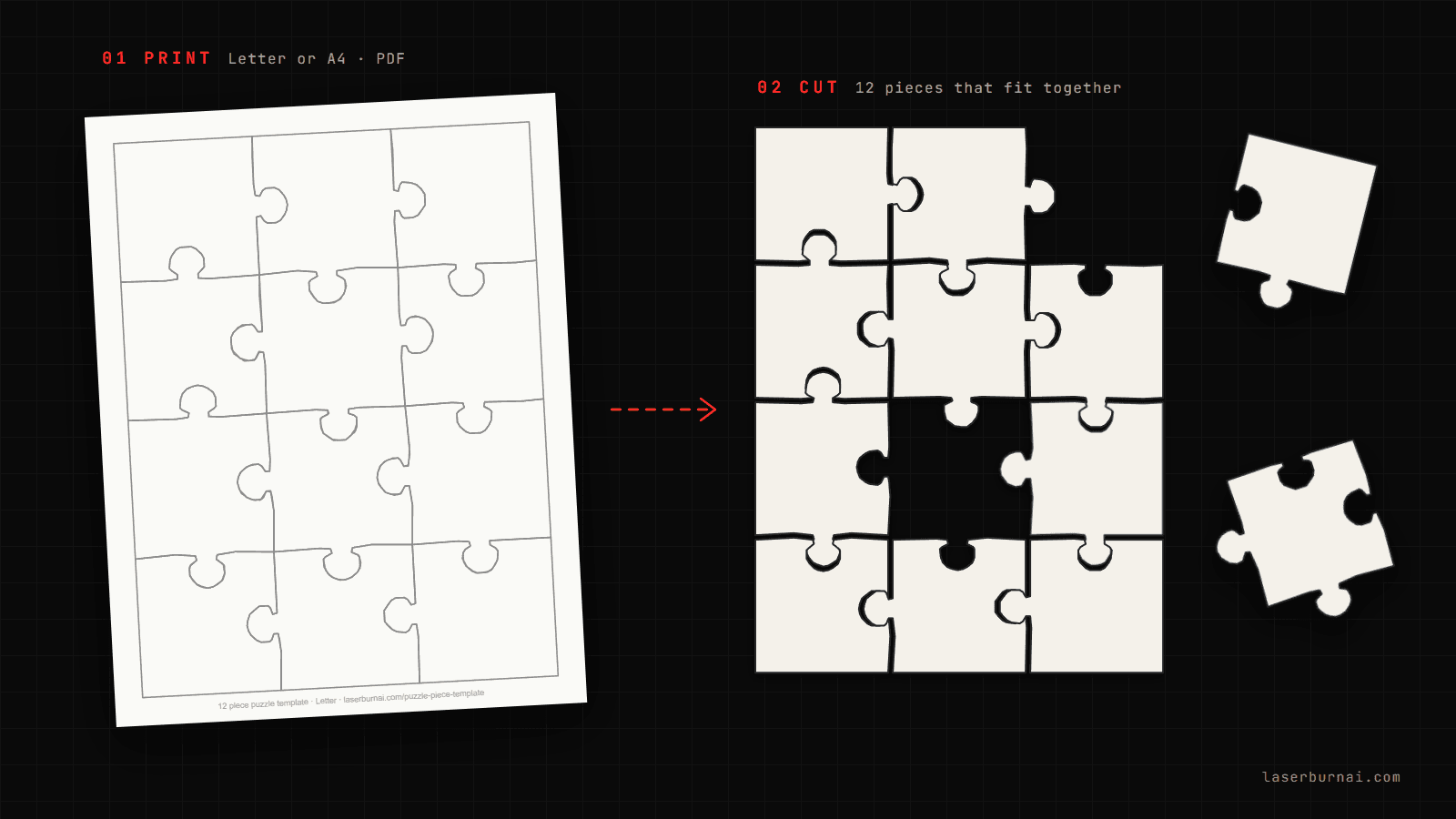
Choose a template
4 piece puzzle template
Big pieces for little hands
6 piece puzzle template
Two across, three down
9 piece puzzle template
A 3 x 3 grid
12 piece puzzle template
Three across, four down
20 piece puzzle template
Four across, five down
24 piece puzzle template
Four across, six down
Large puzzle piece template
One full-page piece
Heart puzzle template
10 pieces in a heart
From template to puzzle
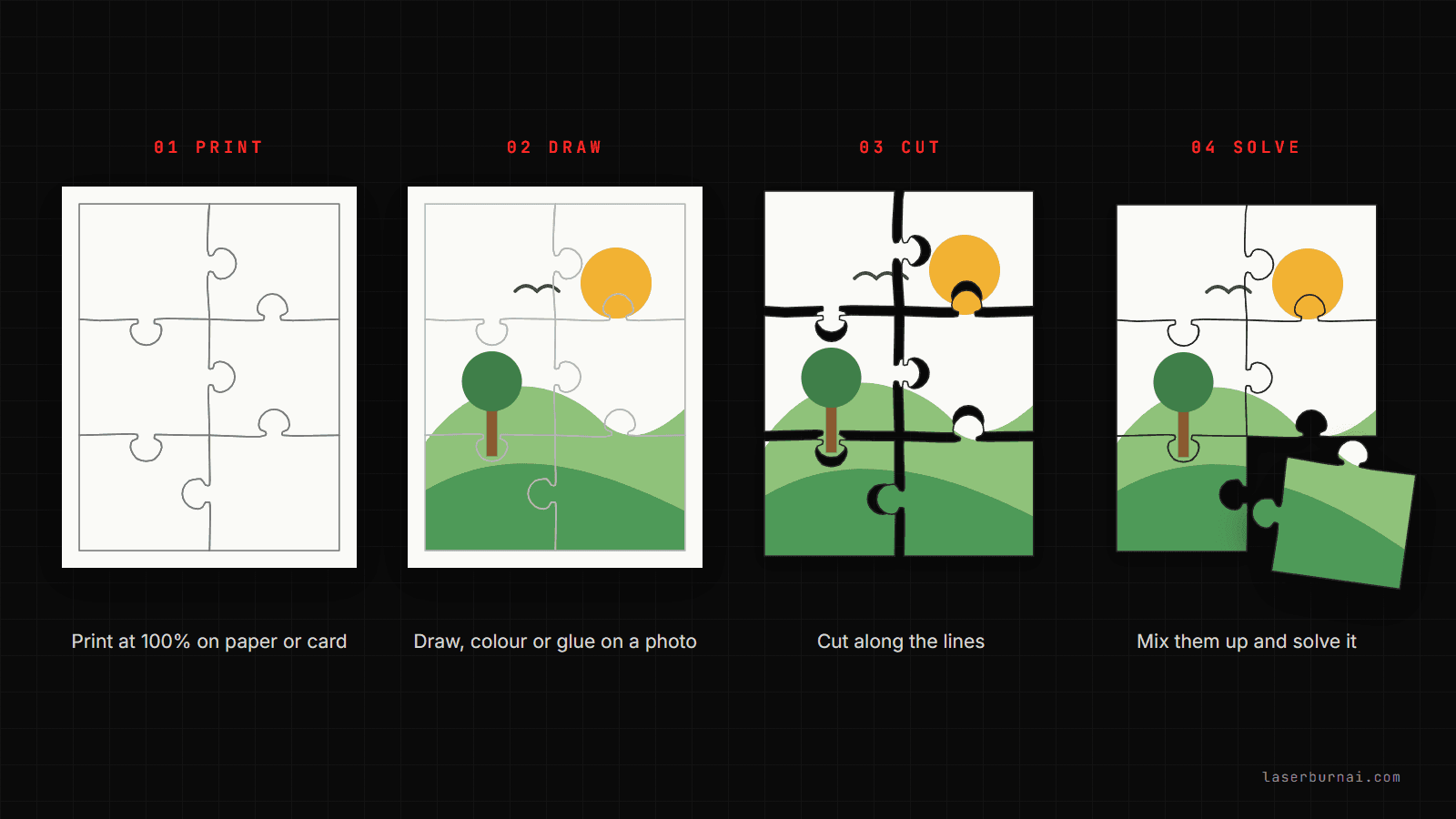
- Print it. Press Print / PDF and keep the scale at 100%. Card stock holds up better than copy paper.
- Add a picture. Draw or colour on the front, or glue a photo on the back of the sheet. Light grey lines fade into the picture.
- Cut along the lines. Scissors for paper, a craft knife for card, or send the SVG to a Cricut.
- Mix it up and solve it. Every knob has one matching socket, so the pieces only go back one way.
Need another size, or a wooden puzzle?
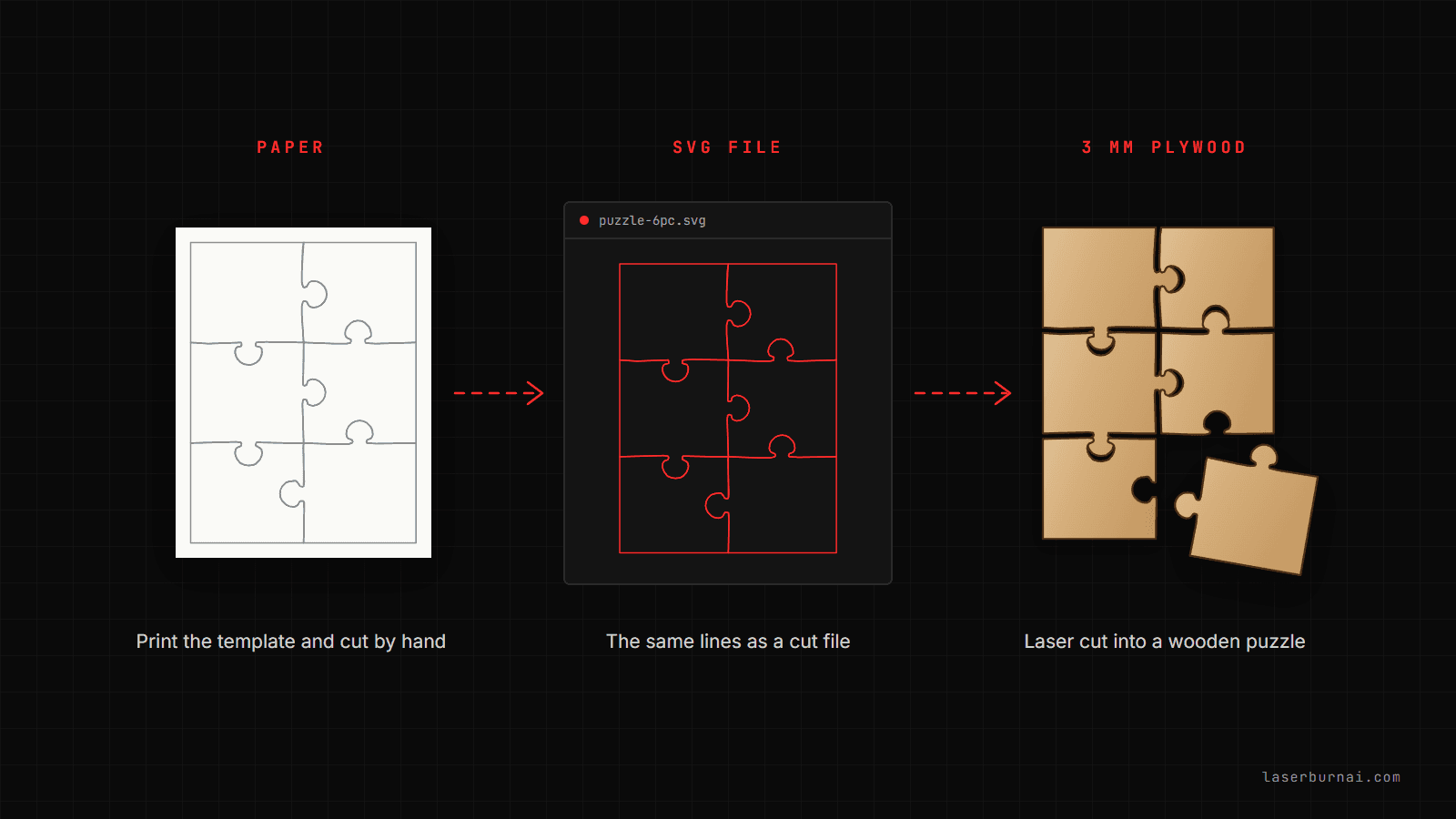
The jigsaw puzzle generator makes any size from 4 to 500 pieces, in a rectangle, circle or heart, with cut files for laser cutters. Plain puzzles are free. The unlock adds your photo, a name, a frame tray and a matching box for photo puzzle gifts.
Open the puzzle generatorFAQ
Do the pieces actually fit together?
Yes. Every template is a real jigsaw layout: neighbouring pieces share one line, and each knob fits the socket next to it. Cut on the line and the pieces lock back together.
How do I print a full page puzzle piece template?
Pick letter or A4, then press Print / PDF on the template you want. Keep the scale at 100% (Actual size) in the print dialog. Each template fills one page inside a half-inch margin, which every home printer can reach. To get a PDF, choose Save as PDF as the printer.
Is there an 8.5 x 11 puzzle template?
Letter is 8.5 x 11 inches, and it is the default. Every template on this page prints on one 8.5 x 11 sheet. Switch to A4 if you are outside the US and Canada.
Can I edit the template?
Download the SVG and open it in Cricut Design Space, Canva, Inkscape or Illustrator to add a name, a picture or text. For a different piece count or size, press Customize to open the same layout in the free jigsaw puzzle generator.
How do I make a puzzle from a photo or a drawing?
Print the photo or drawing, glue it to card stock, and print the template with light grey lines onto the back (or trace it). Cut along the lines. Light grey lines also work as a colouring page: children draw the picture first and cut it up afterwards.
Can I cut the template with scissors, a Cricut or a laser?
Scissors work well on paper and thin card with 4 to 12 pieces. For a Cricut, upload the SVG and set it to cut; card stock and chipboard both work. For wood, use the jigsaw puzzle generator instead: it makes cut files for 3 mm plywood with single-line cuts, so every seam is cut only once.
What is the large puzzle piece template for?
One puzzle piece that fills the page. Teachers use it for "all about me" activities and class puzzles where every student decorates a piece, and it works as a bulletin board cut-out or a tracing shape.
Are the templates free to use?
Yes. Print them for home, classrooms and parties, and use them for puzzles you make and sell. No sign-up and no watermark.
More Tools
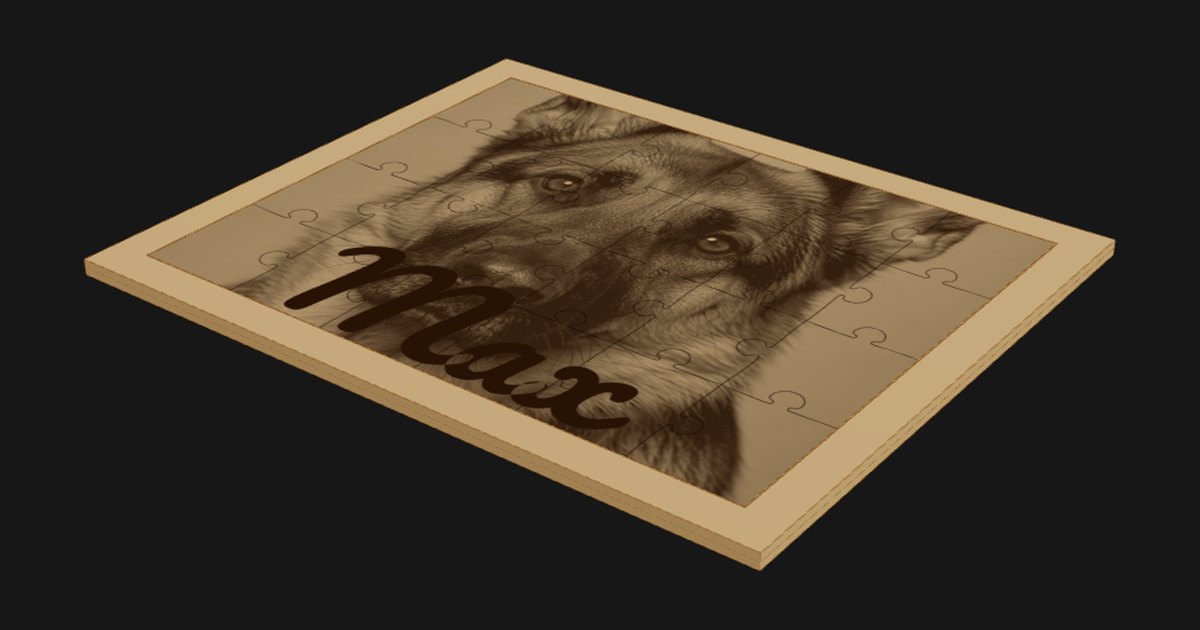
Jigsaw Puzzle Generator
Photo puzzles with a frame and a matching box. Plain puzzles free.
$19 one-time · plain puzzles free
Box Generator
Generate custom finger-joint boxes for laser cutting.
Free · no signup
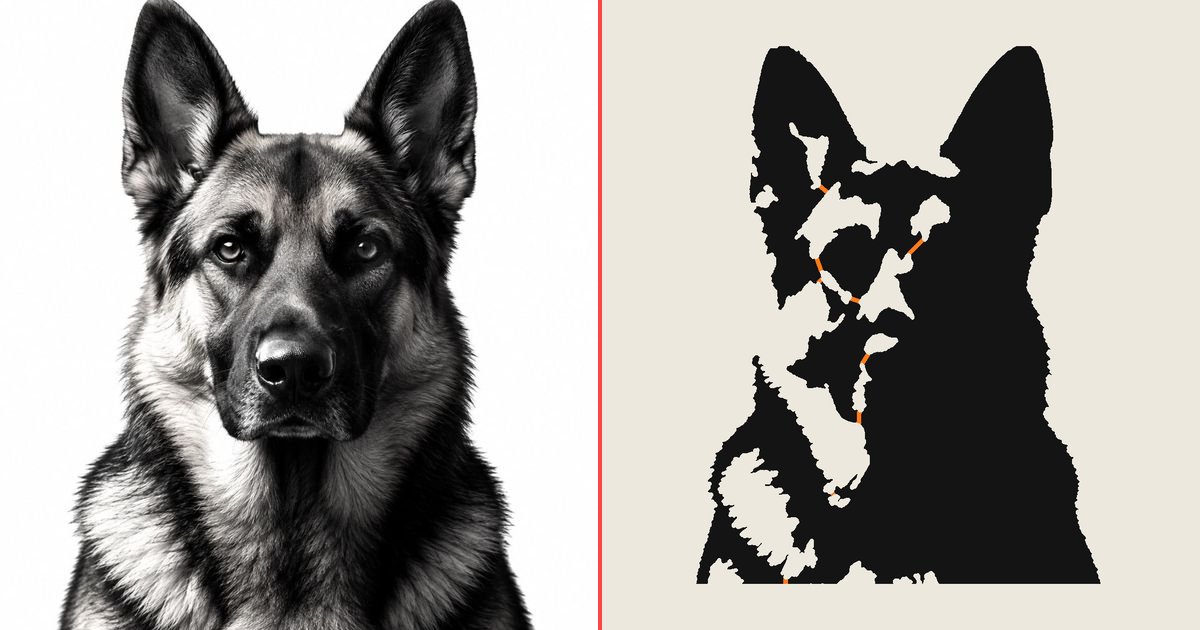
Stencil Maker
Photo to one-piece stencil with automatic bridges. Free SVG.
Free · no signup