Free Stencil Maker
Photo to stencil in one click. Bridges are added automatically, so nothing falls out when you cut it. Make a classic single-layer stencil or a 2 to 3 layer spray-paint stencil, then download a free SVG for your laser, Cricut or craft knife. Everything runs in your browser.
Upload a photo. Get a cuttable stencil.
Drop, paste or click. JPG, PNG or WebP up to 25 MB.
Free · No signup for SVG · Your photo never leaves this device
Your stencil appears here
Layers
Material
Reusable spray-paint stencils, 0.1-0.25 mm film. Smallest feature 0.8 mm, bridges 1.5 mm.
The SVG imports at true size in LightBurn, xTool Creative Space, Glowforge and Cricut Design Space: red hairlines are cut lines. Printable SVG shows the openings in black for cutting by hand.
From photo to one-piece stencil
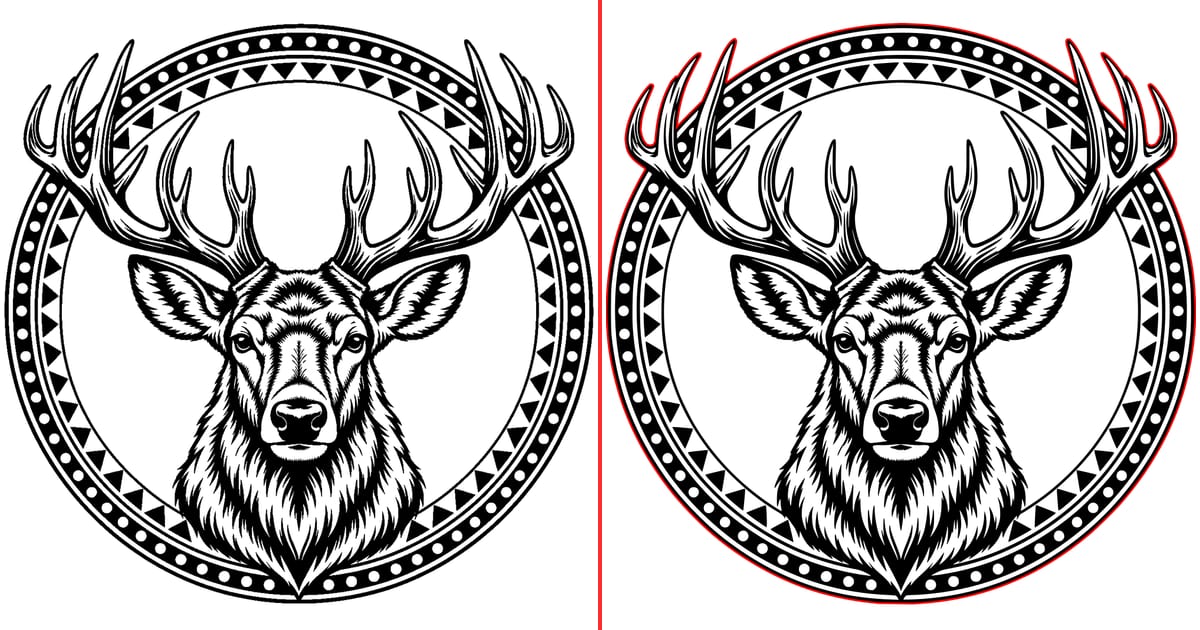
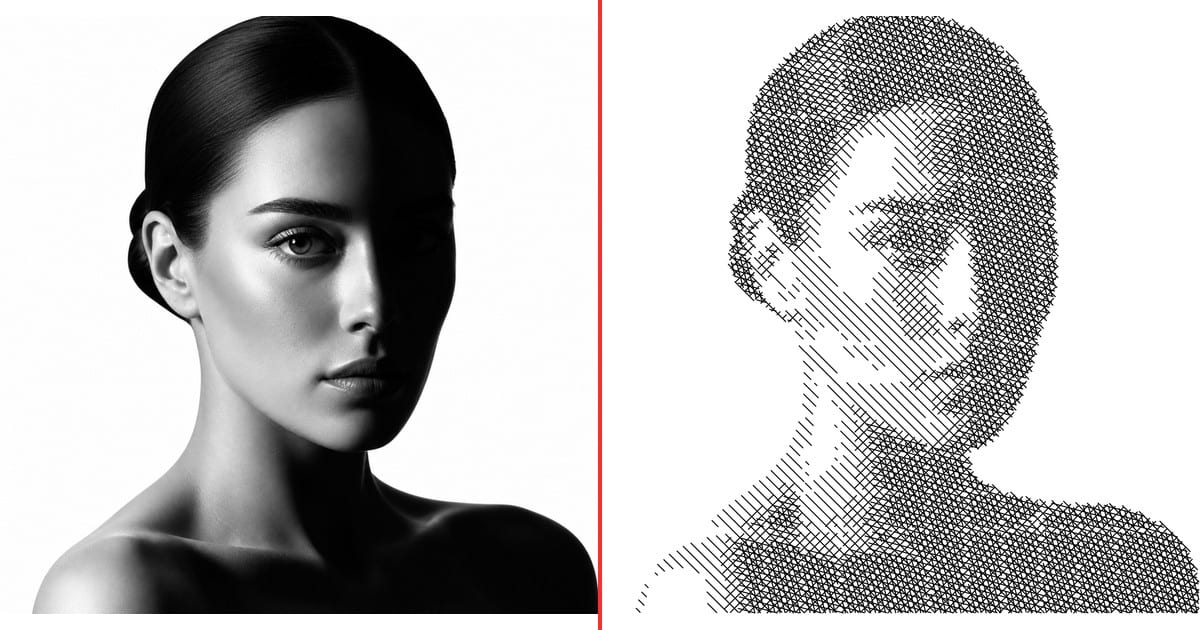
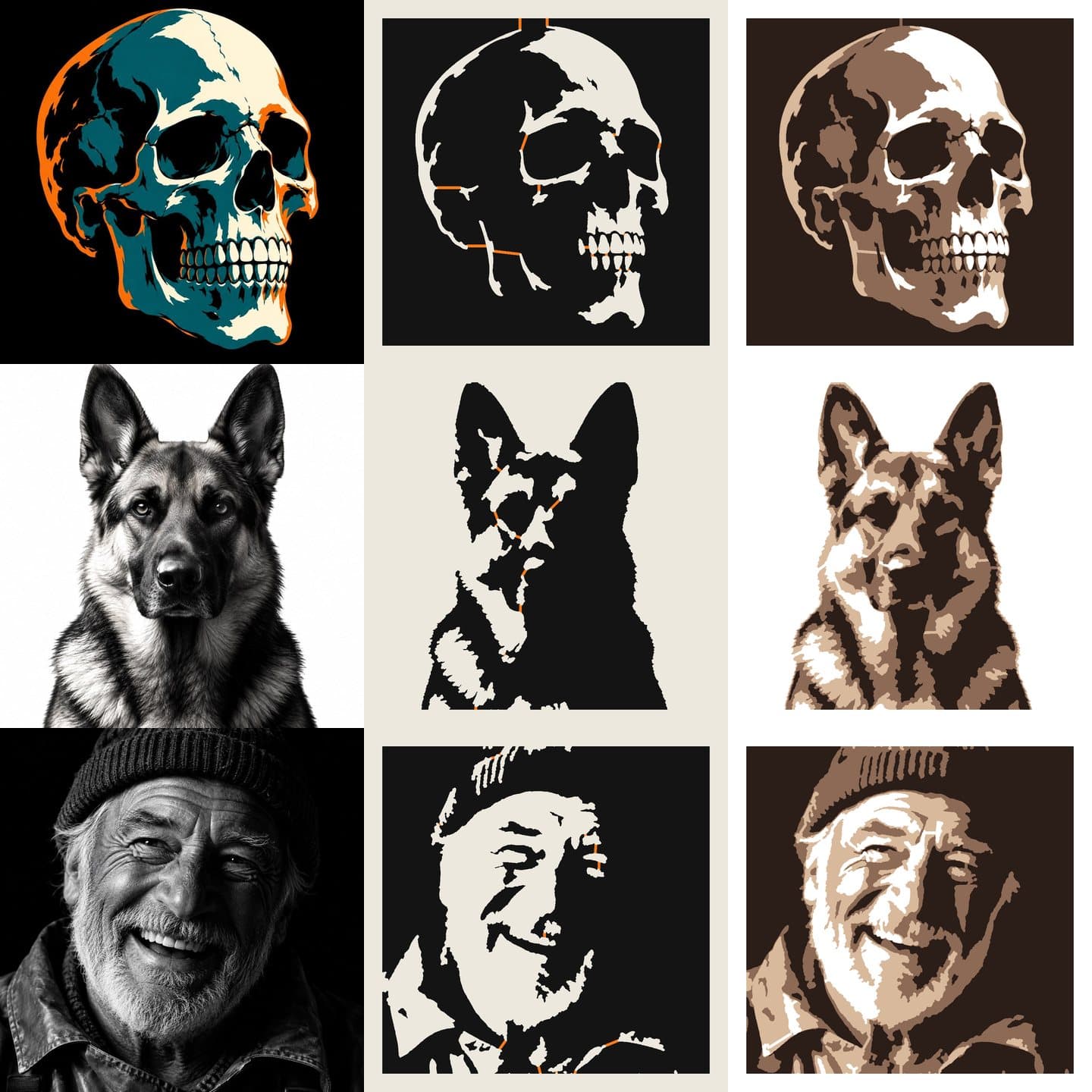
The tool's samples, straight out of the engine. Orange marks the bridges it added: each one holds a piece that would otherwise drop out of the sheet. The layered versions show what three spray passes look like.
How to make a stencil from a photo
- Upload a photo or pick a sample. JPG, PNG and WebP all work.
- Choose layers, detail and material. The tool smooths the photo into clean shapes, removes specks too small to cut, and bridges every floating piece.
- Set the width and download. The SVG opens at that exact size in your cutting software.
Why letters like O fall out, and how bridges fix it
A stencil is a sheet with holes in it. Anything the holes completely surround is no longer attached to the sheet, so it drops out as soon as you cut. Most free stencil makers just threshold the photo and leave you to find and fix these pieces by hand.
This one checks the stencil the way the cutter will see it. It finds every loose piece, picks the shortest set of bridges that ties them all to the frame, and draws them straight whenever it can. It then checks the exported cut paths themselves, not just the preview, so the file you download is one piece.
Multi-layer spray-paint stencils
Pick 2 or 3 layers and the photo is split into tones. Each layer is its own one-piece stencil. Spray the lightest layer first, then each darker layer over it. Every sheet has three registration holes in its frame corners so the layers line up, and only one way round. The download is a zip with cut-ready and printable SVGs for each layer, a preview PNG and a README with the spray order.
Cutting your stencil
- Laser cutter: import the SVG into LightBurn or xTool Creative Space, check the size, and set the red layer to Line / cut. Mylar and cardstock cut cleanly at low power.
- Cricut or Silhouette: upload the SVG to Design Space or Silhouette Studio as a cut image.
- By hand: print the Printable SVG, tape it to your material and cut out the black areas with a craft knife.
Material presets
| Material | Smallest feature | Bridge width | Good for |
|---|---|---|---|
| Mylar | 0.8 mm | 1.5 mm | Reusable spray-paint stencils, 0.1-0.25 mm film |
| Cardstock | 1 mm | 2 mm | Cricut, craft knife, one-off stencils |
| Vinyl | 0.6 mm | 1.2 mm | Adhesive stencil vinyl; weed the openings |
| Plywood 3 mm | 1.5 mm | 3 mm | Laser-cut wood stencils and signs |
| Acrylic 3 mm | 1.2 mm | 2.5 mm | Laser-cut acrylic stencils and templates |
Tips for photos that make good stencils
- Side lighting gives faces real shadow shapes; flat front lighting turns them into a blank oval.
- Plain backgrounds stay out of the way. Busy ones become dozens of small islands.
- Use Detail to trade realism for boldness. Lower detail cuts faster and survives more spray passes.
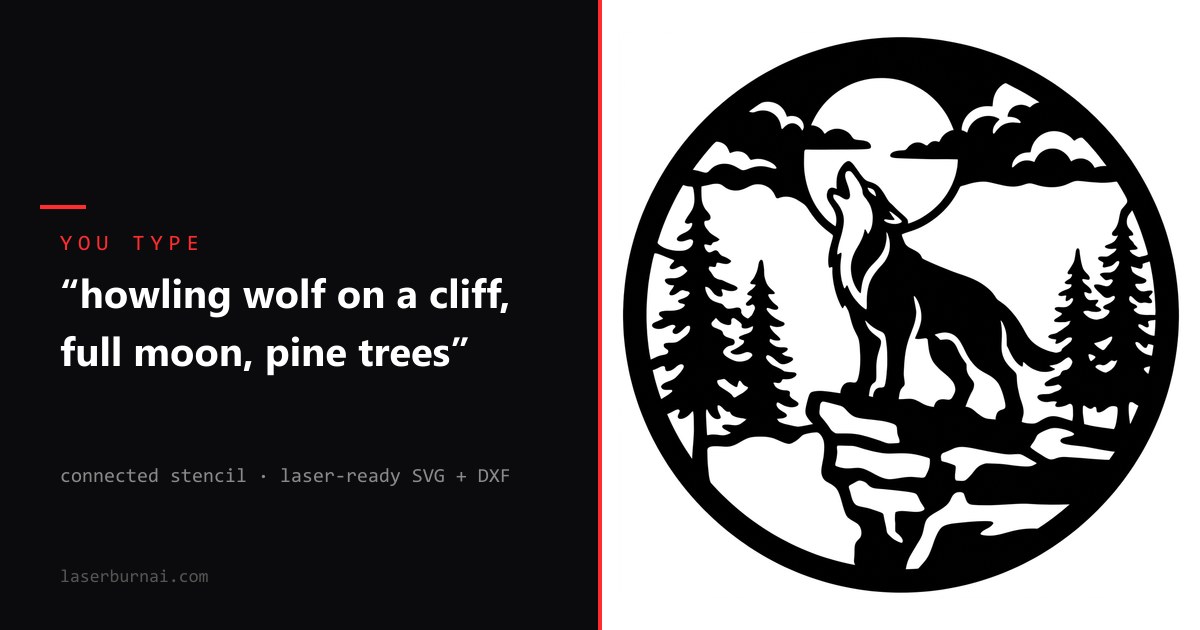
- Want it cleaner? The AI stencil generator redraws your photo, or any scene you describe, as a one-piece laser stencil.
FAQ
Is the stencil maker really free?
Yes. Upload, preview, every setting, single and multi-layer SVG downloads and the PNG are free with no account. DXF export needs a free Google sign-in. There are no credits, watermarks or paid tiers in this tool.
Do you upload my photo?
No. The stencil is built in your browser on your own device. The photo is never sent to a server, which is also why it is fast.
What are stencil bridges?
When you cut out the openings of a stencil, any piece of material completely surrounded by an opening falls out: the middle of an O, the pupil of an eye, a whole face inside a dark background. A bridge is a thin strip that ties that piece back to the rest of the sheet. This tool finds every floating piece and adds the fewest, shortest bridges needed, drawn straight where possible. Large pieces get a second bridge on the far side so they do not flex.
How many layers should I use?
One layer gives the classic two-tone stencil look and is the easiest to cut. Two or three layers make spray-paint stencils with midtones: spray the lightest layer first, then each darker layer on top. Portraits and pets look best with three layers; logos and bold graphics with one.
Does it work with Cricut, Glowforge, xTool and LightBurn?
Yes. The SVG is sized in millimetres, so it imports at the width you set in LightBurn, xTool Creative Space, Glowforge and Cricut Design Space. Cut lines are red hairlines. The DXF has the same geometry on a CUT layer for RDWorks and CAD software.
Why does DXF need a sign-in?
SVG covers almost every cutter and stays free with no account. DXF is mostly used with CAD and older laser software, and a free LaserBurn AI account keeps it available without ads or a paywall.
Do I need to compensate for laser kerf?
Not for stencils. A CO2 laser removes about 0.1 to 0.2 mm, which widens each opening by roughly 0.1 mm on each side. That does not change how the stencil paints. The material presets already keep features and bridges wide enough to survive the cut.
What photos make the best stencils?
Strong light from one side, a plain background and a subject that fills the frame. Faces lit from the side, pets on a plain wall and bold logos convert beautifully. Busy backgrounds turn into lots of small shapes; crop tight, or let the AI stencil generator redraw the photo cleanly.