Single Line Art Generator
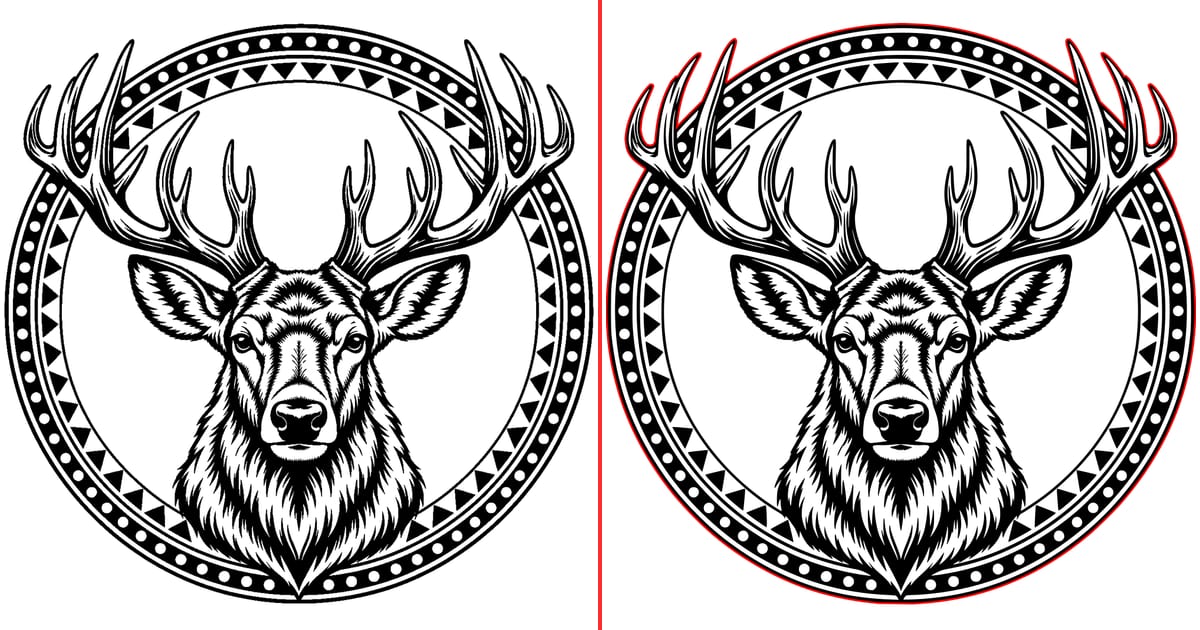
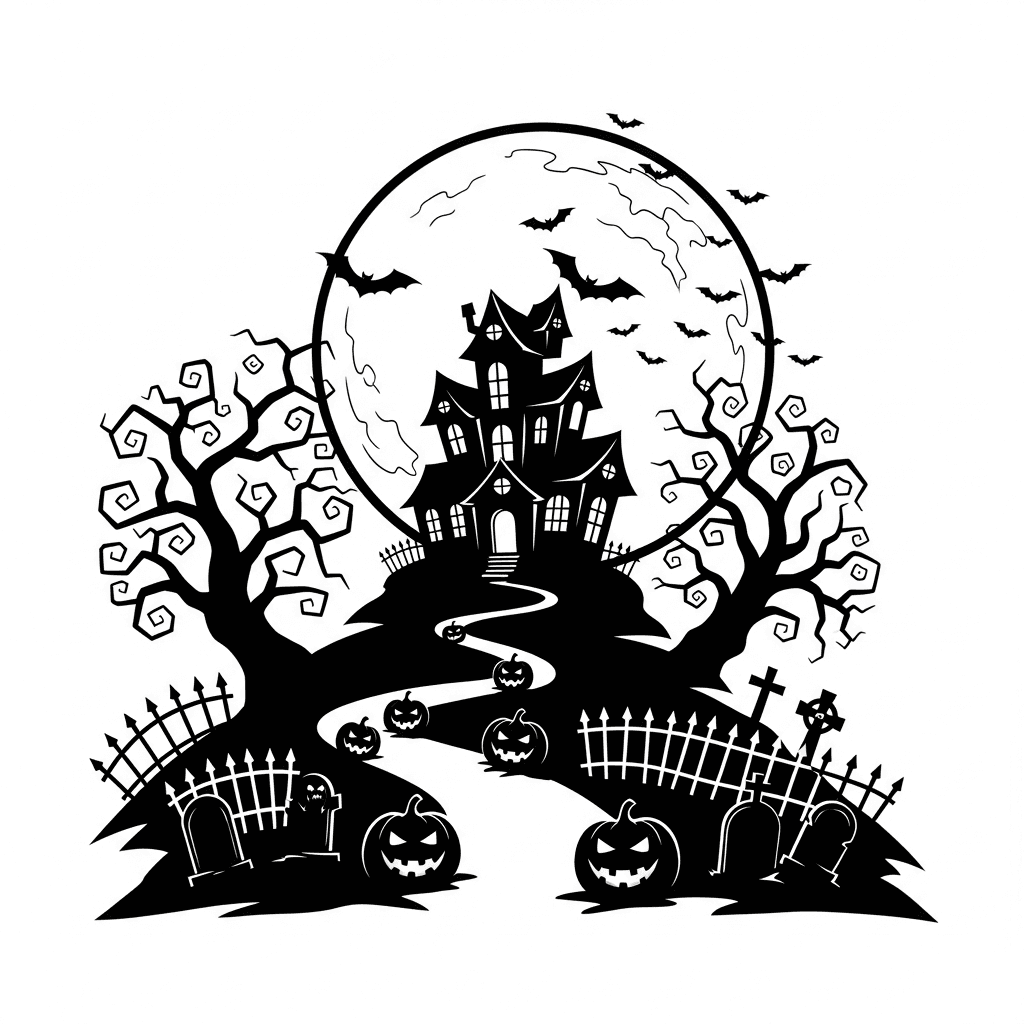
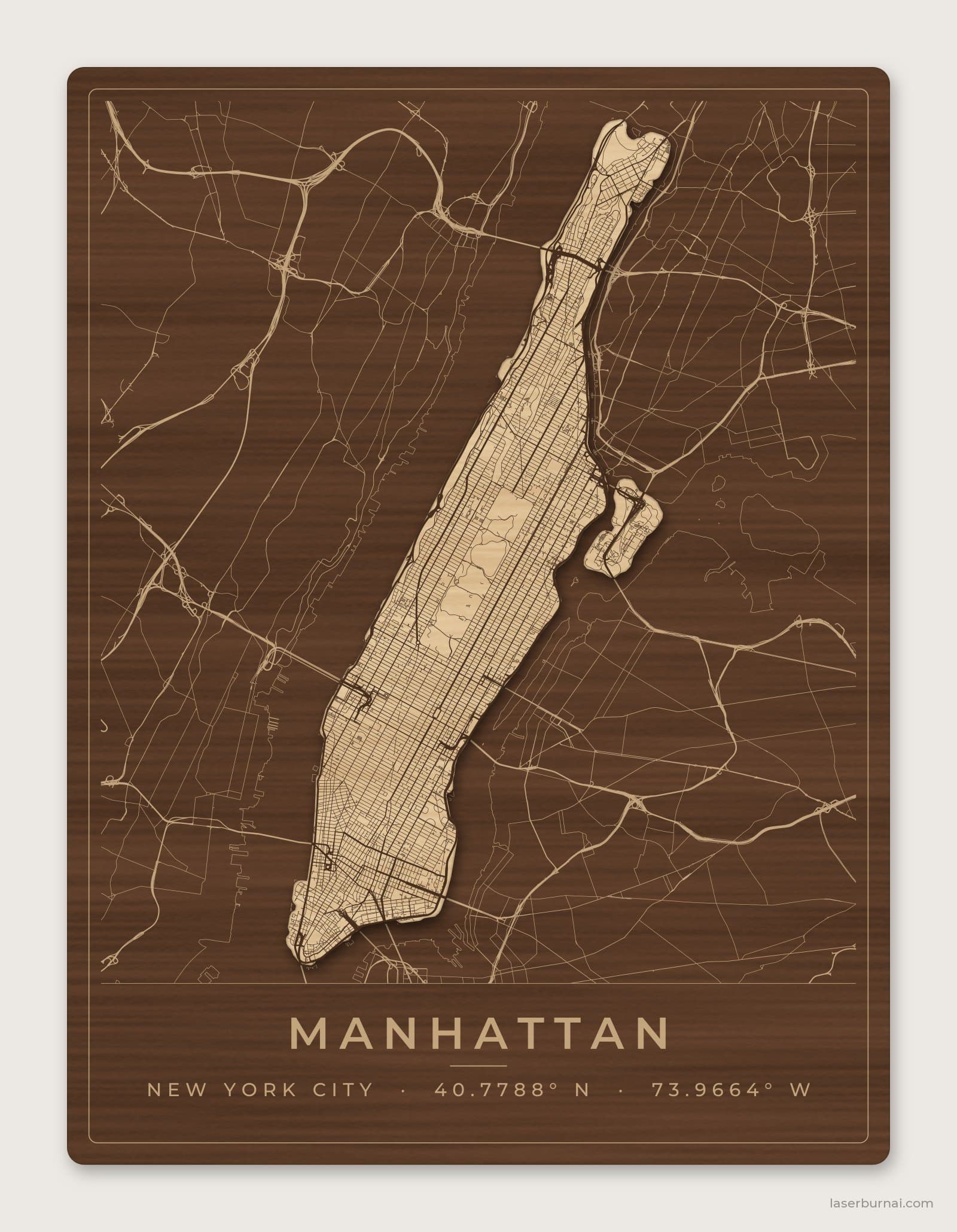
Convert any photo into plotter-ready line art — one-line scribbles, one-path Meanders, squiggles, spirals, flow fields, crosshatching, or contour maps. Everything runs locally in your browser; the SVG downloads with real-millimeter sizing for LightBurn or any plotter software.
Drop, paste, or click to upload a photo
Your image never leaves the browser.
Preview appears here after you upload an image
Style
Advanced
SVG output uses real millimetre sizing and imports directly into LightBurn or pen-plotter software.
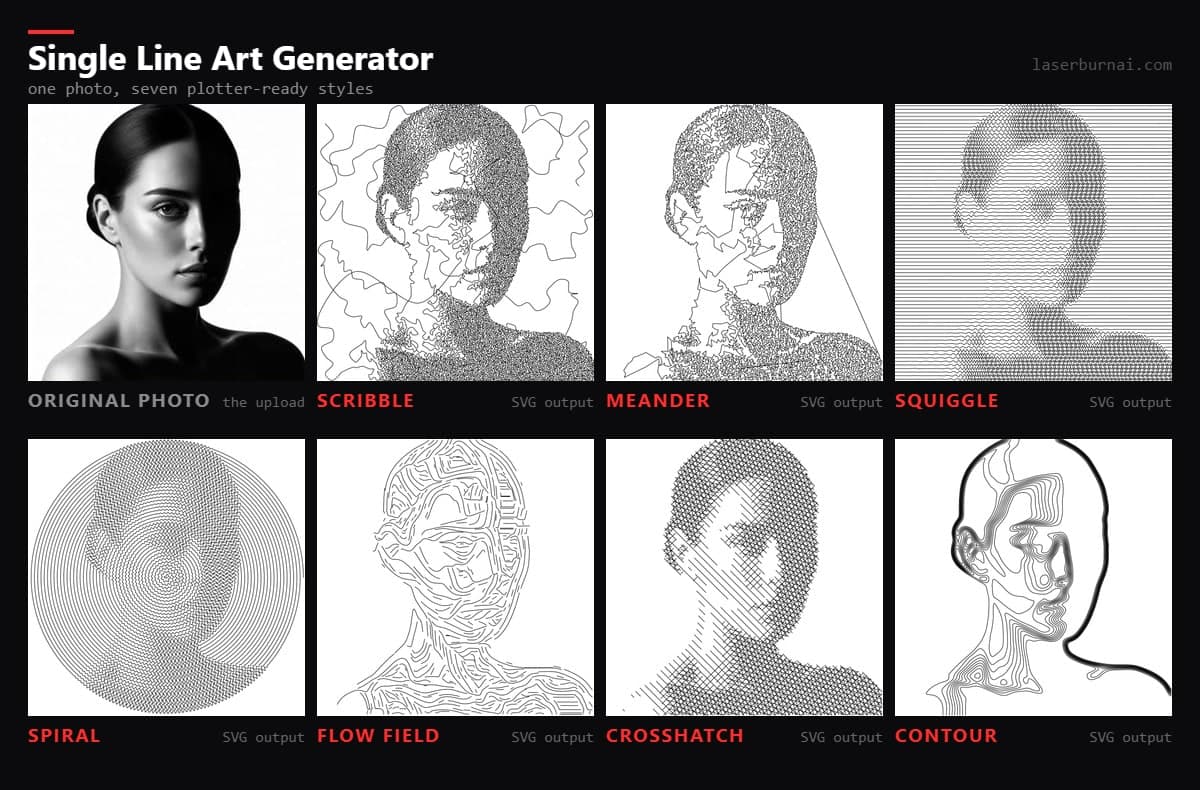
Seven styles from one photo
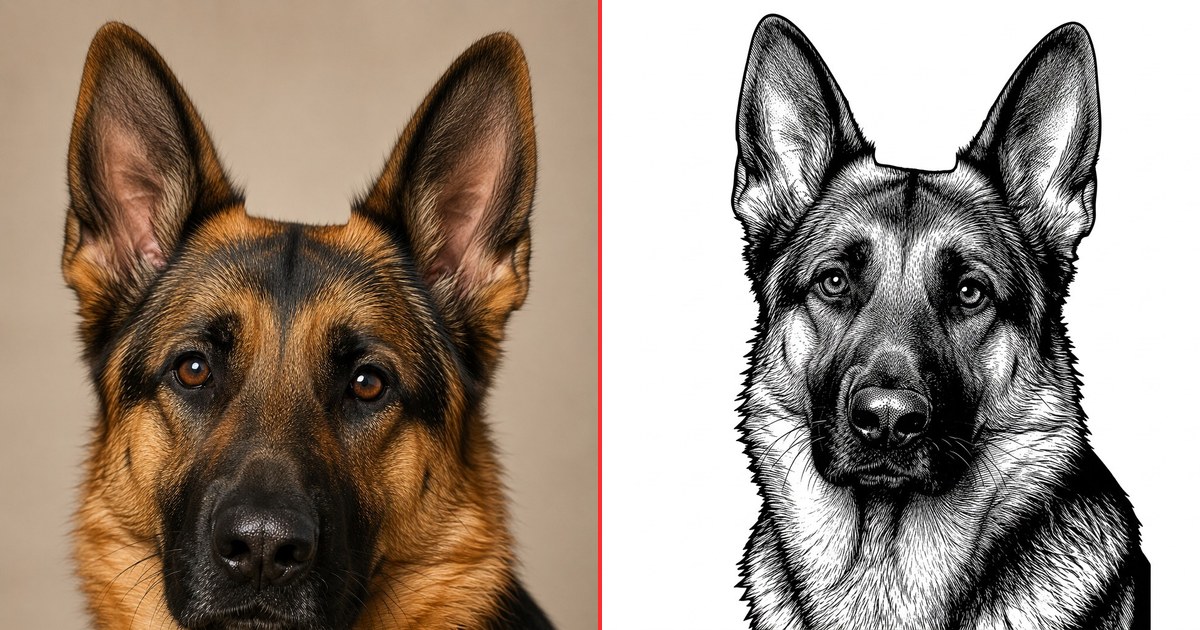
The same studio portrait run through every style at default settings. High-contrast photos with a clean background work best — each style maps darkness to line density, so a flat, evenly lit image gives flat, even results.
Why single-line art?
Raster-engraving a photo means the laser head sweeps every row of the image — a 200mm portrait can take 30+ minutes. Stroke-based line art gives the same visual richness as vector paths the machine follows directly, often finishing in a fraction of the time. On diode lasers with a pen attachment, these files plot beautifully on paper — and for AxiDraw-style pen plotters they're exactly the format you want.
Each style maps image tone to line behavior: Scribble draws one loose, looping line that curls tightly in shadows and sweeps wide across highlights, Meander threads a single path through tone-weighted points, Squiggle tightens sine waves in dark areas, Spiral renders your whole photo as one unbroken line, Flow Field follows the image's natural contours like brush strokes, Crosshatch layers classic pen-and-ink hatching, and Contour turns tones into a topographic map.