Jigsaw Puzzle Generator
Make a laser cut jigsaw puzzle in any size and piece count, with single-line cuts so every seam is cut once. Plain puzzles are free. Add your photo, a name, a frame tray and a matching engraved box to turn it into a gift.
Board
Pieces
Material
Photo, frame and box
Try everything here for free. Downloading the photo, text, frame and box is $29 one-time, for life. The plain puzzle stays free.
Personalize
Engrave a name, monogram, message or your own logo on any face. Preview it here for free; engraved text is part of the $29 unlock. The plain puzzle download stays free.
Engrave first, then cut. Every seam is a single red line, cut once; the photo and text are on their own layer.
48 pieces (6 x 8), smallest piece 32 mm, about 6 min to cut.
Drag to turn. Switch to the flat cut sheet to drag text into place.
How it works
- Set the size and pieces. Pick a photo size or type your own, then the piece count and tab style. New layout reshuffles the tabs.
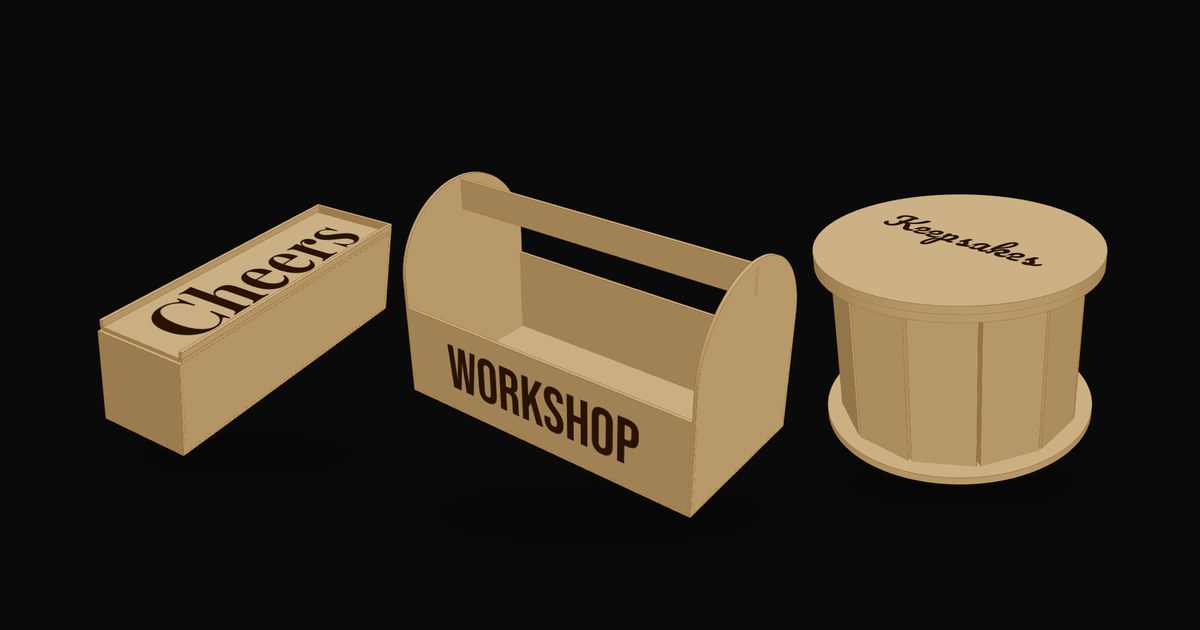
- Make it personal. Add a photo and a name, a frame tray to hold the finished puzzle, and a box to keep the pieces in.
- Engrave, then cut. The SVG imports at true size in LightBurn, xTool Creative Space and Glowforge, with the photo and text on their own layer under the cut lines.
FAQ
Is the puzzle generator free?
Yes. Plain puzzle cut files are free: pick the size, the piece count and the tab style and download the SVG (DXF with a free sign-in). The $29 lifetime unlock adds your photo, engraved text, a frame tray with a backing board and a matching engraved box.
Why does it matter that the cuts are single lines?
Neighbouring pieces share one cut line, so the laser cuts every seam exactly once. Puzzle files that draw each piece separately cut every seam twice, which burns wider and leaves the pieces loose.
How do I make a photo puzzle?
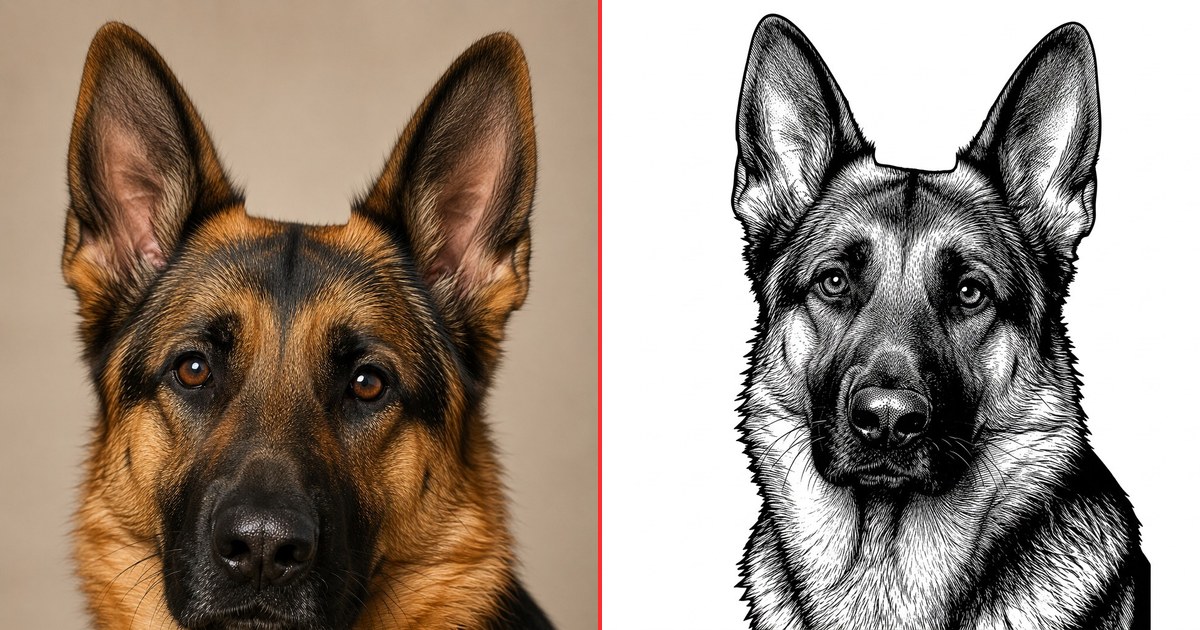
Upload a photo, slide and zoom it onto the board and adjust the brightness and contrast. The download places the photo as an engrave image under the cut lines at exactly the puzzle size, so engrave it first and then cut. Your laser software dithers the photo, as it does for any photo engraving.
What material and settings should I use?
3 mm plywood or MDF is the usual choice; light, even wood like birch or basswood shows a photo best. Cut a few pieces first: if they are tight, choose the Loose fit, and if they fall apart, choose Snug.
How small can the pieces be?
The generator shows the smallest piece and warns below about 12 mm, which is fiddly to handle and fragile in 3 mm wood. For children, use fewer, larger pieces.
Can I sell the puzzles I make?
Yes. Puzzles you cut from your own designs and photos are yours to sell. Use photos you have the rights to.