OMTech Pronto Review (2026): The Best CO2 Laser for the Money?
Professional CO2 power without the $10,000 industrial price tag — we break down the specs, the hidden costs, and exactly which Pronto model fits your plans.
By Randall Morgan — founder of LaserBurn AI, running a six-figure laser engraving business since 2020.
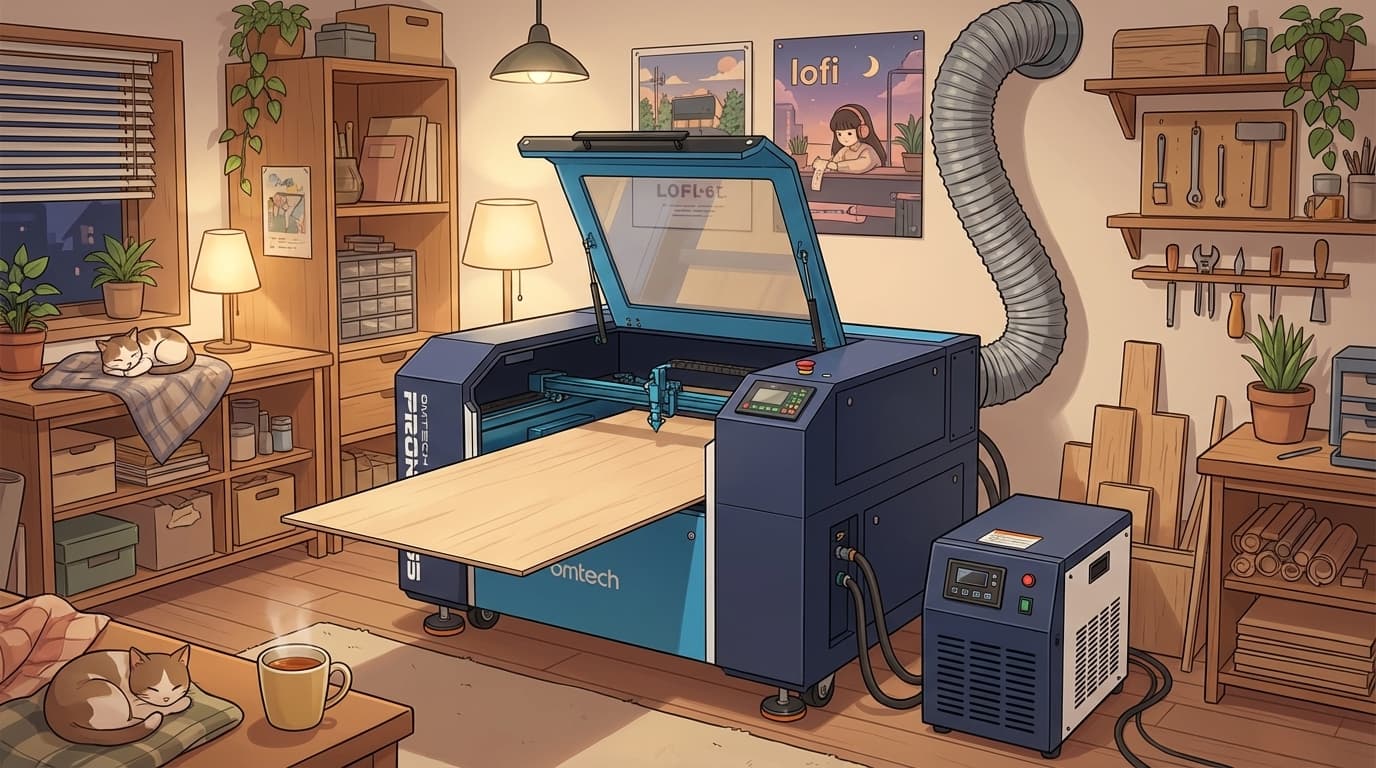
The OMTech Pronto Series is the best value-for-money CO2 laser line on the market for makers who plan to sell what they cut. You get production-grade speed (1,000 mm/s), a 28" × 20" bed, one-click autofocus, and full LightBurn support at roughly half the price of comparable brands. The trade-offs are real but predictable: it needs dedicated floor space and an external chiller. If you have the room and the ambition, this is the machine you won't outgrow.
Check Pronto Pricing at OMTech →Use code LASERBURN5 for 5% off eligible purchases and confirm the discount in the cart.
The “First Laser” Dilemma
Almost everyone starts the same way: browsing cheap diode lasers, watching a few YouTube videos, and slowly realizing the projects they actually want to make — clear acrylic signs, 1/4" plywood boxes, glass engraving — are exactly the things diode lasers can't do. The question then becomes: how do you get professional CO2 power without spending $10,000 on an industrial machine?
That's the gap the OMTech Pronto Series was built to fill. It's OMTech's “prosumer” line — a bridge between entry-level desktop machines and massive factory lasers — and after breaking down the specs, the pricing, and the real operating costs, we think it's currently the smartest money in CO2.
What Actually Makes a CO2 Laser Beginner-Friendly?
Before the spec sheet, it's worth naming the four things that separate machines beginners love from machines that end up on Facebook Marketplace:
- LightBurn compatibility. LightBurn is the industry-standard control software ($60, one-time). Machines locked into proprietary cloud software leave you dependent on a subscription — and on the company's servers staying online. The Pronto runs LightBurn natively.
- Autofocus. Manual focusing is the #1 way beginners ruin material: a beam focused even a few millimeters off turns crisp cuts into charred, angled edges. The Pronto's one-click autofocus removes that entire failure mode.
- Z-axis clearance. Beginners don't just cut flat sheets — they want to engrave cutting boards, gift boxes, and other existing objects. The Pronto's 8.7 inches of workpiece clearance means thick items actually fit inside.
- Real safety hardware. A fully enclosed Class 1 cabinet with flame-retardant panels, water cooling, and interlocks. Open-frame machines make you provide all of that yourself.
The Spec Rundown: Where the Money Goes
The headline numbers on the Pronto line, and why each one matters in practice:
- 1,000 mm/s engraving speed — roughly a third faster than the previous generation in this price bracket. Speed is money: it's the difference between engraving 40 coasters an hour and 60.
- 60W to 150W power options — 60W comfortably cuts 1/4" plywood and clear acrylic in one pass; 90–100W slices 3/8" to 1/2" stock at production speed.
- 28" × 20" work area (Pronto 35) with front-and-back pass-through for oversized material — nearly three times the bed of a Glowforge Pro at roughly half the price.
- One-click autofocus, built-in air assist, 8.7" Z clearance — the beginner-critical features covered above, standard.
- Proven tube life — production users report the original tube lasting over two years of daily use.
See Current Pronto Series Pricing →
Which Pronto Is Right for You?
The lineup breaks down cleanly by what you plan to do with it:
The Hobbyist / Side-Hustler — Pronto 35, 60W
From $3,699.99 (price checked August 27, 2026) | 60W CO2 | 28" × 20" Work Area
The sweet spot, and the model we'd point many first-time CO2 buyers toward. Its 60W tube, 28" × 20" work area, autofocus, and pass-through provide more production headroom than a compact desktop machine. At $3,699.99, an eligible 5% LASERBURN5 discount is about $185; verify the current price and discount in the cart.
The Small-Business Workhorse — Pronto 35, 90W–100W
Same footprint, significantly more punch. The 90–100W tubes cut 3/8" to 1/2" material at speeds that make batch production practical — bulk coaster runs, thick-stock signage, layered topographic pieces. If your plan is “quit-your-job volume,” the upgrade pays for itself in throughput.
The Industrial Upgrade — Pronto 60 / 75, 130W+
Bigger beds and 130W+ tubes for thick acrylic and genuine high-volume production. If you're here, you already know why — check current bundle pricing rather than MSRP, because OMTech runs near-constant sales on the big cabinets.
Looking for something else? OMTech's catalog also covers fiber lasers for metal marking, desktop machines, and fume extractors — browse the full lineup here (code LASERBURN5 works storewide).
The Honest Costs Nobody Puts in the Headline
- Space and weight: This is not a desktop machine. The Pronto weighs several hundred pounds and wants dedicated garage or shop space.
- Water chiller: Budget an extra $300–$500 for an external chiller — non-negotiable for a production CO2 tube.
- Ventilation: Exhaust hose to a window at minimum, or a fume extractor ($100–$500).
- Software: LightBurn, $60 one-time. Worth every penny.
Rule of thumb: take the machine price and add roughly $700–$1,000 for chiller, ventilation, software, and starter materials. If that total doesn't fit the budget, a desktop CO2 like the OMTech Polar Lite is the better starting point — see our OMTech Polar review for that machine.
Making It Pay for Itself
Buying the laser is step one. Having profitable things to cut is step two — and it's where most new owners stall. A machine this fast is only as valuable as the files you feed it:
- Calibrate first. Run a small test box through our free finger-joint box generator to dial in your kerf and material settings before touching expensive stock. All of our free laser tools run in the browser — no install.
- Start with proven sellers. Our guide to the 25 most profitable laser engraving ideas ranks the niches actually worth machine time.
- Skip the design bottleneck. Engineered, laser-ready files prevent wasted wood and wasted hours. City street maps are quick, high-margin products; the layered 3D world map is a high-ticket build that can pay off a chunk of the machine in a single sale. Or describe any design and let the LaserBurn AI generator produce the cut and engrave layers for you.
Frequently Asked Questions
Is the OMTech Pronto good for beginners?
Yes — autofocus, the enclosed Class 1 cabinet, and LightBurn support remove the three biggest beginner pain points. The caveat is logistical, not skill-based: it's a floor-standing machine, so it suits beginners with shop space who plan to sell their work. If you want something desk-sized, start with our OMTech Polar review instead.
What can the 60W model actually cut?
1/4" plywood and acrylic — including clear acrylic, which no diode laser can touch — in a single pass, with thicker stock in multiple passes. It also engraves wood, leather, glass, slate, and coated metals.
Do I need a water chiller?
Yes, budget $300–$500. Every production CO2 tube needs active water cooling; skipping it shortens tube life dramatically.
Can the promo code apply to sale-priced items?
The current affiliate offer indicates eligible sale-priced items can qualify. OMTech controls promotion combinations and exclusions, so apply LASERBURN5 and confirm the final cart total before paying.
Final Verdict
If you want a machine that won't hold you back as your skills — or your order volume — grow, skipping the cheap diodes and going straight to an OMTech Pronto CO2 is the smartest financial move in hobby lasers right now. It delivers the three things that actually determine whether a laser makes money: speed, bed size, and reliability, at a price the legacy brands can't touch.
Shop the OMTech Pronto line → and claim your extra 5% off with code LASERBURN5.
*We earn a commission when you purchase through our OMTech links, at no extra cost to you. We only recommend products we genuinely believe in — and OMTech's combination of CO2 power, built-in features, and competitive pricing is why they consistently earn our top picks.
Buying for a product business? Compare the Pronto with the desktop Polar 2 RF and Polar Lite, or use the free Laser Profit Builder starter kit. Before checkout, review the current LASERBURN5 terms.