Laser Cut Toolbox Generator
An open box whose end walls rise to a handle bar that slots in. Pick the box size, the arched or diagonal end shape, a single or double bar, and an optional divider with its own grip.
Presets
Size
Along the handle bar.
Front to back.
Inside height of the front and back walls.
End walls
How far the end walls rise above the walls at the top. The bar sits inside this.
Handle
A flat strip between the end walls. Off: a hand hole in each end wall instead.
Taller is stiffer and kinder to the hand.
A second strip glued to the first for a thicker, stiffer grip.
Divider
Splits the box into two halves, locked into the bottom and both walls.
Joints
0 picks about twice the material thickness.
Material
Enter your real sheet thickness; 3 mm plywood is often 2.8 to 3.2. Cut a test corner before the full box.
Personalize
Engrave a name, monogram, message or your own logo on any face. Preview it here for free.
Your first toolbox download is free, engraving included.
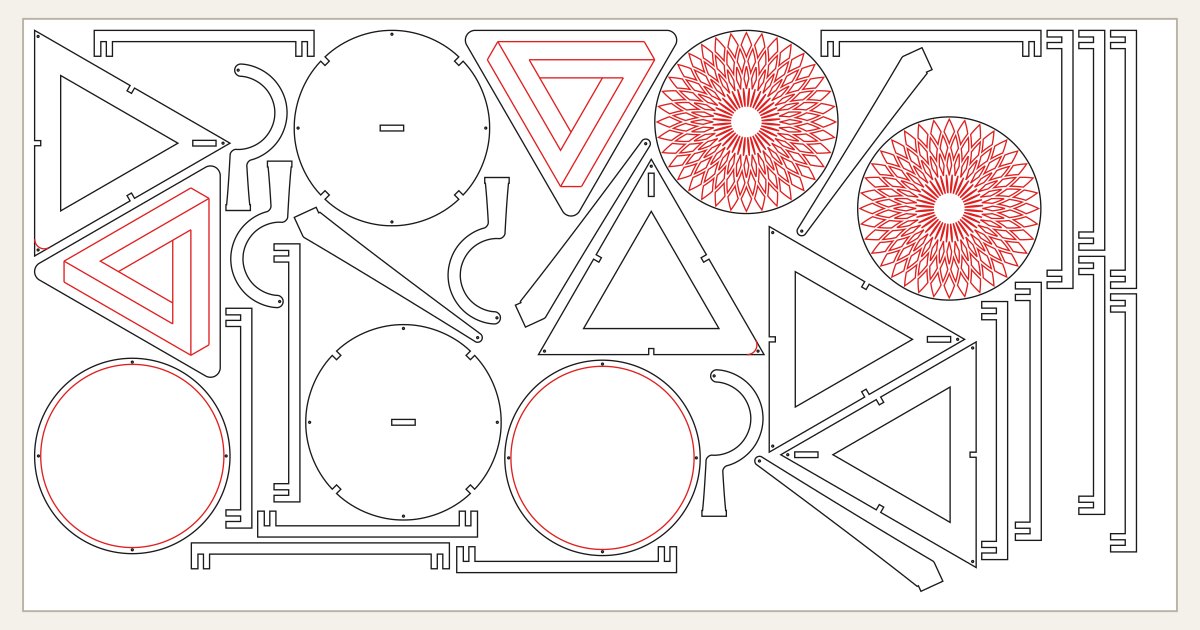
Fits on 579mm x 372mm sheet (22.8" x 14.6")
- Glue the front and back to the bottom first. The end walls go on last, sliding over the finger joints from the ends.
- Set the handle bar's end tabs into the end-wall slots as you fit the end walls; the bar's shoulders sit against their inside faces.
- Test-cut one end wall and a short piece of the bar first: the tab should push into its slot by hand. Adjust the kerf if it is loose or will not go in.
The parts need a bed of about 579 x 372 mm. Check it against your laser, or cut in two sheets.
Drag an engraving in the preview to move it.
Good for
- Hardware and craft caddies
- Kids toolboxes with a name on the side
- Garden and workshop carriers
How it works
- Set the size. Pick a preset or type your own measurements. Every box is drawn to your real material thickness.
- Personalize it. Add a name, a message or an image, drag it into place, and see it on the box before you download.
- Download and cut. The SVG imports at true size in LightBurn, xTool Creative Space and Glowforge. Cut a test corner first if you are unsure of your kerf.
FAQ
How does the handle bar attach?
The bar is a flat strip whose ends slot through openings in the two raised end walls, then glue in.
Can I add a divider?
Yes. A centre divider with a grip cut-out locks into the bottom and walls.
How much does it cost?
Your first download of each box type is free, engraving included. After that, 10 exports are $5, or $19 unlocks unlimited downloads for life. An export covers both the SVG and the DXF of the same design, and downloading it again is free.
Does it work with LightBurn, xTool, Glowforge and OMTech?
Yes. The SVG is in millimetres and imports at true size. Cut lines are red and engraving is filled black. The DXF is R12 for RDWorks and CAD software.
What kerf should I use?
Start with 0.15 mm for a CO2 laser or 0.08 mm for a diode, and cut a test corner. Every part is drawn half a kerf oversize so the joints press-fit.
Are my designs and logos uploaded?
No. The boxes, the engraving and any image you add are all handled in your browser. A saved draft stays on your device so your work survives signing in and checking out.
More box types
- Wine box
- Wine bottle sleeve
- Tray
- Organizer box
- Round box
- Birdhouse
- Carrier box
- Tissue box cover
- Flap-lid box
- Pin-hinge box
Just need a plain box? The free box generator makes finger-joint boxes with five lid types.